
Send Daily Push Notifications to Your Phone Using Python | Build A New Year's Resolution BOT (fast)
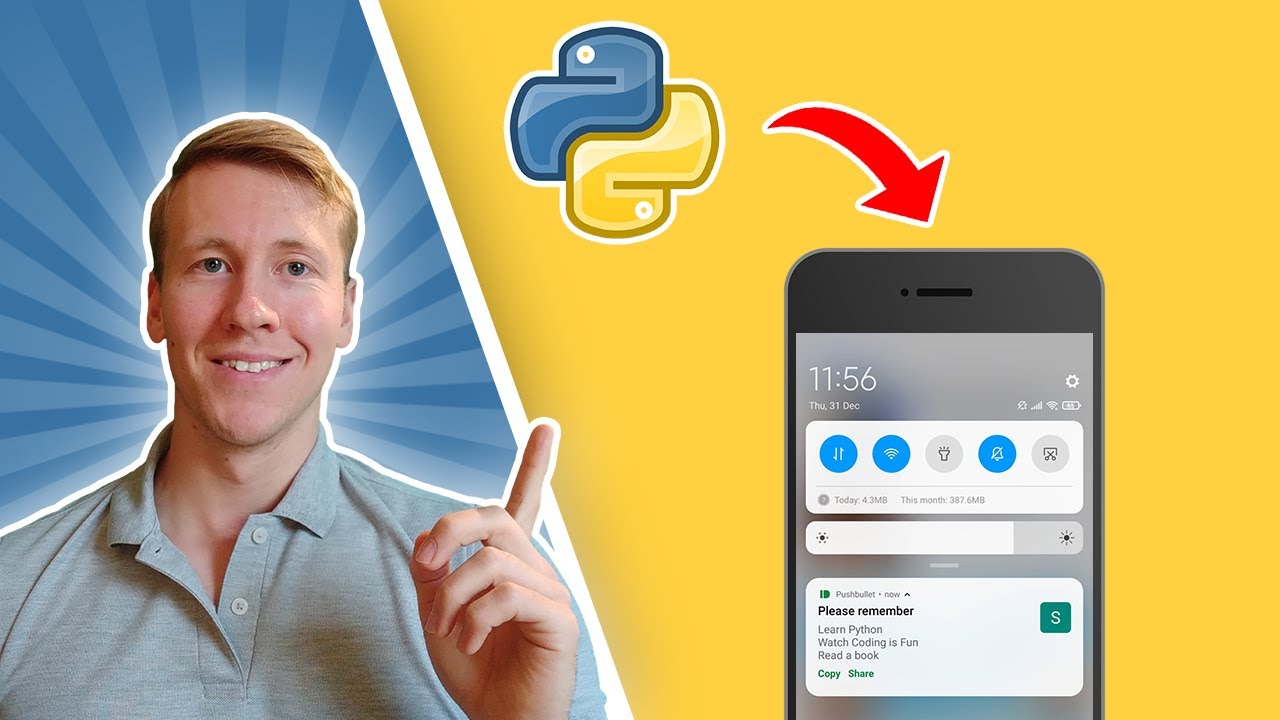
Pushbullet sends a notification to your phone from a Python script with one API call and a free access token. Combine that with a scheduler and you have a daily nudge bot, which is what the New Year’s resolution reminder here does.
Setting Up Pushbullet
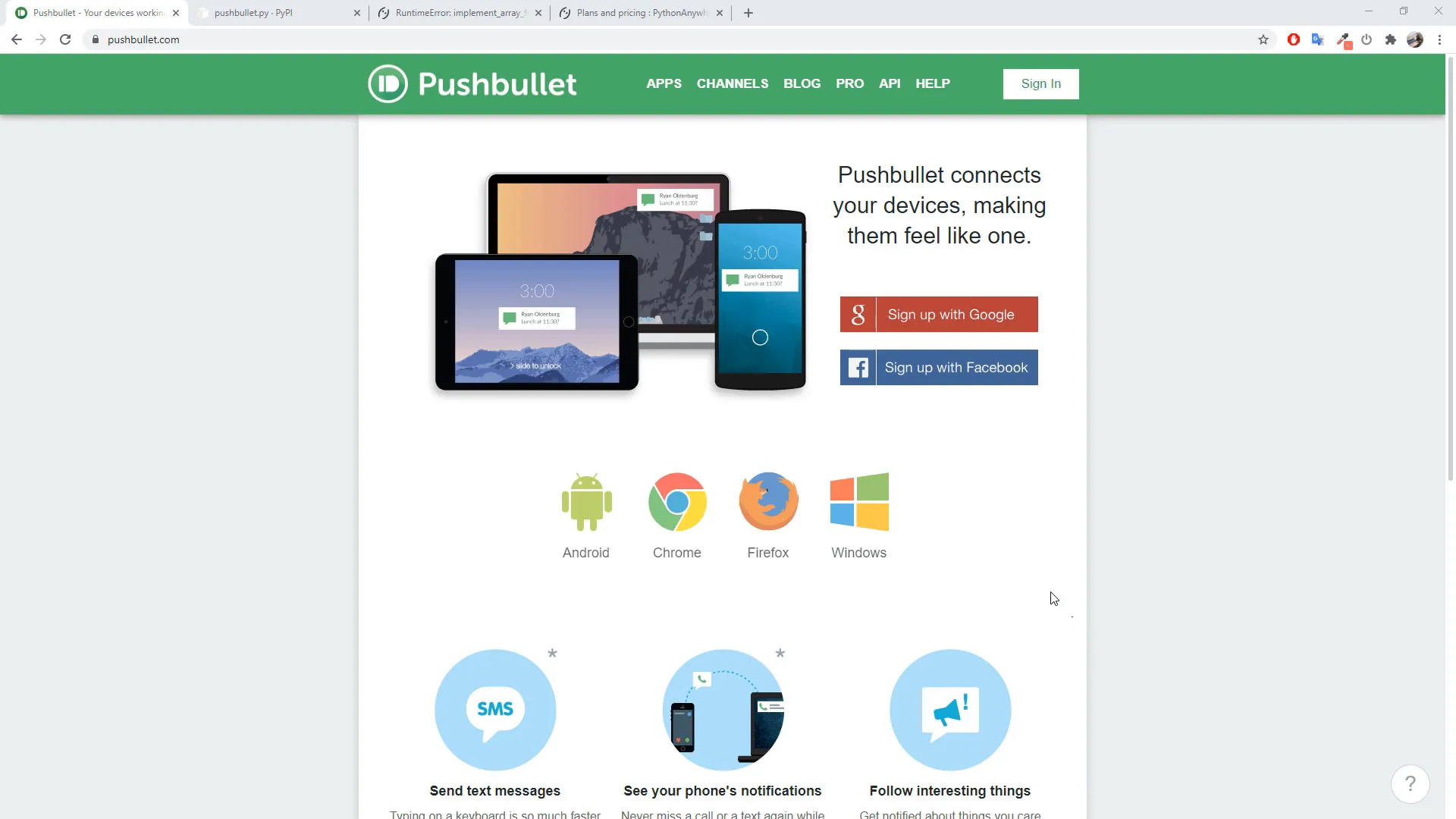
To get started, you will need to create a Pushbullet account if you don’t have one already. This can be done using any Gmail account. Once registered, you will need to generate an access token which will allow your Python script to send notifications on your behalf.
Creating the Python Script
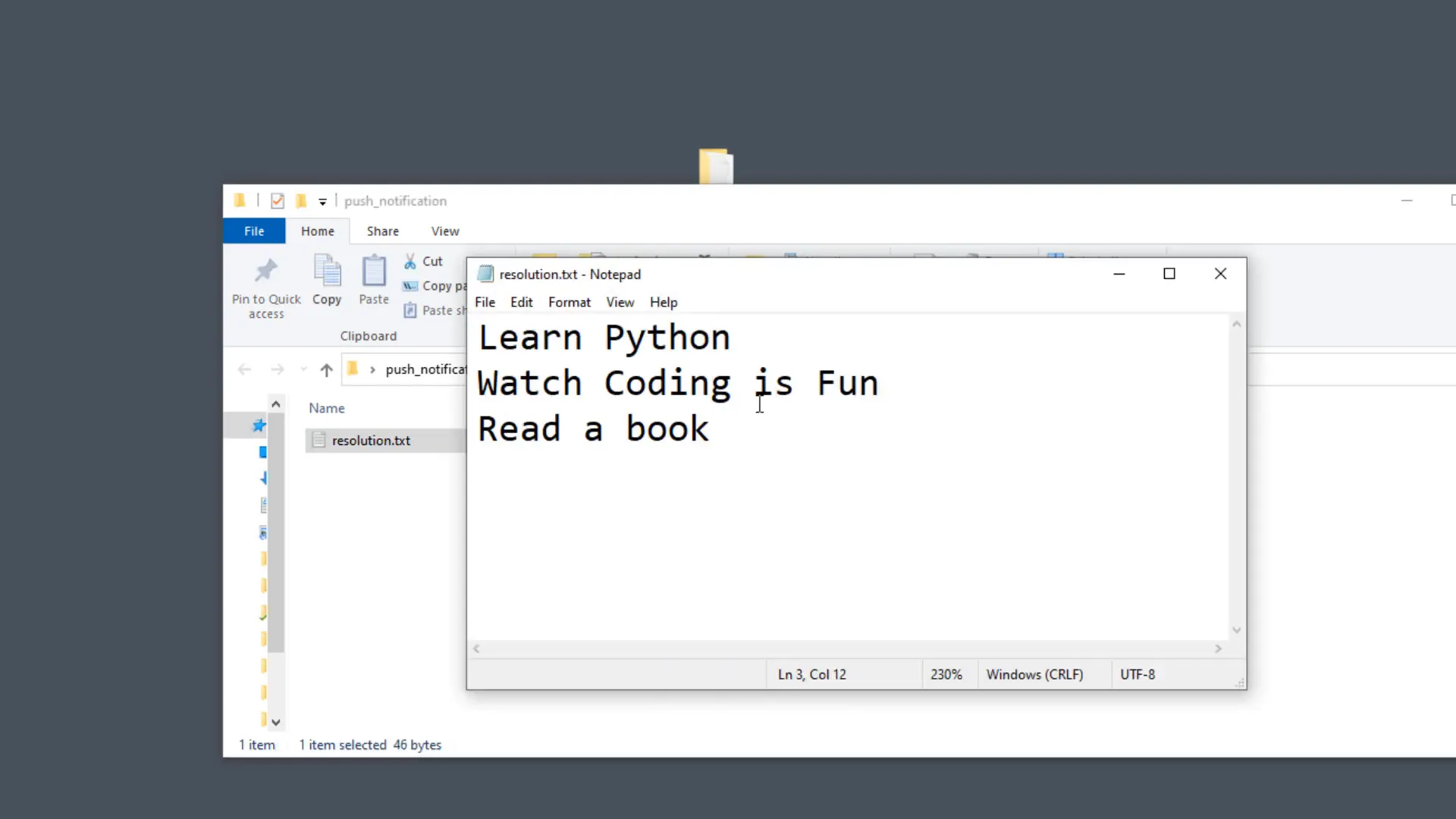
The script will read a text file containing the message you want to send as a push notification. For this example, I will create a text file called resolution.txt that contains my New Year’s resolution. The script will then send this message as a notification to my smartphone.
Sample Python Code
Here’s a simple script to send a notification:
from pushbullet import Pushbullet

API_KEY = "YOUR_API_KEY"
filename = 'resolution.txt'

with open(filename, mode='r') as f:
    text = f.read()

pb = Pushbullet(API_KEY)
push = pb.push_note("This is the title", text)
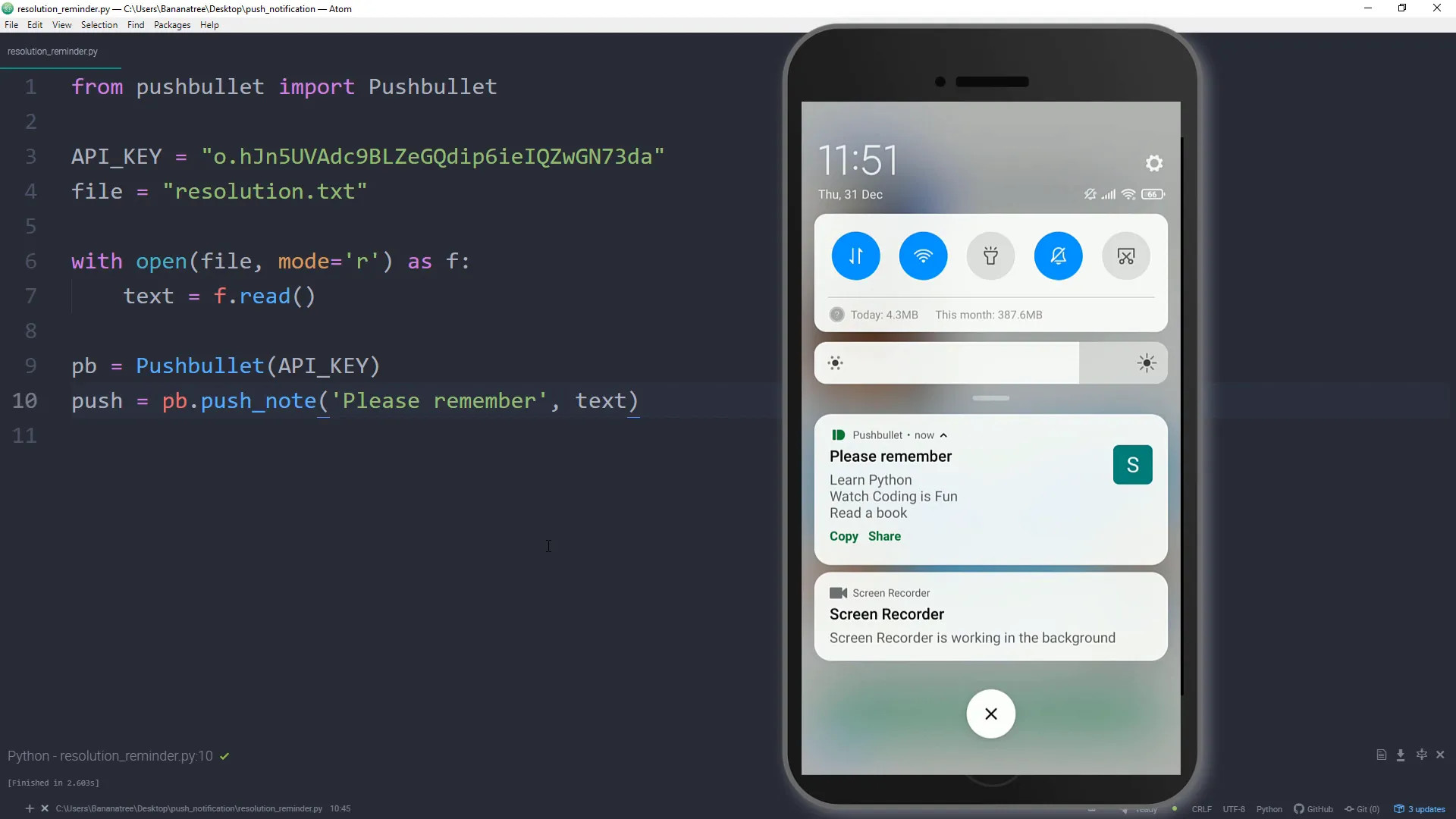
This script imports the Pushbullet library, reads the content of the resolution.txt file, and sends it as a notification.
Testing the Script Locally
Before deploying the script, I recommend testing it locally to ensure everything works as expected. You can do this by running the script from your terminal. If set up correctly, it should send a push notification to your smartphone immediately.
Scheduling the Script
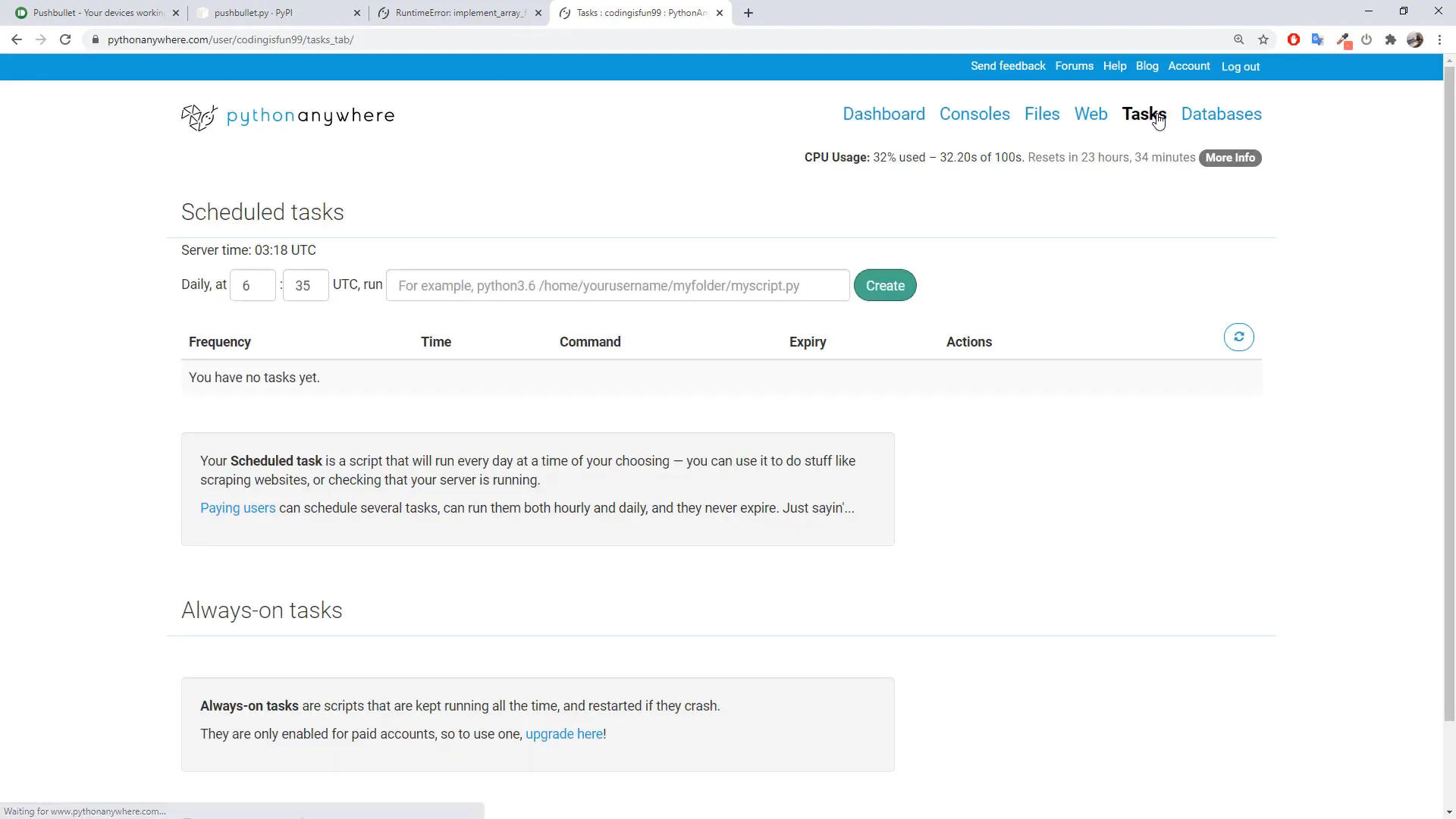
To automate the process of sending notifications daily, you can use PythonAnywhere. This platform allows you to schedule your Python scripts to run at specified times easily.
Conclusion
In this post, I covered how to send daily push notifications to your smartphone using Python and the Pushbullet API. We created a simple Python script that reads a text file and sends its content as a notification. Additionally, I demonstrated how to schedule the script to run daily using PythonAnywhere. This setup can be used for various purposes, such as reminders or daily motivational quotes.