How I Built an AI Quiz App With Streamlit in 6 Hours
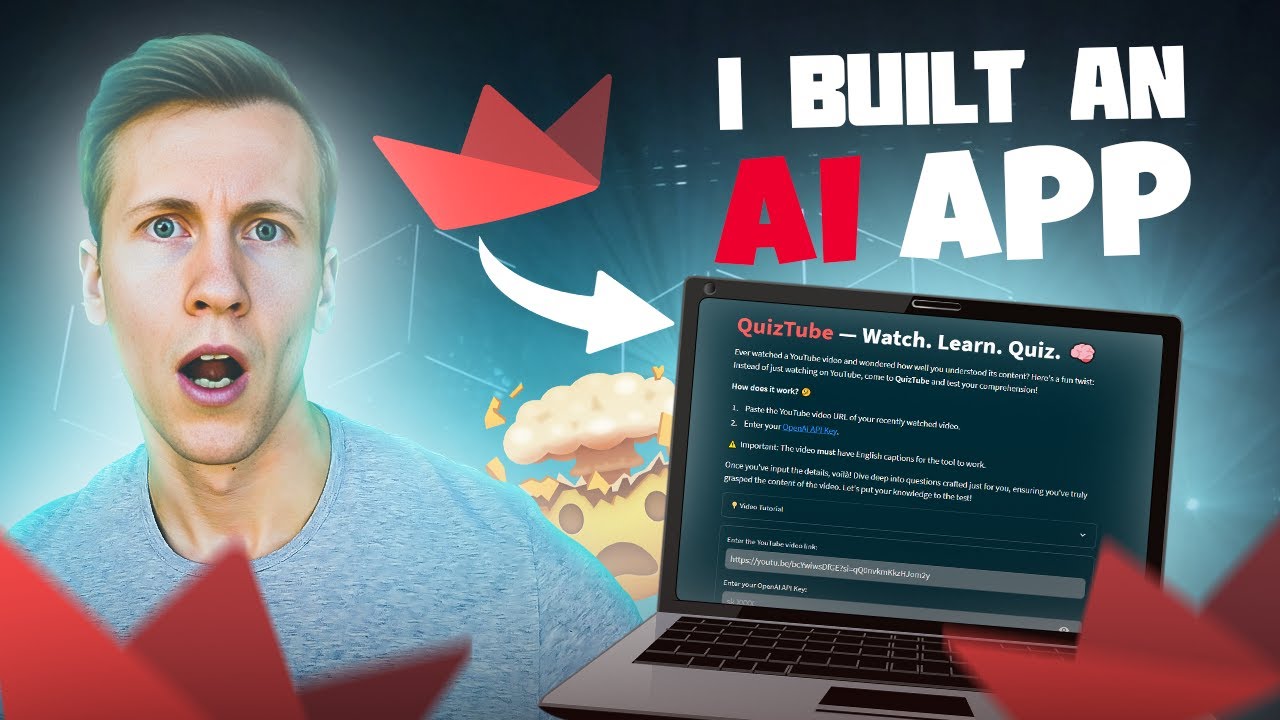
QuizTube turns a YouTube video into a quiz. You paste a video link and your OpenAI API key, the app reads the video’s captions, LangChain asks OpenAI for questions about them, and Streamlit shows the quiz and your score. I built it in about six hours for the Streamlit hackathon in September 2023, and the source code is on GitHub.
What the app does
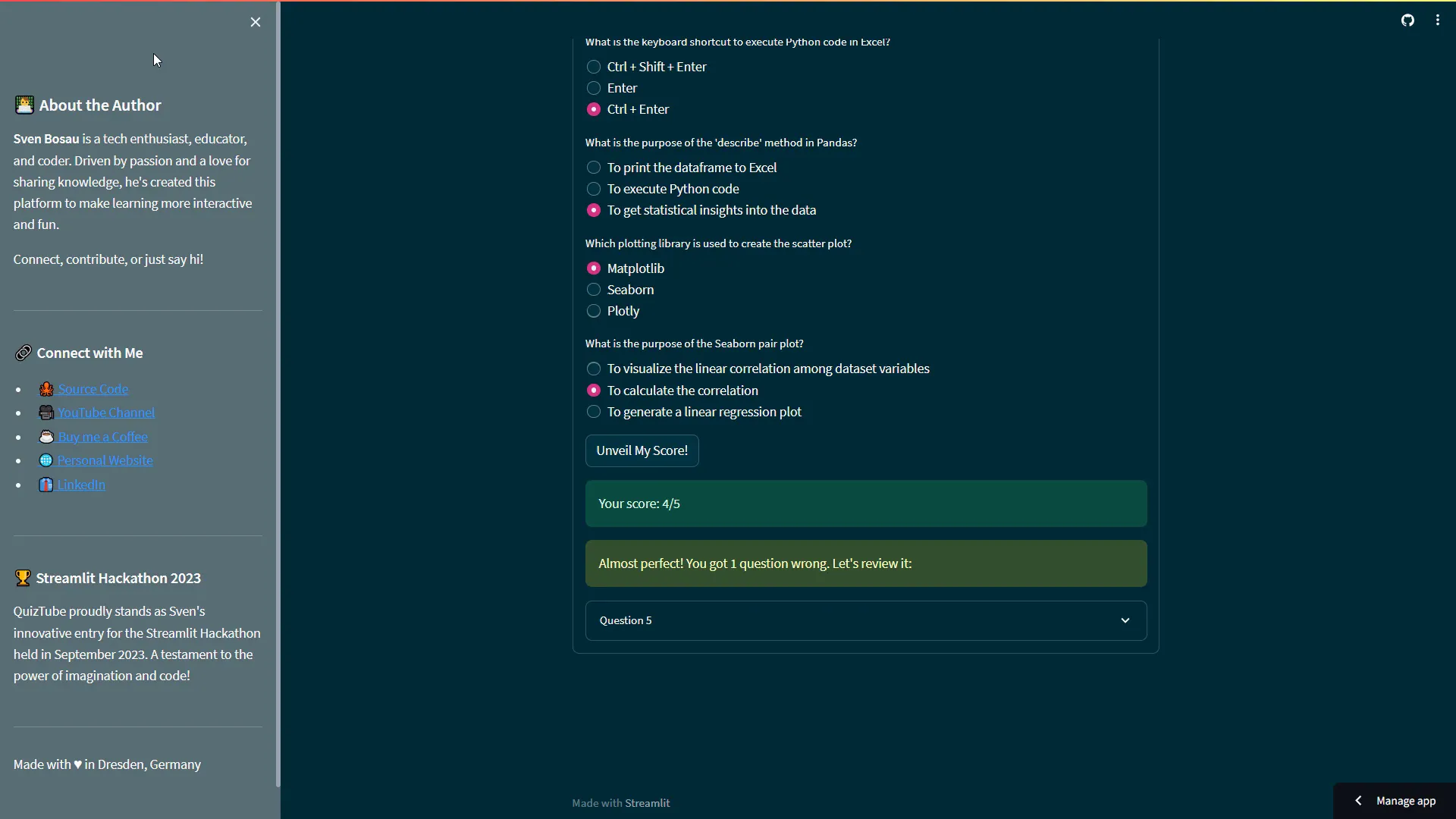
The start page asks for a YouTube link and an OpenAI API key. Craft my quiz! generates multiple-choice questions about the video. After you answer, Unveil My Score shows how many you got right, releases balloons for a good score and lists the questions you missed.
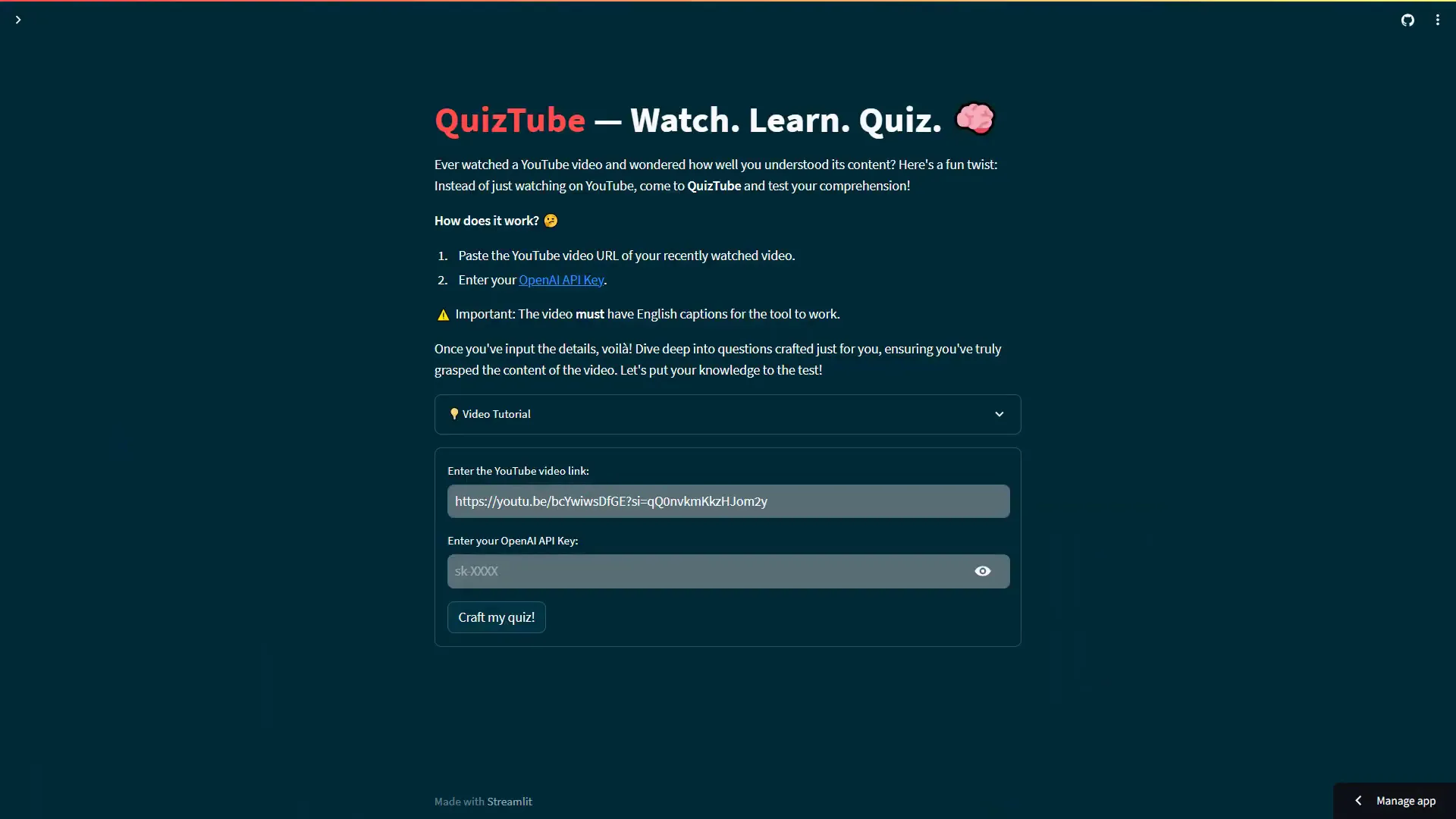
The video must have English captions, because the questions are built from the transcript, not from the picture.
How it works
The app works in four steps: get the video ID, download the captions, ask OpenAI for a quiz, and show it in Streamlit.
- Get the video ID. pytube reads the ID from the link, so I did not have to parse the different YouTube URL formats myself.
- Download the captions. youtube_transcript_api returns the captions as pieces of text with a start time and a duration. I only keep the text and join it into one transcript.
- Generate the quiz. A LangChain prompt template sends the transcript to OpenAI and asks for questions with answer options. I first asked for a dictionary, but a list of lists came back more reliably. The answer arrives as a string, which the app turns into a Python list.
- Build the interface. The Streamlit script imports the helper functions for the quiz and the error handling, shows the input fields, and puts information about the app in the sidebar.
Two small extras give the app some personality. A toast message pops up at random when the page loads; ChatGPT wrote the 20 messages. And the start page has a short video tutorial with an AI voice-over made with ElevenLabs. If you want a chat interface instead of a quiz, the Streamlit chat elements get you there in about 50 lines.
Run it yourself
The repository pins the versions I used in 2023: Streamlit 1.29, LangChain 0.0.350, pytube 15.0.0 and youtube_transcript_api 0.6.1. LangChain has changed its API a lot since then, so install from requirements.txt in a fresh virtual environment rather than with the latest versions. Each quiz uses your own OpenAI key and is billed to your OpenAI account.
For more project ideas of this size, see Python projects built with ChatGPT.