
You can write your email content directly in the EMAIL_BODY sheet of Excel. Here’s how:
- Excel Formatting: You can use the normal Excel formatting options like:
- Bold
- Italics
- Underline
- Text color
- New Line: To insert a new line in the cell, press
Alt + Enter.
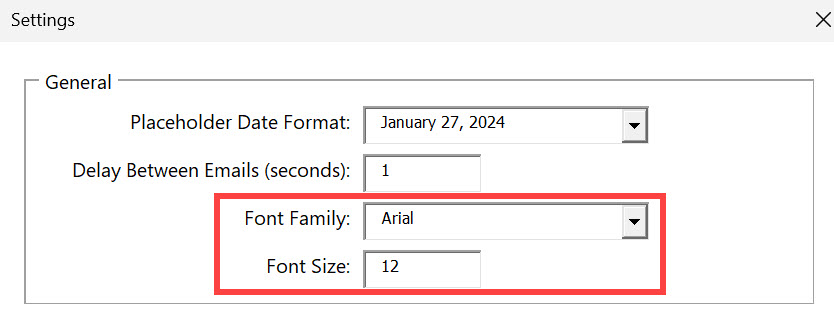
The font family and font size should be set in the SETTINGS sheet
Optional HTML Tags
If you want more control over your email’s layout, you can use HTML tags in the email body. Some common HTML tags you can use:
<p>: Paragraph<strong>: Bold text<em>: Italic text<u>: Underlined text<img>: Insert an image
Example Email
Here’s an example of an email with placeholders and an image (or in this case a gif):

What you input in the Gmail Blaster

What the receiver will see
