
Make a Python GUI With Just One Line of Code
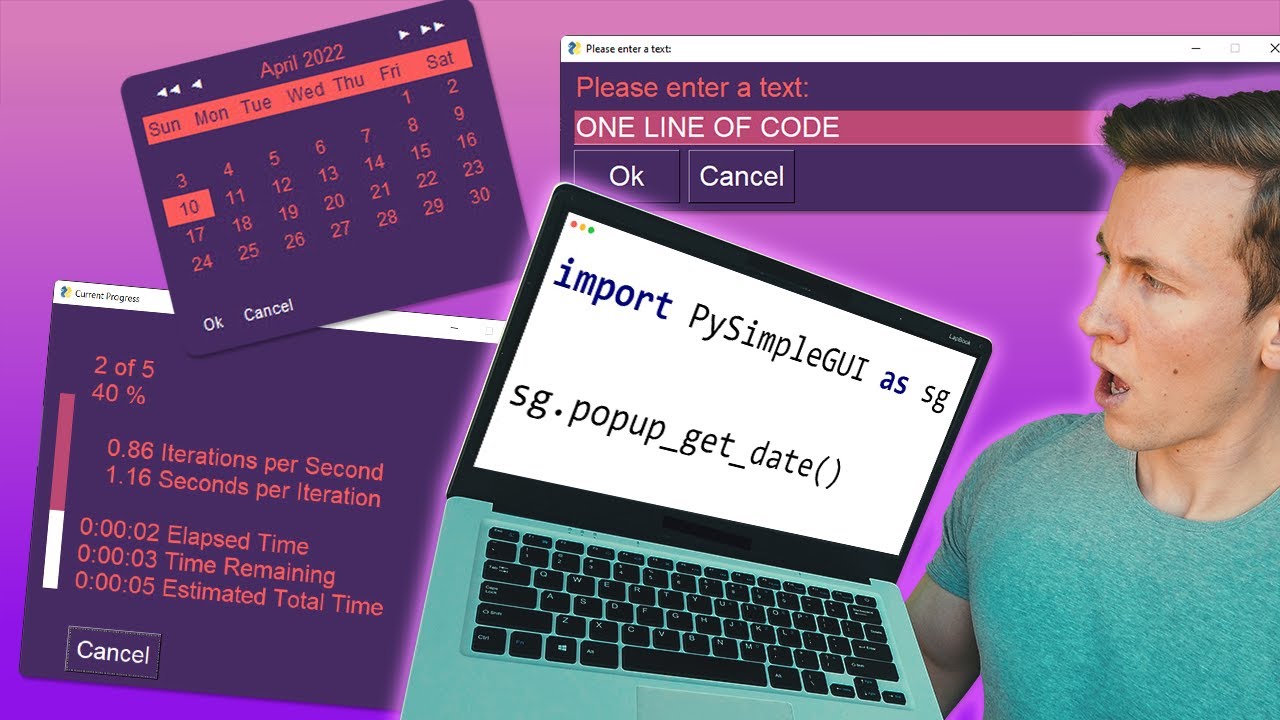
PySimpleGUI ships one-line popup helpers that cover most small prompts: pick a folder, choose a file, select a date, enter text, or show a message. Each is a single function call that returns the answer, with no window or event loop to build.
Update (November 2026): PySimpleGUI is open source again under the LGPL, and pip install PySimpleGUI now installs version 6; pip install PySimpleGUI==4.60.5.1 installs the release this tutorial was recorded with.
The popups
PySimpleGUI has one-line popups to choose a folder, choose a file, pick a date, enter text and show a message. Each call opens a small window, waits for the user and returns the answer, or None when the user cancels. Install the library first:
pip install pysimpleguiThen import it as sg:
import PySimpleGUI as sg # pip install pysimpleguiFolder
sg.popup_get_folder() lets the user browse to a folder instead of you hardcoding the path. OK returns the path as a string; Cancel returns None, and the script below then stops with a message.
dir_path = sg.popup_get_folder("Select Folder")
if not dir_path:
    sg.popup("Cancel", "No folder selected")
    raise SystemExit("Cancelling: no folder selected")
else:
    sg.popup("The folder you chose was", dir_path)
File
sg.popup_get_file() works the same way for a file. Optional arguments control the selection: multiple_files allows more than one file, and file_types limits the dialog to certain extensions, here Excel files.
fname = sg.popup_get_file("Choose Excel file", multiple_files=False, file_types=(("Excel Files", "*.xls*"),),)
if not fname:
    sg.popup("Cancel", "No filename supplied")
    raise SystemExit("Cancelling: no filename supplied")
else:
    sg.popup("The filename you chose was", fname)
Date
sg.popup_get_date() opens a small calendar in which the user moves through months and years and clicks a day.
date = sg.popup_get_date()
if not date:
    sg.popup("Cancel", "No date picked")
    raise SystemExit("Cancelling: no date picked")
else:
    sg.popup("The date you chose was", date)
Text
sg.popup_get_text() shows an input box with a prompt. It returns what the user typed, or None on Cancel.
text = sg.popup_get_text("Please enter a text:")
if not text:
    sg.popup("Cancel", "No text was entered")
    raise SystemExit("Cancelling: no text entered")
else:
    sg.popup("You have entered", text)
A real script
Popups turn a script with hardcoded paths into a small tool other people can run. This one asks for an input and an output folder, then processes every Excel file in the input folder and shows its progress.
The script below uses xlwings to split each sheet of every workbook into its own file, the same task as in my post on how to split each Excel sheet into separate files.
from pathlib import Path

import PySimpleGUI as sg  # pip install pysimplegui
import xlwings as xw  # pip install xlwings


INPUT_DIR = sg.popup_get_folder("Select an input folder")
if not INPUT_DIR:
    sg.popup("Cancel", "No folder selected")
    raise SystemExit("Cancelling: no folder selected")
else:
    INPUT_DIR = Path(INPUT_DIR)


OUTPUT_DIR = sg.popup_get_folder("Select an output folder")
if not OUTPUT_DIR:
    sg.popup("Cancel", "No folder selected")
    raise SystemExit("Cancelling: no folder selected")
else:
    OUTPUT_DIR = Path(OUTPUT_DIR)


files = list(INPUT_DIR.rglob("*.xls*"))

with xw.App(visible=False) as app:
    for index, file in enumerate(files):
        sg.one_line_progress_meter("Current Progress", index + 1, len(files))
        wb = app.books.open(file)
        for sheet in wb.sheets:
            wb_new = app.books.add()
            sheet.copy(after=wb_new.sheets[0])
            wb_new.sheets[0].delete()
            wb_new.save(OUTPUT_DIR / f"{file.stem}_{sheet.name}.xlsx")
            wb_new.close()

sg.popup_ok("Task done!")
The script:
- asks for the input folder with the Excel files,
- asks for the output folder for the new workbooks,
- shows sg.one_line_progress_meter at the top of the for loop, with a title, the current file number and the total.
The progress meter is a one-liner too. It estimates the remaining time from the loop count and closes itself when the last file is done.
Build an executable
psgcompiler turns the script into a .exe, so the people who use it do not need Python installed. Install it with pip install psgcompiler, start it, select your Python file and click Convert.
When a popup is not enough, the next step is a full window with your own layout, as in my advanced PySimpleGUI tutorial.