
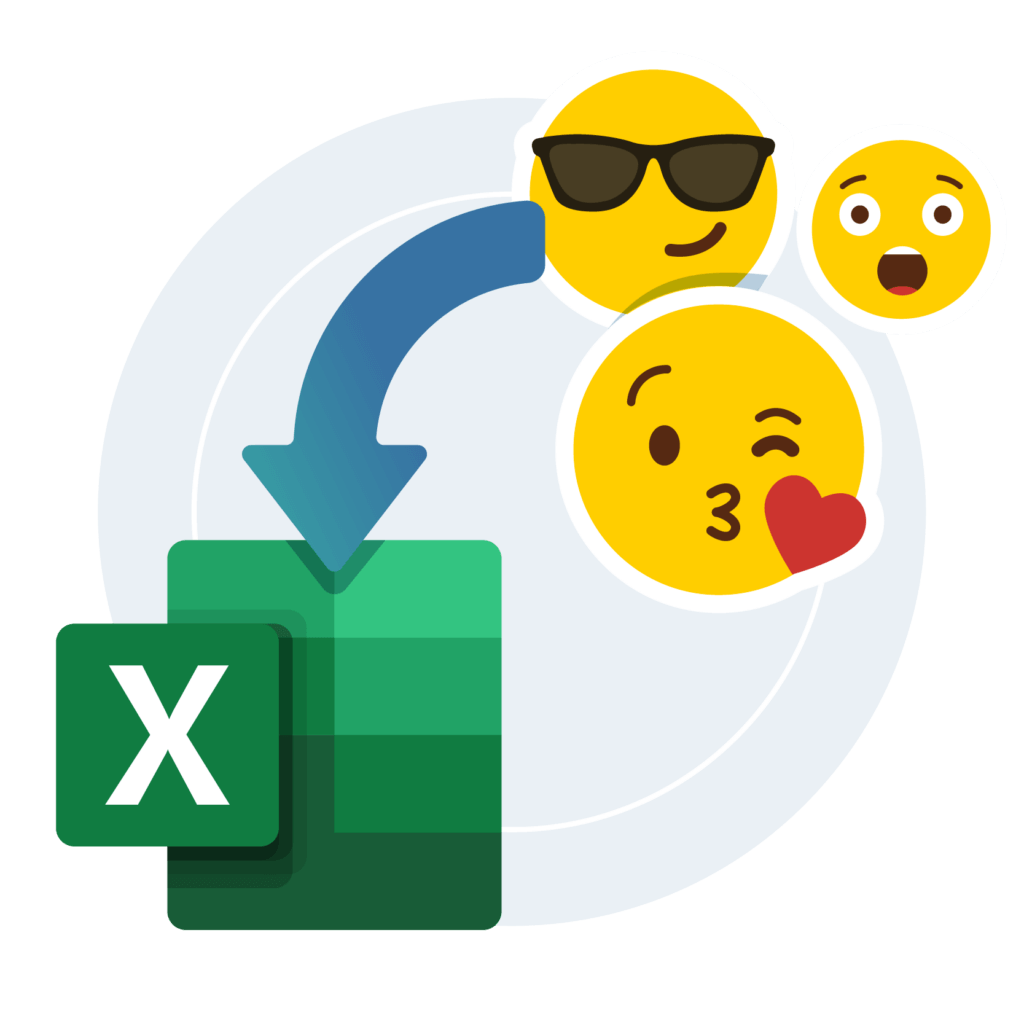
Emojis and your own icons, straight into Excel cells
Flag a row that needs attention, tick off the ones you have already checked, or just make a sheet people enjoy reading. One click each, and your data is untouched.
- Over 100 emojis, one click each
- Left, right, inside or beside the cell
- Your own images saved as reusable icons
- Goes in as a picture, so your formulas still work
Windows, Excel 2010 or later. 14-day refund.
See it in action
Select the cells, pick an emoji or your own icon, click.
Why people use it
The row that matters is the one they see
A status column of OK, Late and Done is three shades of grey. A red flag next to Late is not. People find the line they need without reading every one of them.
Your formulas keep working
The emoji goes in as a small picture on the sheet, not as text inside the cell. Sorting, VLOOKUP, SUMIF and everything else behave exactly as they did before.
Tick off a sheet without touching it
Save a tick, a cross or a flag as your own icon and mark the rows you have checked. The marks sit on top of the sheet, so the numbers underneath are exactly as you found them.
Who it is for
Anyone whose Excel file gets opened by somebody else.
Analysts
KPI rows and status columns that read at a glance
Project leads
Trackers where blocked and done look different
Teachers
Worksheets and grade sheets students want to open
Small business owners
Price lists, stock sheets and quotes with some character
Anyone checking a sheet
Your own tickmarks on the rows you have gone through
Team leads
Dashboards the team opens more than once
Compared with doing it by hand
| By hand | Emojify | |
|---|---|---|
| Getting one in | Emoji keyboard, or Insert, Pictures, then hunt for a file | One click in the Emojify tab |
| Where it lands | Wherever you manage to drag it | Left, right, inside or beside the cell, automatically |
| Your cell values | The emoji keyboard types into the cell | Stays a picture, so formulas are untouched |
| Doing thirty rows | Thirty times the same fiddling | Select the range, one click |
| Taking them out again | Find and delete every single one | One button clears the sheet |
| Your own tick or logo | A fresh insert and resize every time | Saved once, then one click on every sheet |
Exactly where you want it
Left of the text, right of it, inside the cell or just outside. Set it once in the settings and every emoji after that lands the same way. They go in as pictures, so you can still drag one bigger when it needs to be.
Back to plain in one click
Presentation over? One button removes every emoji in the sheet. Nothing to hunt for, nothing left behind, and not a single cell value has moved.
Your own icons: a tick, a flag, your logo
Any picture can become an icon that lives in your ribbon. Save a tick and a cross and you can mark off the rows you have checked; save your logo and every client sheet carries it. You do that once, and it is one click on every sheet after that.
What people say about my add-ins
Fantastic support
“Fantastic support. Have an issue? Within a few hours You are emailed back with the solution. Highly recommend using Python & VBA apps.”
Awesome add-ins
“Awesome Add-ins, making life in Excel just that much faster and more fun. Sven was quick to respond to some issues I was having, and we got them resolved without a hitch.”
Fantastic customer service
“I recently purchased the ExcelToWord tool and the Excel2PPT tool. Both worked exactly as described and when I had questions Sven was super responsive and helpful.”
Before you buy
Three things worth checking first.

Windows
Emojify runs on Windows only. It does not run on a Mac.

Desktop Excel
Excel 2010 or later, including Microsoft 365. Excel in the browser does not run add-ins.

One license, 3 devices
Use it on up to 3 of your own computers.
One payment. Yours forever.
Price in USD. No subscription.
- Over 100 emojis
- Left, right, inside or beside the cell
- Remove all with one click
- Your own pictures as icons
- 3 of your own computers
14-day refund, no questions asked. If it is not for you, email me and you get your money back.
Frequently asked questions

Still have a question?
I’m Sven, the developer, and I usually reply within a day.
Give your next sheet something to look at
Flag it, tick it off, or just make it worth looking at. One click each.
Get EmojifyEmojify is an independent product by Bosau Digital LLC. It is not affiliated with, endorsed by or sponsored by Microsoft. Microsoft, Excel and Microsoft 365 are trademarks of the Microsoft group of companies.