
Stop rebuilding
the same report.
Excel2PPT sends your Excel charts and tables to PowerPoint in one export. Set the slide positions once, then reuse the setup when your numbers change.
For desktop Excel and PowerPoint on Windows.
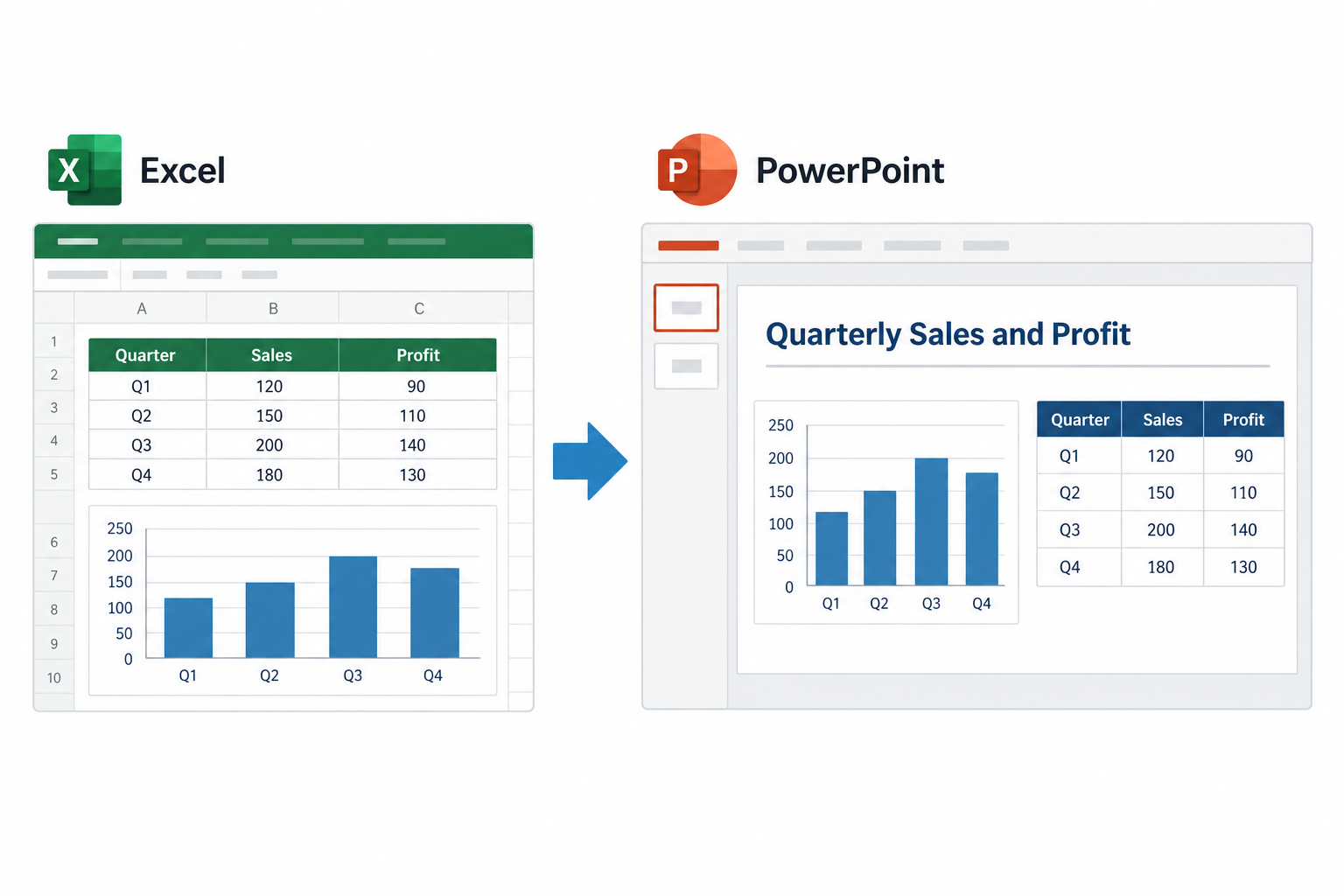
See Excel2PPT in action.
Set up the export once in one table, get the finished deck in one click, and update it with next month's numbers.
The data is ready.
The deck still needs work.
You copy a chart, find its slide, resize it, and line it up. Then repeat for every table and range. A last-minute change in Excel means going back through the deck.
Excel2PPT saves those source and slide instructions in your workbook. Update your data, run Export again, and use the placement you already set up.
Set up the export once.
Reuse it for the next report.
Choose your sources
Create a setup sheet from the Excel2PPT ribbon. Select your tables, named ranges or charts from the source dropdowns.
Choose where they go
Set the slide number and position for each row. Put several objects on one slide, or spread them across your deck.
Export from Excel
Click Export. Excel2PPT checks the setup, builds the presentation and tells you if anything needs attention.
Keep the placement
you already worked out.
Pick an object in PowerPoint. Dimension Finder reads its position and size, then applies those values to your Excel setup.
- Several charts. One slide.Give rows the same slide number and their own positions.
- Keep the right proportions.Fit objects into their allotted space without stretching them.
- A filename that updates with your data.Use a fixed output name or read it from a cell.
Use your own template.
Keep your charts editable.
Keep your company’s PowerPoint template, update text from Excel cells, and choose editable charts when a picture is not enough.
Use your own template
Start from a PowerPoint template or update the presentation already open on your computer.
Keep charts editable
Export charts as editable or linked objects when you need more flexibility than a picture.
Update the words, too
Replace text placeholders in PowerPoint with Excel cell values, such as a report period or client name.
Choose the plan for your work.
Free
No card. No trial countdown.
- Up to 5 picture rows per export
- Export to a new presentation
- Multiple objects on one slide
- Dimension Finder and demo files
- No watermark
Personal
1 user, up to 3 devices.
- Unlimited picture exports
- Your PowerPoint templates
- Editable and linked charts
- Text placeholder replacement
- Update the open presentation
Team
Up to 15 users and 15 devices total.
- Every Personal Pro feature
- Unlimited picture exports
- Templates and text replacement
- Editable and linked charts
- One license for your team
— Sven, Excel2PPT developeron Personal and Team
- Microsoft 365
- Excel 2024, 2021, 2019 & 2016
- 32-bit & 64-bit Excel
Requires 64-bit Windows and desktop PowerPoint. Not available for Mac or Excel for the web.
| Feature | Free | Pro Personal & Team |
|---|---|---|
| Picture rows per export | 5 | Unlimited |
| New presentations | ||
| Several objects on one slide | ||
| Dimension Finder | ||
| Output filename from a cell | ||
| PowerPoint templates | ||
| Editable and linked charts | ||
| Text placeholder replacement | ||
| Update an open presentation |
Your first export is already set up.
The installer includes a business workbook and sample presentation. Open Excel2PPT → Demo → Open demo workbook, then click Export to see how the setup becomes a deck.
64-bit Windows with desktop Excel and PowerPoint. Not for Mac or Excel for the web.
A few things to know
Does Excel2PPT work on a Mac?
No. Excel2PPT needs desktop Excel and PowerPoint on 64-bit Windows. It does not run on macOS, a phone, Excel for the web, or Google Sheets. Both 32-bit and 64-bit desktop Excel are supported.
What can I export with Free?
Up to five enabled picture rows per export, into a new presentation. Your sources can include tables, named ranges and charts. You can place multiple objects on one slide and use the included business demo. There is no watermark or trial countdown.
What does Pro add?
Unlimited picture exports, PowerPoint templates, editable and linked charts, text replacement, and updates to the presentation already open in PowerPoint. Personal and Team include the same Pro features.
Will my charts stay editable?
With Pro, choose an editable or linked chart export. Picture exports preserve the appearance of the source but cannot be edited as chart data in PowerPoint.
Can several objects go on the same slide?
Yes. Give the rows the same slide number and set their positions and sizes. Dimension Finder can read the placement of a selected PowerPoint object and apply it to a setup row.
Do I need to rebuild the setup each time?
No. Save your workbook to keep its export setup. When your figures change, run Export again. You can also read the output filename from a cell, including a cell with a formula.
Is this the old VBA template?
This page is for the new Windows add-in. It installs a ribbon tab in Excel and works with your workbooks. It does not include VBA source code. If you own the original template, your existing files remain yours; contact support if you need help with your purchase.
Can I get a refund?
Yes. Excel2PPT add-in purchases have a 14-day money-back guarantee.

Still have a question?
I’m Sven, the developer, and I usually reply within a day.
Try it on a report
you already make.
Start with five picture rows per export. No card or license key needed.
Excel2PPT is an independent product by Bosau Digital LLC. It is not affiliated with, endorsed by or sponsored by Microsoft. Microsoft, Excel and PowerPoint are trademarks of the Microsoft group of companies.