
Animated Excel VBA Greeting Card (FREE Download)
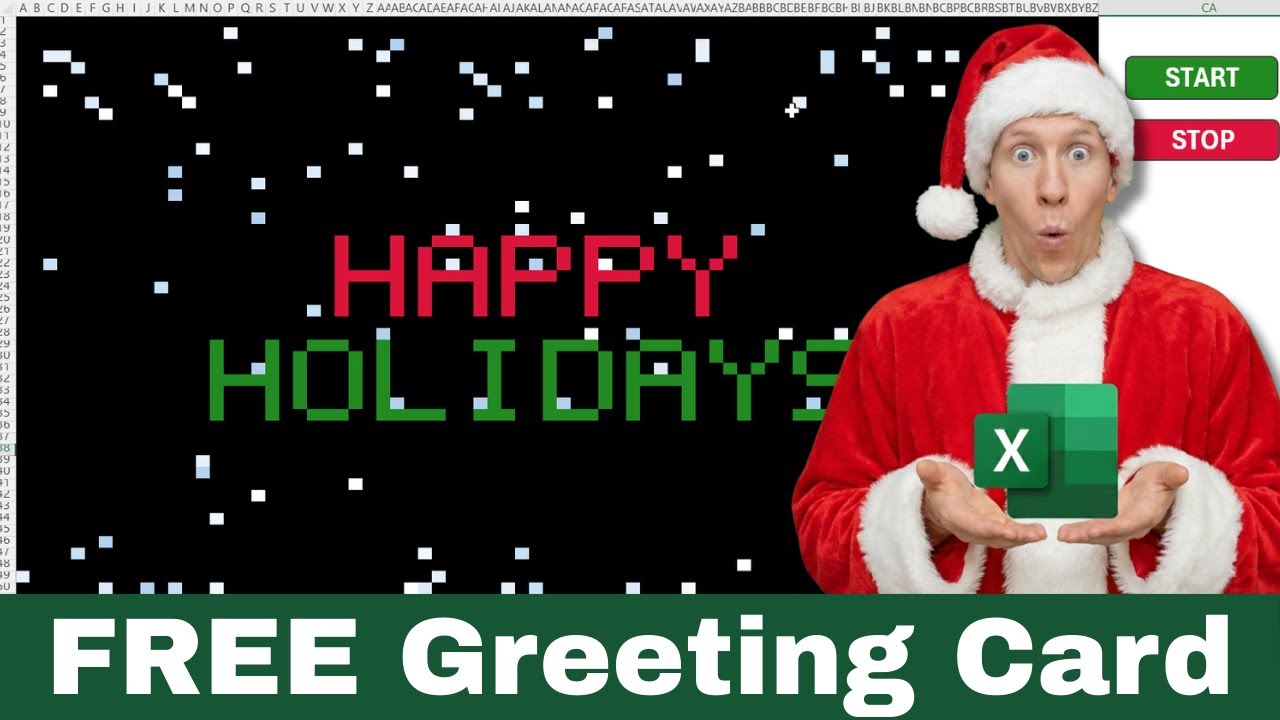
Animated Greeting Card Excel: A Free, Customizable Holiday Card Built in VBA
Imagine sending a cheerful, animated holiday greeting to a coworker straight from a spreadsheet. No extra apps, no graphic designers, just Excel and a little VBA magic. The Animated Greeting Card Excel template delivers smooth snowflake animation, selectable messages, and color themes — all editable and free to download.
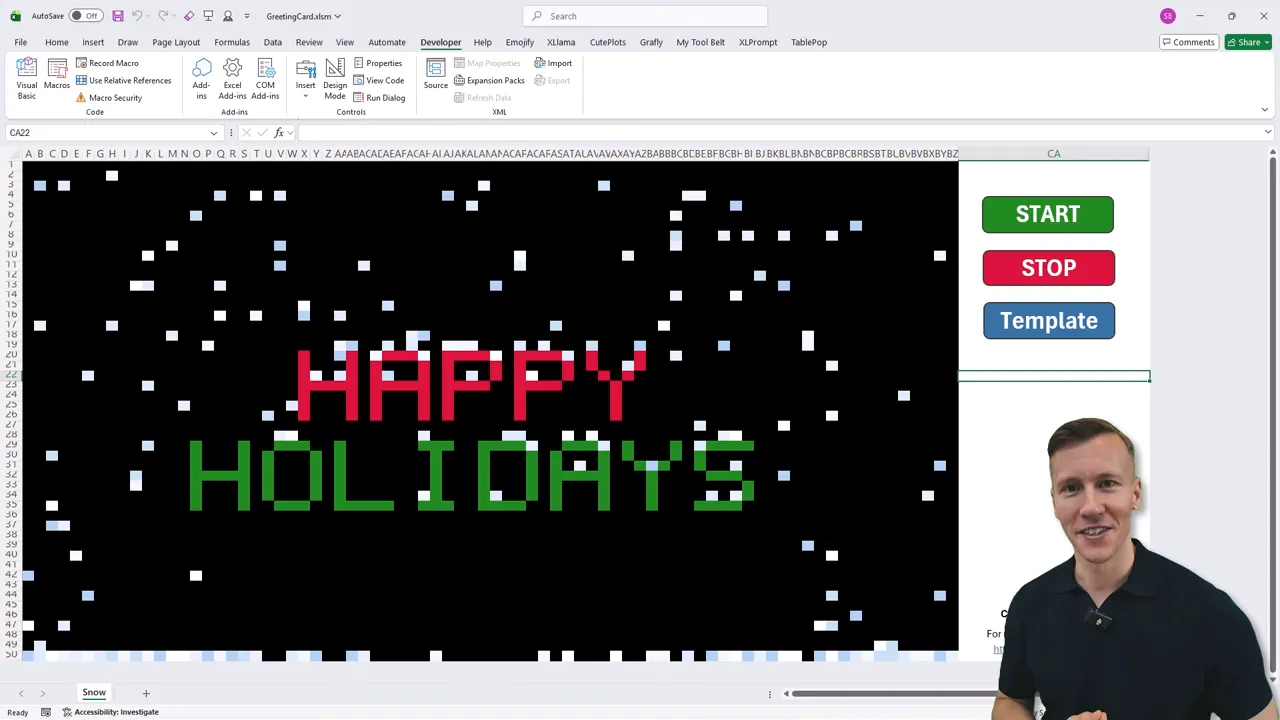
Why build an animated greeting inside Excel?
Excel is already on most work machines, so using it to create a quick, delightful greeting is practical and unexpected. This approach is useful when you want a lightweight, shareable greeting that is easy to customize and can be paused or edited without leaving the workbook.
What the template does
- Snowflake animation that moves across the worksheet.
- Prebuilt messages such as “Happy Holidays” and “Happy New Year”, plus a custom message option.
- Multiple color schemes you can switch with a number choice.
- Full VBA access so you can tweak the animation, wind, and other settings.
- Windows compatibility only, because it uses Windows API calls.
Quick tour: using the card
Open the workbook and you will see the default greeting and active snow animation. To interact:
- Click the stop button to pause the snow. (Useful if you want to read a message without movement.)
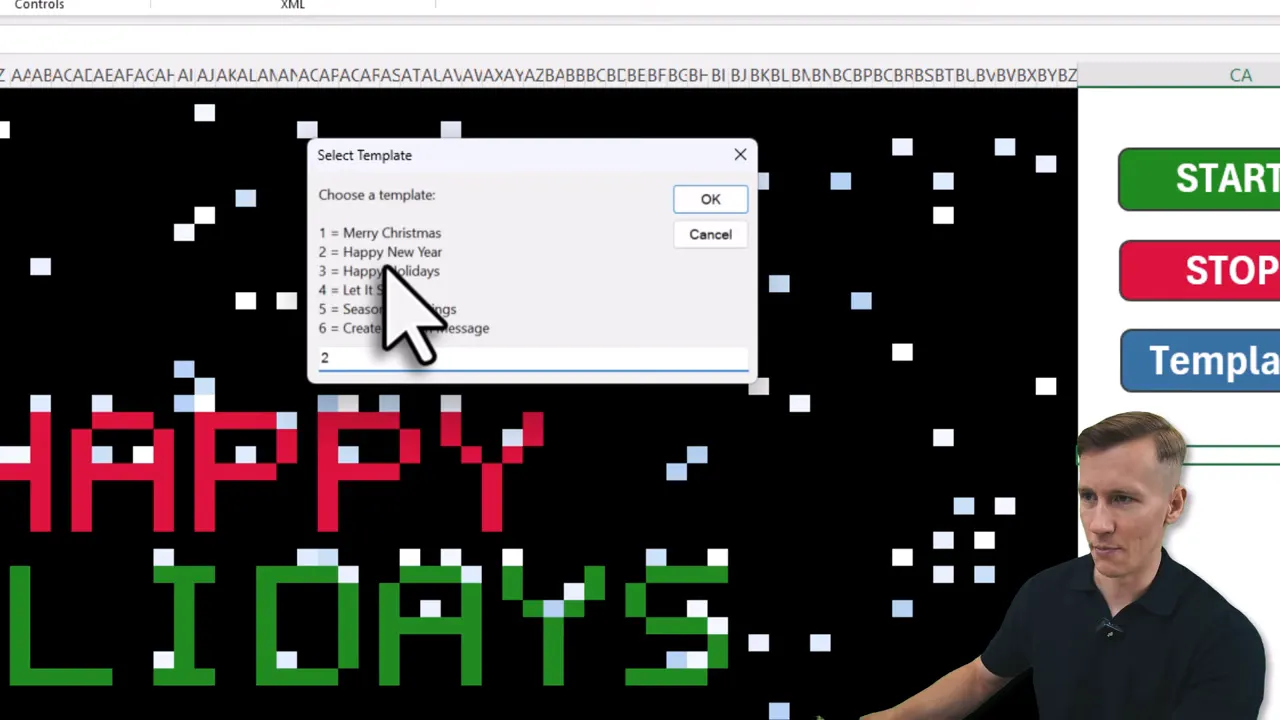
- Click the template button to pick a built-in message. Enter the number for the message and click OK.
- To create a custom message, choose the custom template option and type two lines of text when prompted.
- Pick a color scheme by entering the scheme number when prompted. Classic red and white is typically option four.
Peek under the hood: where to find and tweak the VBA
The VBA code is fully accessible. Open the Developer tab and choose Visual Basic, then open the Greetings Card module. At the top you will find the Winter Wonderland code. Scroll a bit to find a configuration section where you can adjust the number of snowflakes and wind behavior.
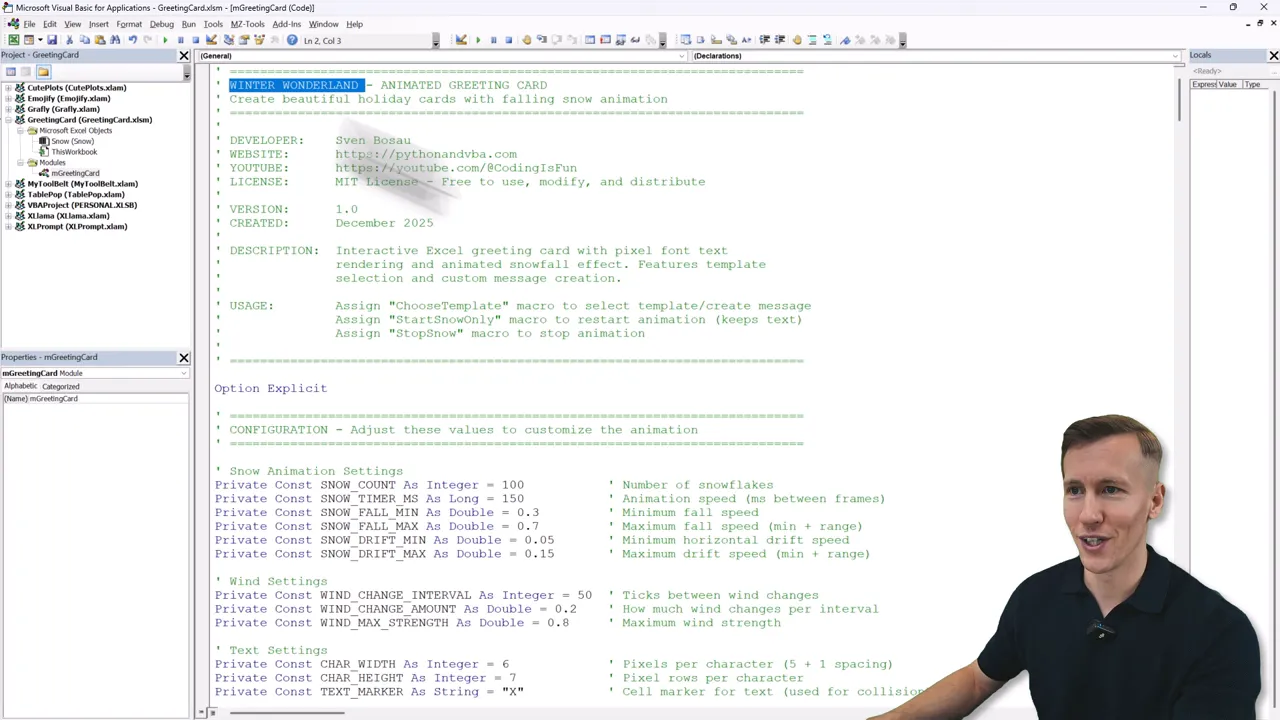
Further down are the Windows API declarations, which is why the template runs only on Windows and not Mac. Below that resides the animation routines — all plain VBA so you can adapt sizes, colors, speed, or even add new effects.
Where to get it
Download the free Animated Greeting Card Excel template HERE and experiment with the code to make the card uniquely yours.
Final thoughts
The Animated Greeting Card Excel approach is a playful, practical way to send seasonal cheer without leaving the familiar workspace. It works because the animation and messages are simple, configurable, and transparent — you can pause, edit, and extend everything. Enjoy customizing your very own Animated Greeting Card Excel, and have fun sharing a little spreadsheet-powered joy. —Sven
