
Play Snake Inside Excel For Free
The classic Snake game, built entirely in Excel. Install the add-in, hit play, and compete on the global leaderboard.
- 5 difficulty levels with score multipliers
- Global leaderboard, see how you rank
- 100% free
Works with Excel 2010+ on Windows
See XLSnake in Action
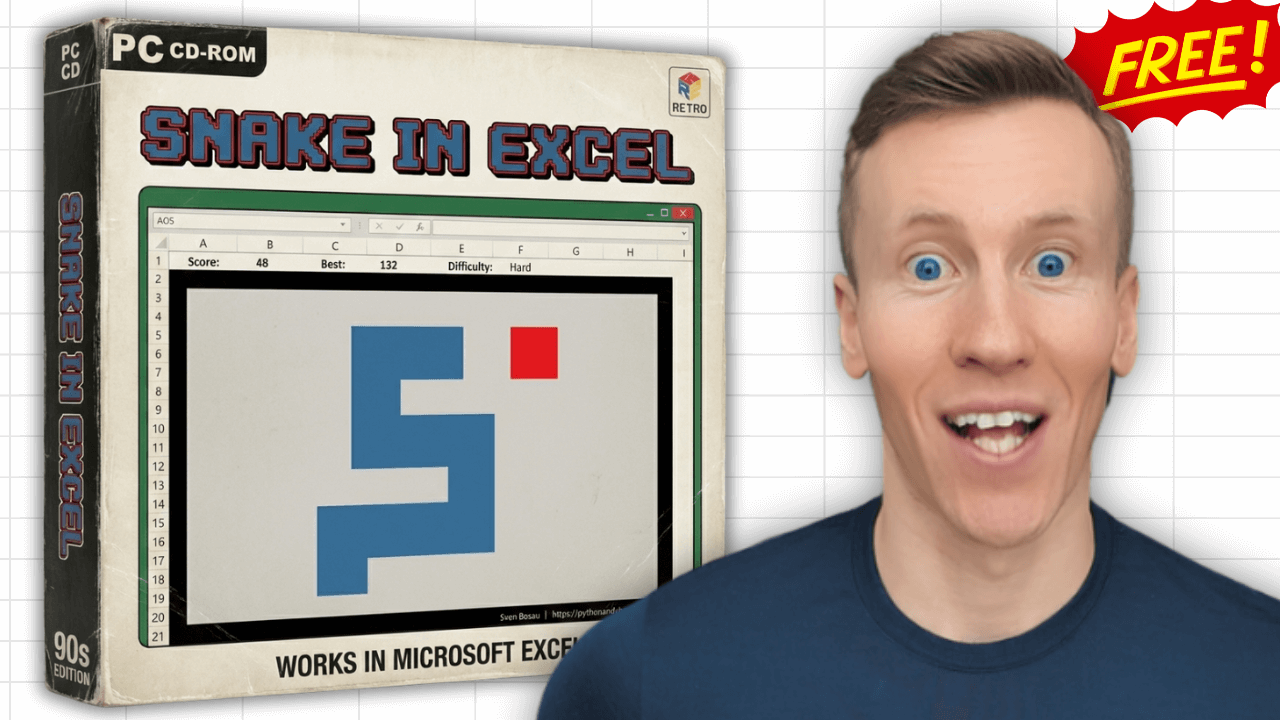
Why you'll love it
A fun Snake game that lives right inside Excel. Perfect for a quick break.
One-Click Play
Launch directly from the Excel ribbon. A dedicated game sheet is created automatically.
Global Leaderboard
Opt in to submit your score and compete with players worldwide.
5 Difficulty Levels
From Easy (1x) to Insane (8x multiplier). Higher risk, higher reward.
Custom Snake Color
Pick any color for your snake using Excel's built-in color picker.
Persistent Settings
Your difficulty, username, color, and preferences are saved between sessions.
Windows Desktop
Works with Excel 2010 and later on Windows. No admin install needed.
Pick your challenge
Higher difficulty = faster snake = bigger score multiplier.
| Level | Speed | Score Multiplier |
|---|---|---|
| Easy | Slow | 1x |
| Medium | Normal | 2x |
| Hard | Fast | 3x |
| Extreme | Very Fast | 5x |
| Insane | Blazing | 8x |
Hall of Fame
Top players worldwide. Updated every few minutes from the live game data.
Common questions
Yes, 100% free. No trial, no ads, no hidden fees. Download it and play.
After downloading, follow the setup instructions in your welcome email. Installation takes about 2 minutes.
XLSnake works with Excel 2010 and later on Windows. macOS and Excel Online are not supported.
No, XLSnake is Windows only. It requires Microsoft Excel for Windows (2010 or later).
Yes, the game is built with VBA, so macros need to be enabled. Excel will prompt you when you open the add-in for the first time.
The leaderboard is completely optional. If you enable it, your username, score, and difficulty level are stored in a database so you can compete with other players. You can turn it off anytime in the settings.
XLSnake only stores your settings locally. If you opt into the leaderboard, only your username, score, and difficulty are submitted. No personal data is collected.
Yes. XLSnake is completely safe. It's a standard Excel add-in built with VBA macros.
Some antivirus engines flag macro-enabled Excel files by default, even when they contain nothing harmful. This is a common false positive for Excel add-ins and not a cause for concern.
If you'd like to verify it yourself, the live scan below checks the file against 70+ security engines:
Get XLSnake, free
Tell me where to send it and the add-in lands in your inbox.
