
A focus timer that rewards you for putting your phone down.
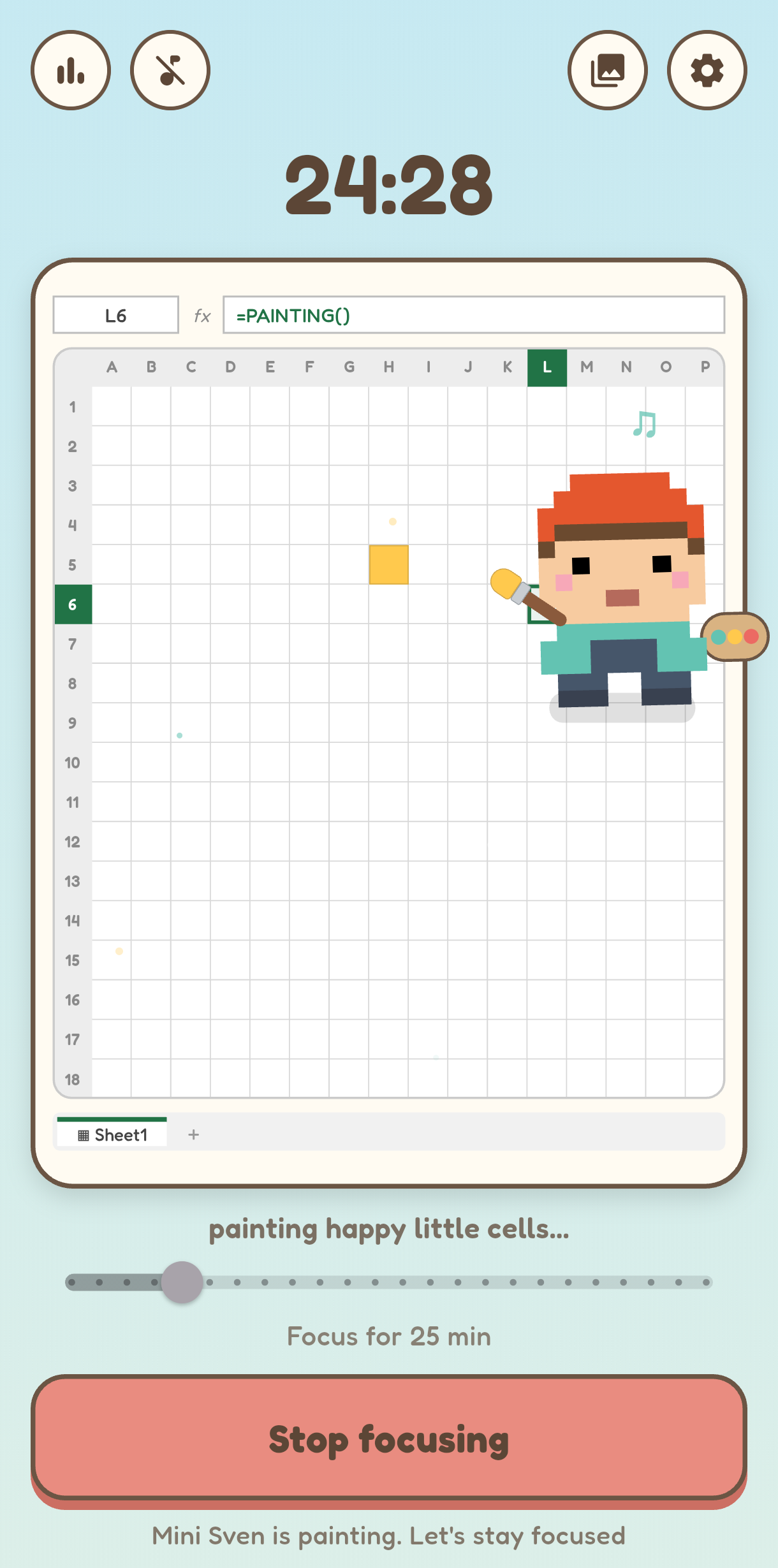
FocusCell is a free focus timer for Android. While you work, a little artist paints a picture, one spreadsheet cell at a time. Leave the app early and the painting stays unfinished. Finish your session and you keep it, as a real Excel file.
- Free forever, no ads, no sign-up
- 100% offline. Nothing leaves your phone
- Every painting opens in real Excel
Optional one-time Pro if you ever want extras. Never a subscription.

Watch focus turn into art
The whole idea in 80 seconds: pick a time, put the phone down, watch a painting appear.
We check our phones 186 times a day.
You're not weak. The apps are built to be opened, again and again. Here is what the scroll quietly costs you.
And it's not just the hours. One “quick” glance costs you 23 minutes to refocus, so a 5-second check can quietly eat half an hour. Do it all day, every day, and you get the thing Oxford named 2024's Word of the Year: brain rot.
Every other app wants you to pick your phone up. FocusCell pays you for leaving it alone.
Start a timer and your artist paints, one cell at a time, for as long as you stay. Wander off to another app and he packs up for the day, painting unfinished. No blocking, no lectures, no guilt. Just one charming reason to see it through.
A focus timer that pays you in art
Most timers just count down. FocusCell turns your focus into art you keep.
Your phone goes quiet
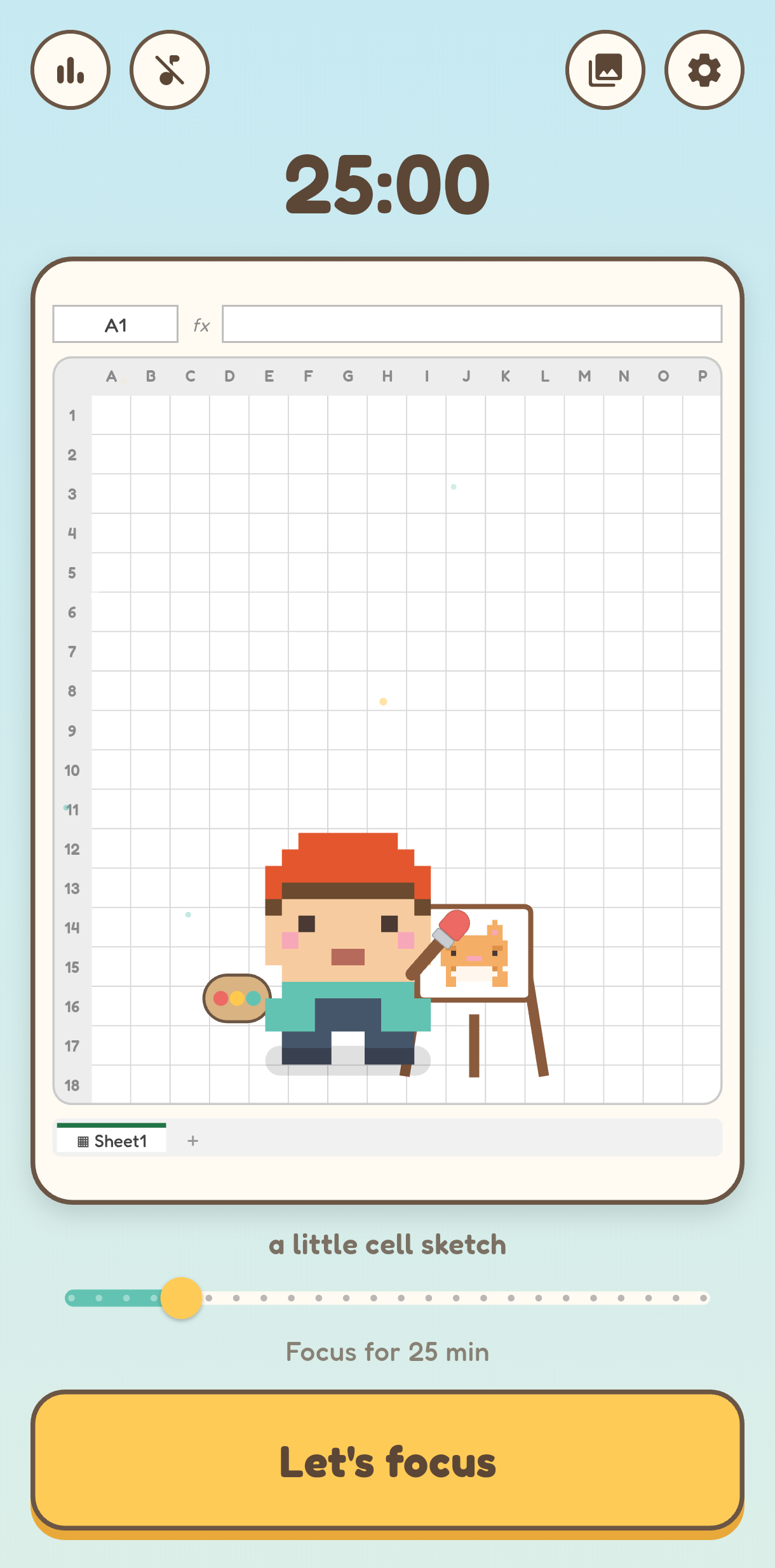
Start a session, set the phone down. Leave the app mid-session and your artist packs up, painting unfinished. No app blocking, no lectures, just one small reason to stay.
Every session earns art
Focus for 5 minutes or 120. The longer you go, the fancier the surprise, from a quick sketch to a full spreadsheet masterpiece. 170+ to collect, framed on your gallery wall.
It opens in Excel
Every painting is real cells in a grid. Export any one to a genuine .xlsx file, where every pixel is a colored cell. Your art, right there in Excel or Google Sheets.
Four taps from distracted to done
No setup, no account. You're focusing in under a minute.
-
1
Pick your focus time
Slide from 5 to 120 minutes. Tap Let's focus.
-
2
Put the phone down
Your artist starts painting a surprise, one cell at a time. Lock the screen, take a call, all fine. Wander off to another app and the brush goes down for good.
-
3
Finish and collect
Stay till the timer ends and the painting lands in your gallery. Longer focus, fancier art, from a quick sketch to a legendary masterpiece.
-
4
Export to Excel
Tap any painting to open it as a real spreadsheet, every pixel a colored cell. Or share it as an image.
Pixel art, born in a spreadsheet
This is the part no other focus app can do. The painting isn't a picture of a grid. It is a grid.
Tap Export to Excel and you get a real .xlsx file, where every pixel is a colored cell. Open it in Excel or Google Sheets and your penguin is right there in the grid.
Export any painting to a real .xlsx for free. Want your whole gallery in one workbook, a sheet per painting? That comes with Pro. No add-ins, no internet, just a normal spreadsheet you already know how to open.
Earn your first .xlsx
From a certified spreadsheet nerd
FocusCell is built by Sven Bosau, an Excel specialist with more than a decade of spreadsheet work behind him. His YouTube channel, Coding Is Fun, teaches Excel and Python to 117K subscribers. This app is what happens when a spreadsheet person takes focus seriously. More about Sven
Over 170 little paintings to collect
Every session paints a surprise across four tiers. Longer focus, fancier art. Slide to see what your time would earn.
Cell sketchUp to 30 minutes. Quick little rewards, like this heart.
 Penguin
 Owl
Owl Fox
Fox Panda
Panda Mushroom
 Cat
Cat Rainbow
 Sunset
 Cake
Cake Sushi
Sushi Cute dragon
 Unicorn
 Castle
 Rocket
 Flame phoenix
 Taj Mahal
 Galaxy spiral
 Lighthouse
From a five-minute sketch to a legendary phoenix, with 150-plus more hiding in the spreadsheet.
Small, cozy, and quietly clever
Everything you need to focus. Nothing you don't.
A wall that only grows
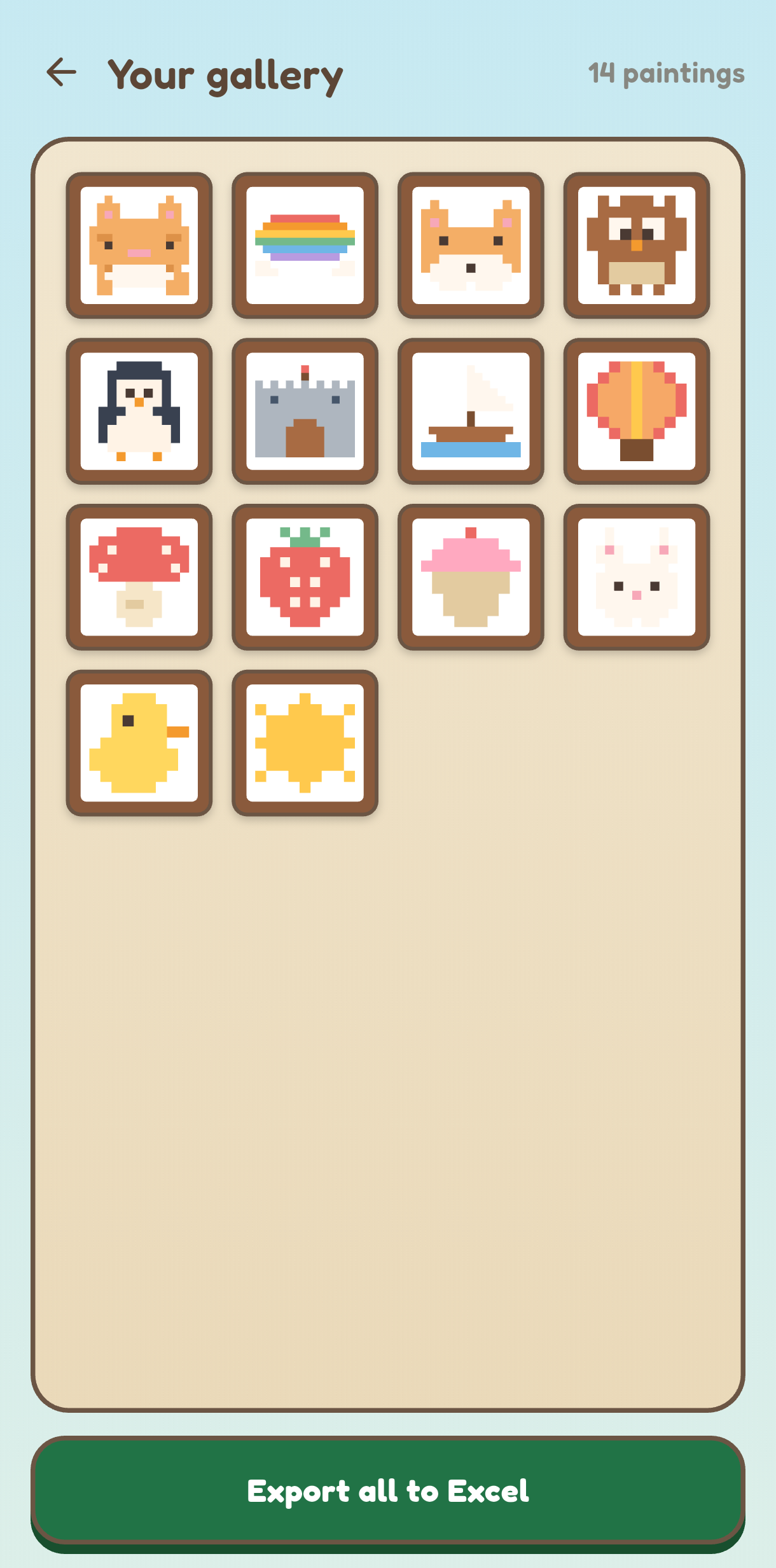
Every finished session is framed and kept. You earn paintings by focusing, never by buying them, so it stays a calm trophy case of penguins, foxes and castles.
Your focus, charted
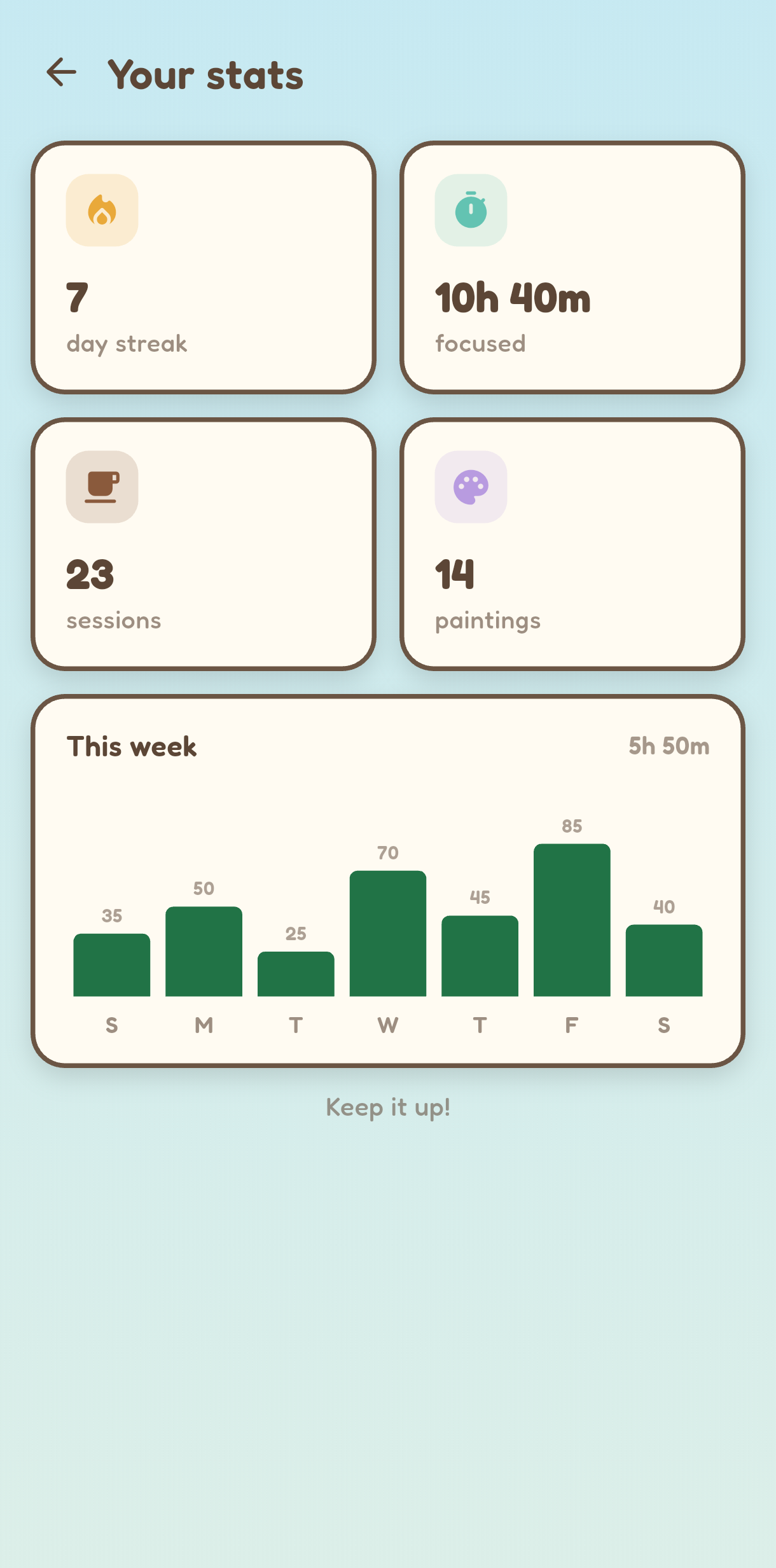
Day streak, focused hours and sessions, shown in a tidy, Excel-style column chart. Because of course it is.
Make it yours
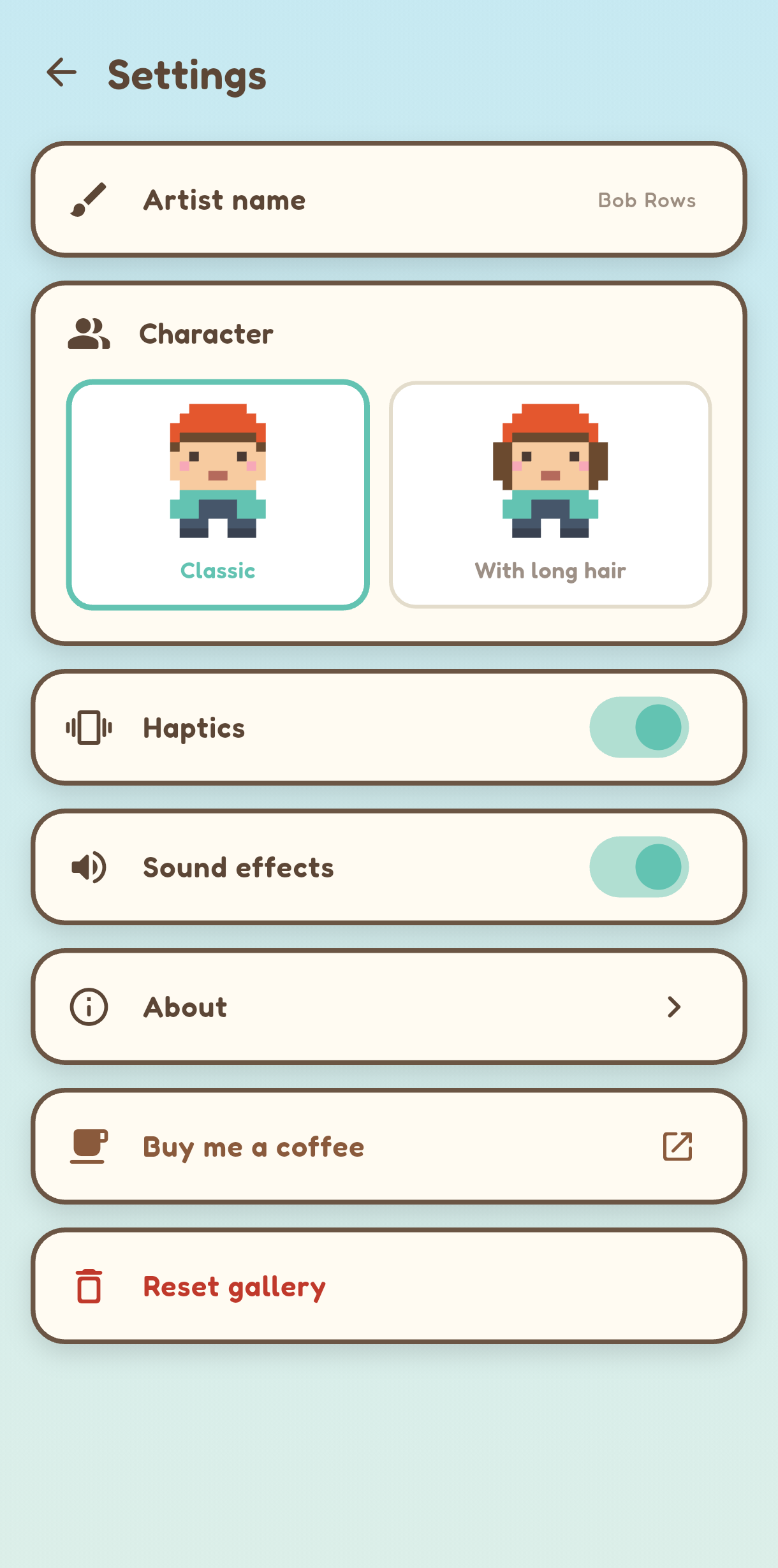
Pick from twelve painters and name your artist anything you like. The default is Bob Rows, and yes, that is exactly the pun you think it is.
Twelve little painters to focus with
Mini Sven brought friends. Pick the artist who keeps you company while you focus, from a beret-wearing classic to a wizard, an axolotl, even a tiny crown.
 Beret
Beret Locks
Locks Beanie
 Sun hat
 Kitty
Kitty Wizard
 Bunny
Bunny Axolotl
 Frog
Frog Alien
Alien Mushroom
 Crown
CrownTwo painters are free to start. The other ten come with FocusCell Pro.
One small unlock. No subscription, ever.
FocusCell is free, and it stays free. If it earns a spot on your phone, one Pro unlock adds a few extras and keeps a one-person app alive.
10 extra painters
Beanie, Wizard, Axolotl, Alien and six more painters to focus with.
Whole-gallery export
Your entire collection in one workbook, a sheet per painting. Your focus stats export to Excel too.
Good karma
You keep a one-person app alive and getting updates, with no subscription, ever.
Everything that matters is free: the timer, your painter, all 170+ paintings to collect, single-painting Excel export, stats, your gallery, fully offline and private. No ads, no account, no nagging.
Built for spreadsheet people (and the easily distracted)
If you have ever lost twenty minutes to a quick phone check, FocusCell is for you. It just happens to speak fluent Excel.
Data people
Analysts, finance and ops who already live in cells.
Students
Study in focused blocks with a reward at the end.
Makers and coders
Deep work sessions without the doomscroll.
Phone-distracted humans
Anyone who opens Instagram by accident.
Yours, and only yours
No ads. No account. No subscription. FocusCell asks for almost nothing and keeps nothing. Your focus, your art, your phone.
No account
Open it and go. No sign up, no email.
No ads
No banners, no tracking, no nonsense.
Fully offline
It does not even have the permission to go online.
Stays on device
Your gallery and stats never leave your phone.
Your first painting is one session away
Download FocusCell, pick a time, meet your artist. That's it.
 Free forever. No ads. No sign-up.

Frequently asked questions
Trade your next scroll for a tiny masterpiece.
Free on Android. Your next session could be a tiny heart, or a legendary phoenix. One way to find out.