
I Built Snake in Excel With a Global Leaderboard
TL;DR
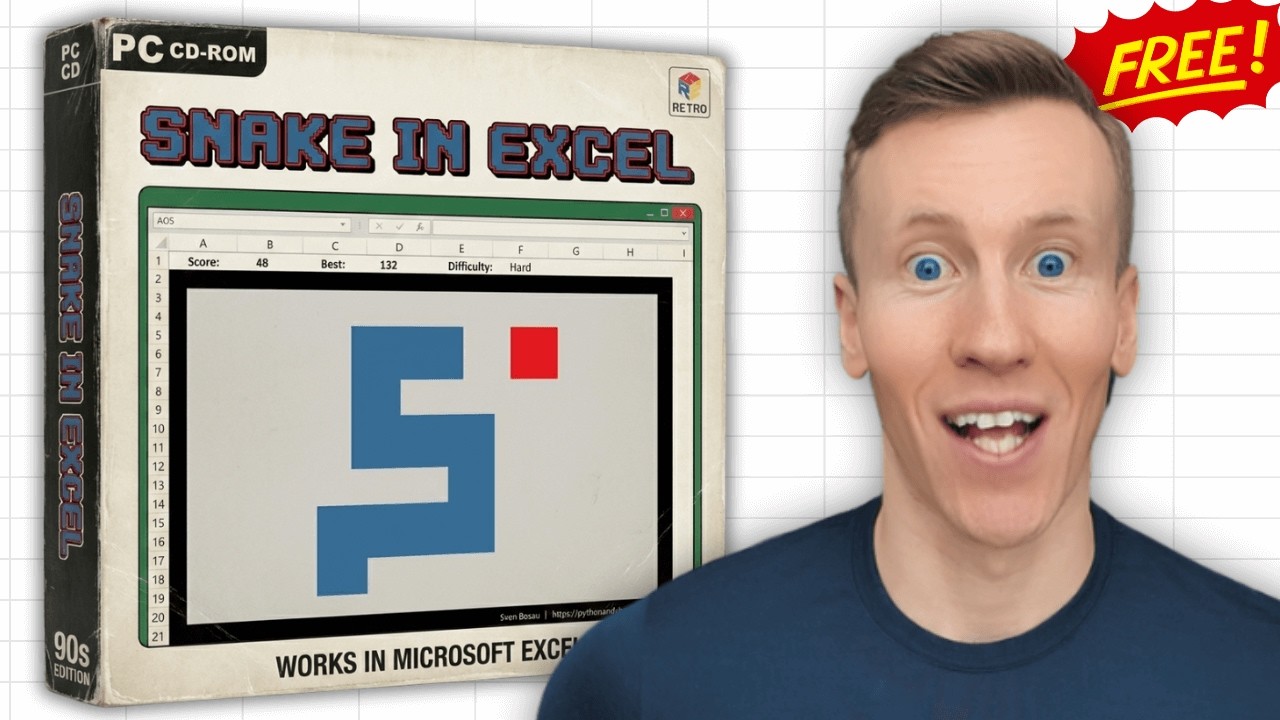
I built a fully playable Snake in Excel add-in that runs inside a worksheet, saves a local high score, and optionally submits top scores to a global leaderboard. It is free to download, easy to install, lets you change snake color and difficulty, and shows a public Hall of Fame.
What is this and how it feels
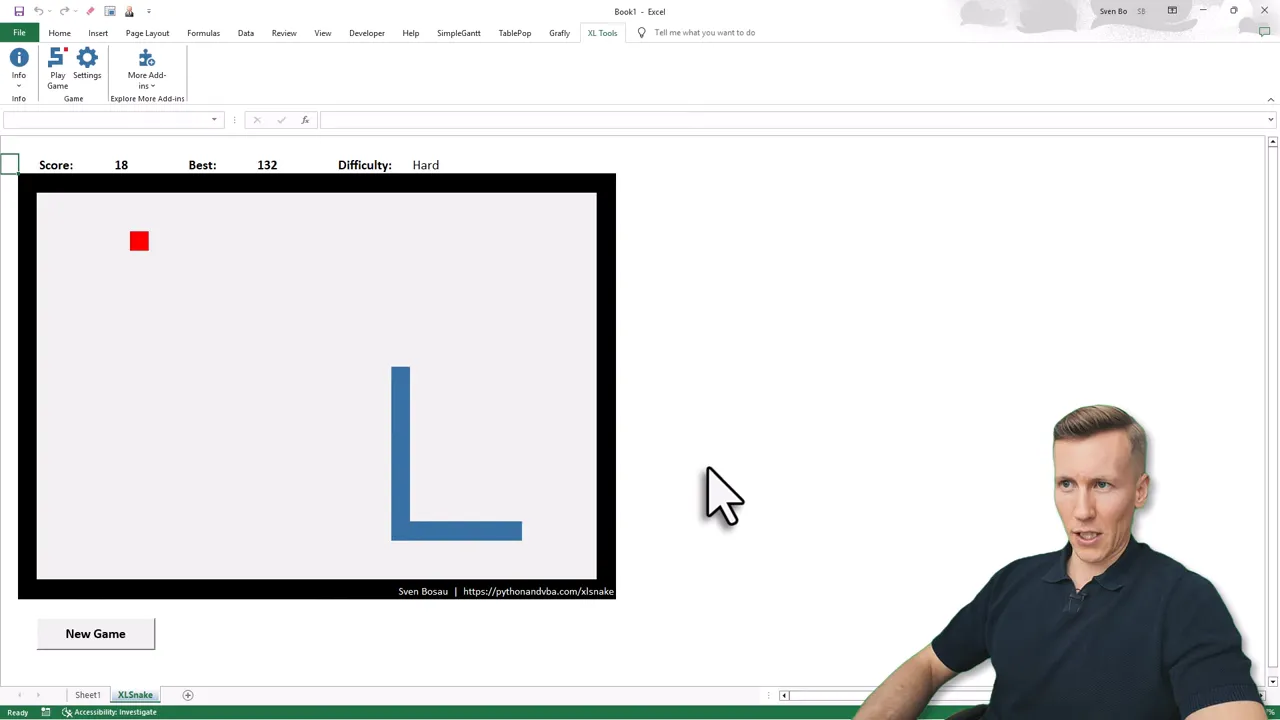
This is a compact version of the classic Snake game implemented as an Excel add-in. You control the snake with the arrow keys, eat apples to grow, and the run ends when you hit a wall or bite yourself. It behaves like a tiny game built inside a spreadsheet, which makes it a fun little distraction during a break (don’t tell your manager).
Controls and basic rules
- Controls: Arrow keys to move the snake.
- Objective: Eat apples to grow and rack up points.
- Game over: Hitting a wall or colliding with your own snake body.
The gameplay is straightforward, so you can jump right in and focus on learning movement and spatial awareness inside the grid.
Scoring and the global leaderboard
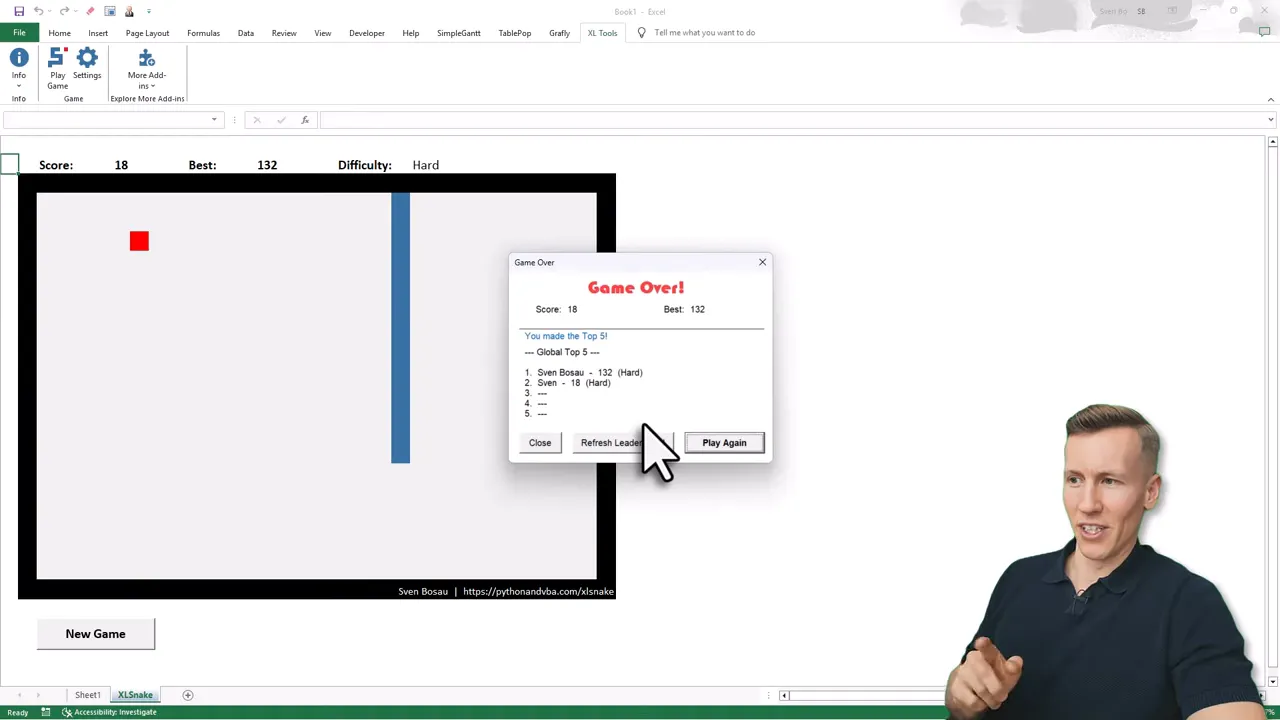
Your personal high score is saved locally on your computer. If you do well enough to qualify for the public list, the add-in will ask if you want to submit your score to the global leaderboard. Submitting is optional.
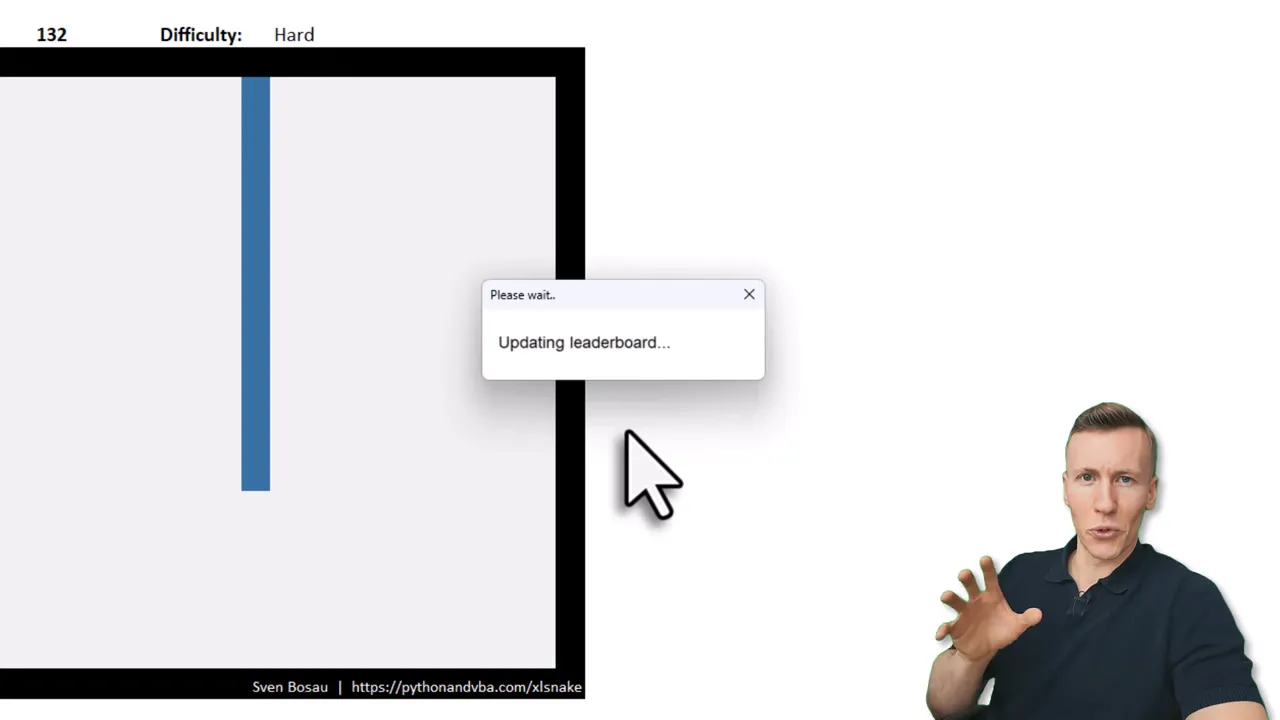
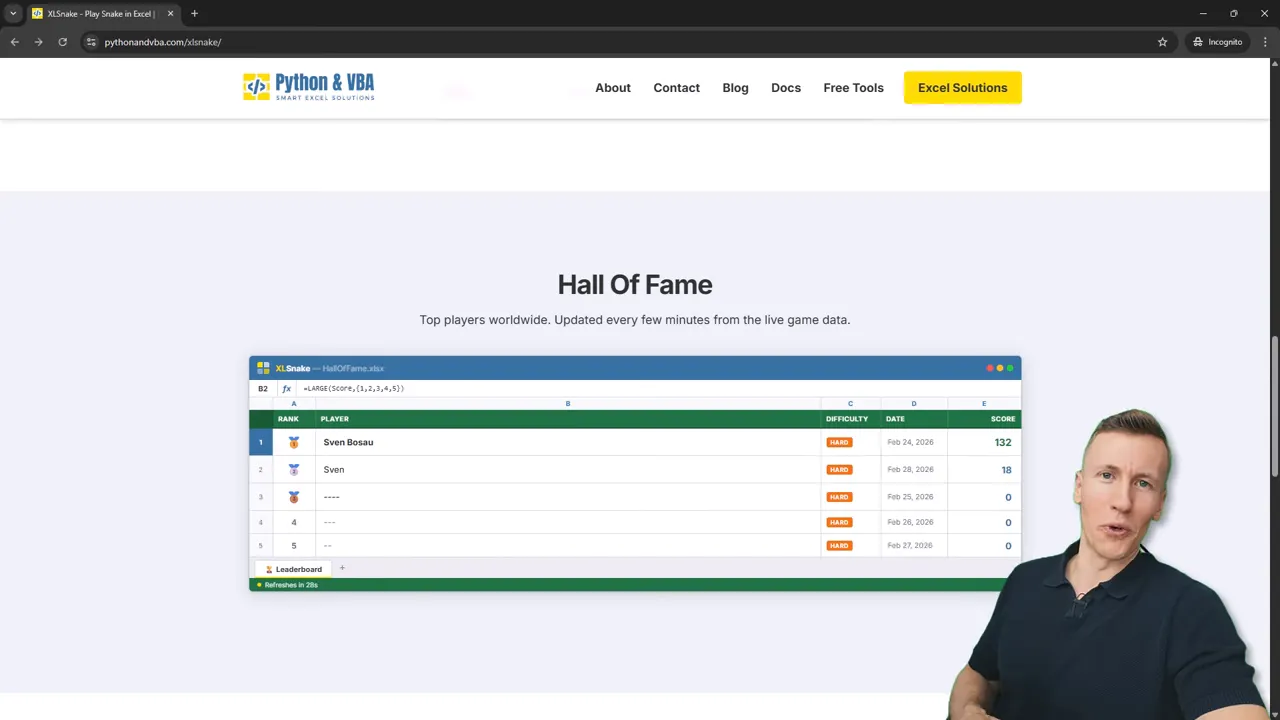
Once you submit, the leaderboard on the website updates (it refreshes every minute), so top scores show up in the public Hall of Fame.
Privacy and options
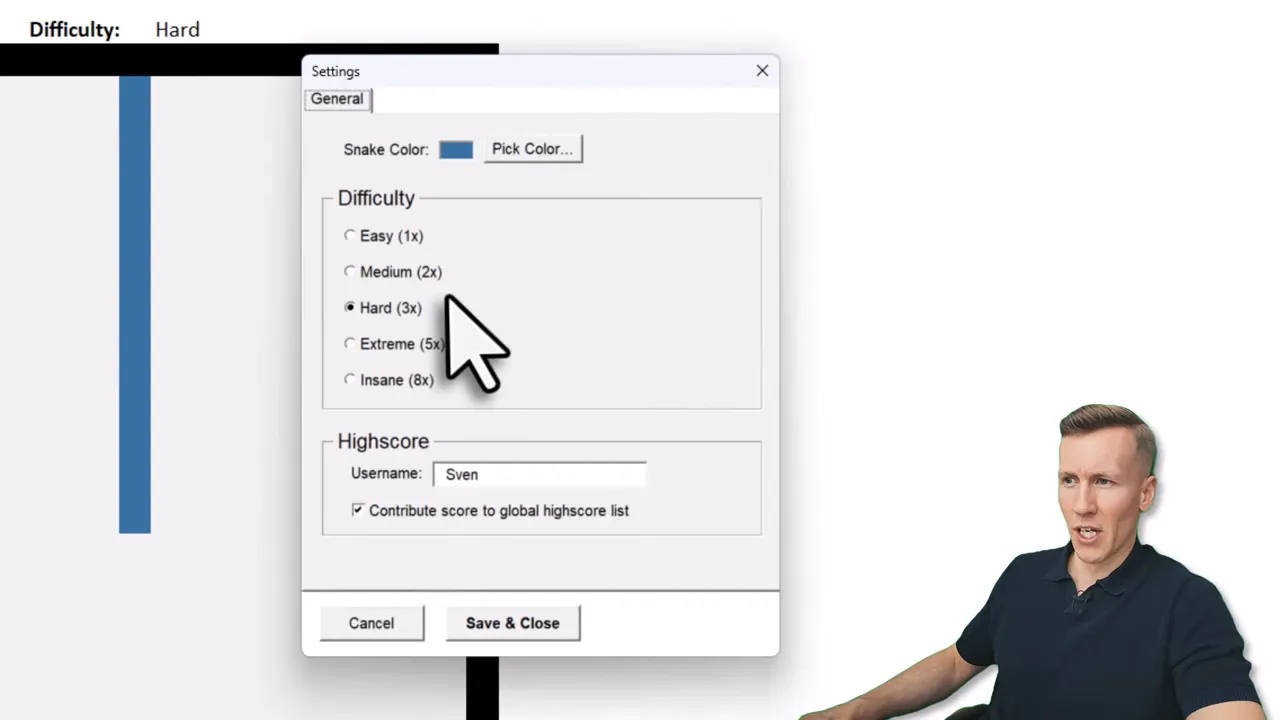
If you prefer to keep your score private, just turn off the global leaderboard option in the settings before saving. No score will be posted without your consent.
Customize the game
A small settings panel lets you tweak appearance and difficulty.
- Snake color: Pick a color that helps you track the snake on the grid.
- Difficulty: Ranges from Easy, Medium, Hard, Extreme, to Insane. The faster the snake, the more points you can earn, but the harder it is to survive.
Download and install (step-by-step)
The add-in is free. Use your name and email on the download form and you will receive an email with the add-in and a getting-started video. Installation takes a minute.
- Download the ZIP file (likely lands in your Downloads folder).
- Extract the archive (right-click, Extract All).
- Right-click the add-in file, choose Properties, and unblock it if the unblock option appears. If you do not see unblock, the file is already fine.
- Open Excel, go to
File>Options>Add-ins. ClickGo. ClickBrowseto open the default add-in folder. - Drag or copy the downloaded add-in into that folder, select it, then click
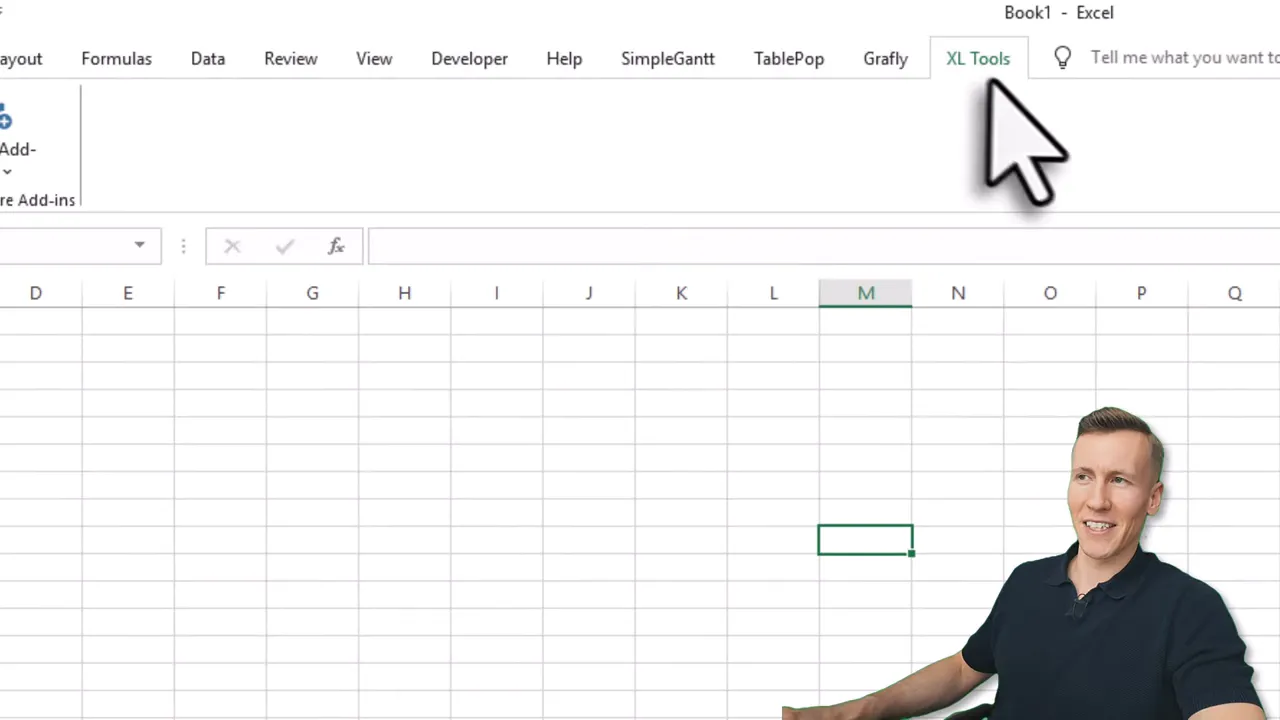
OKto enable it. - After installation, a ribbon entry (named “XL Tools” to avoid awkward meeting questions) will appear with the button to create a playable worksheet.
Where scores appear publicly
The public Hall of Fame and updates roughly every minute. If your submission qualifies, your chosen display name will appear there.
Final notes
Playing Snake in Excel is a fun reminder of how versatile spreadsheets can be. It is small, customizable, and surprisingly addictive. If you try it, you might see your name on the leaderboard … and if you do, I’ll probably be frustrated in a friendly way 😉
If you want the download link, head to pythonandvba.com/xlsnake, enter your name and email, and you will get the add-in and the getting-started video via email.
