
Get your Excel data into any app. One click.
Copy a range out of Excel, paste it somewhere useful, and what lands is a block of tabs the tool on the other end has to guess at. XLPrompt turns the same selection into clean JSON.
- JSON to clipboard or file
- Send to any webhook
- Works on Windows and Mac
Excel 2010 or later. 14-day refund.
See what people build with it
Three short videos, three real workflows.
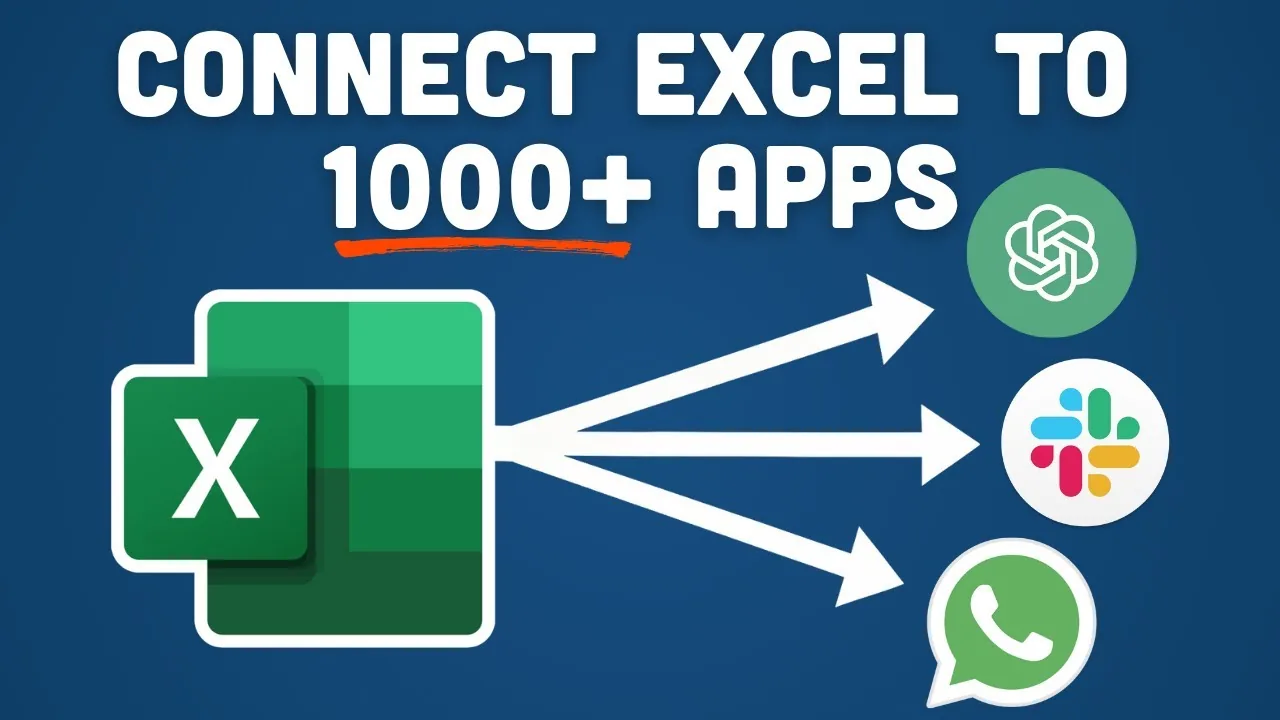
Connect Excel to 1,000+ apps
Send emails, post to Slack, build a website or run AI on your data, all from one button in Excel.
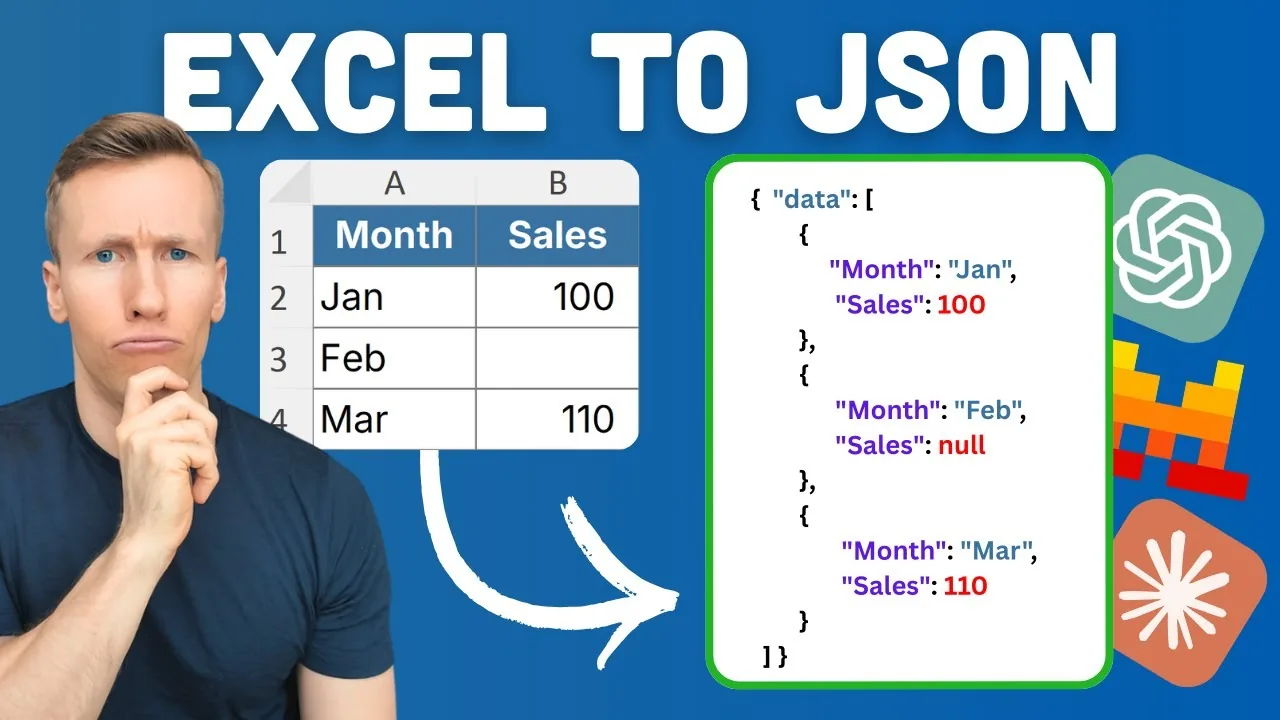
Ask ChatGPT about your data
Export clean JSON, paste it into ChatGPT or Claude, and get answers and dashboards in minutes.
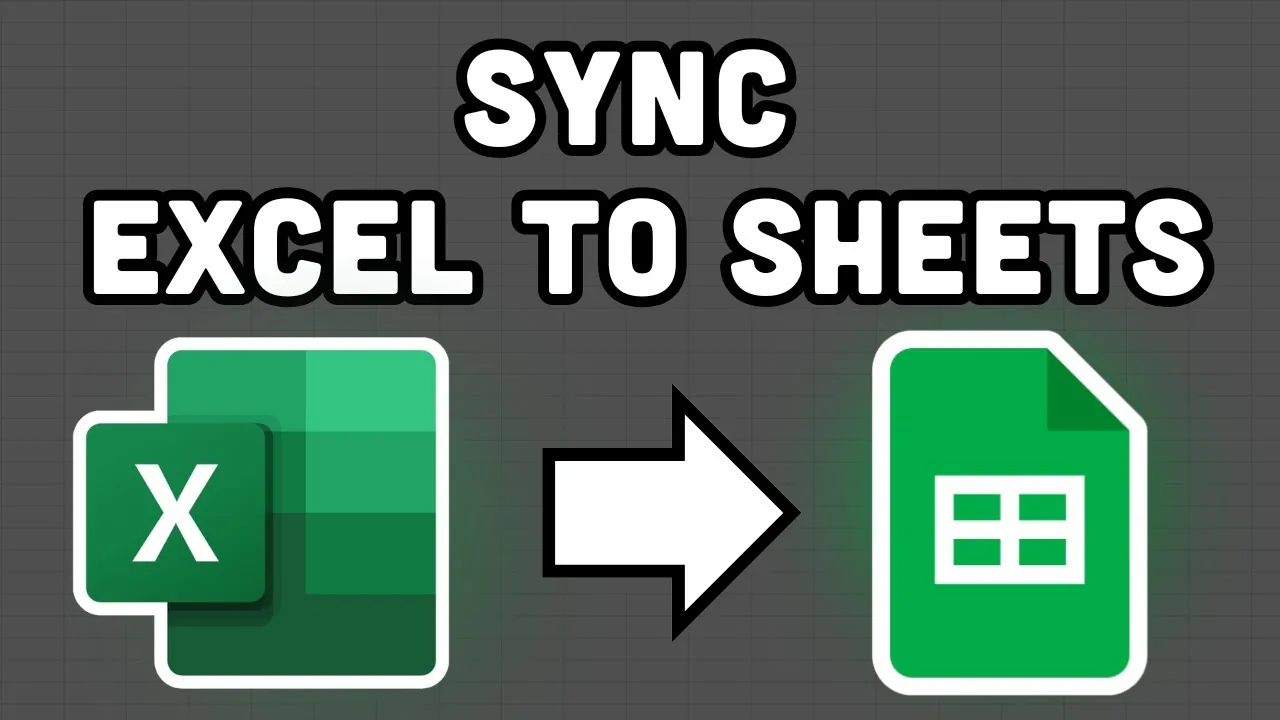
Sync Excel to Google Sheets
Push data from your desktop Excel file to Google Sheets with one click. No upload, no copy-paste.
Why people use it
Clean output, no fixing
Select the range and click. XLPrompt handles the brackets, quotes and special characters. Nothing to repair by hand.
Clipboard, file or webhook
Copy the JSON to paste into an AI tool. Save it as a .json file. Or send it to n8n, Make, Zapier or any URL. Same button, your choice.
No monthly fee
Export data and call webhooks directly from Excel. Unlimited exports, unlimited webhooks, every update included.
Who it is for
Anyone who needs Excel data somewhere else, in a shape that other tools understand.
AI users
Feed clean data to ChatGPT, Claude or your own model
Automation builders
Push Excel data into n8n, Make or Zapier
Developers
JSON for APIs, configs and test data
Data analysts
Reports as JSON for dashboards and pipelines
Project managers
Task lists and status updates sent to other tools
Database admins
Import files and seed data from spreadsheets
Compared with doing it by hand
| By hand or with VBA | XLPrompt | |
|---|---|---|
| Excel to JSON | Copy, paste, fix the formatting | One click, correct every time |
| Sending to an API | Write VBA or pay for a platform | Paste a webhook URL |
| Data for AI tools | A screenshot or a messy paste | Clean JSON with your prompt attached |
| Special characters | Often broken | Kept, or escaped if you want |
| Headers in a column | Rearrange the data first | First row, first column or none |
| Setup | Hours | Two minutes |
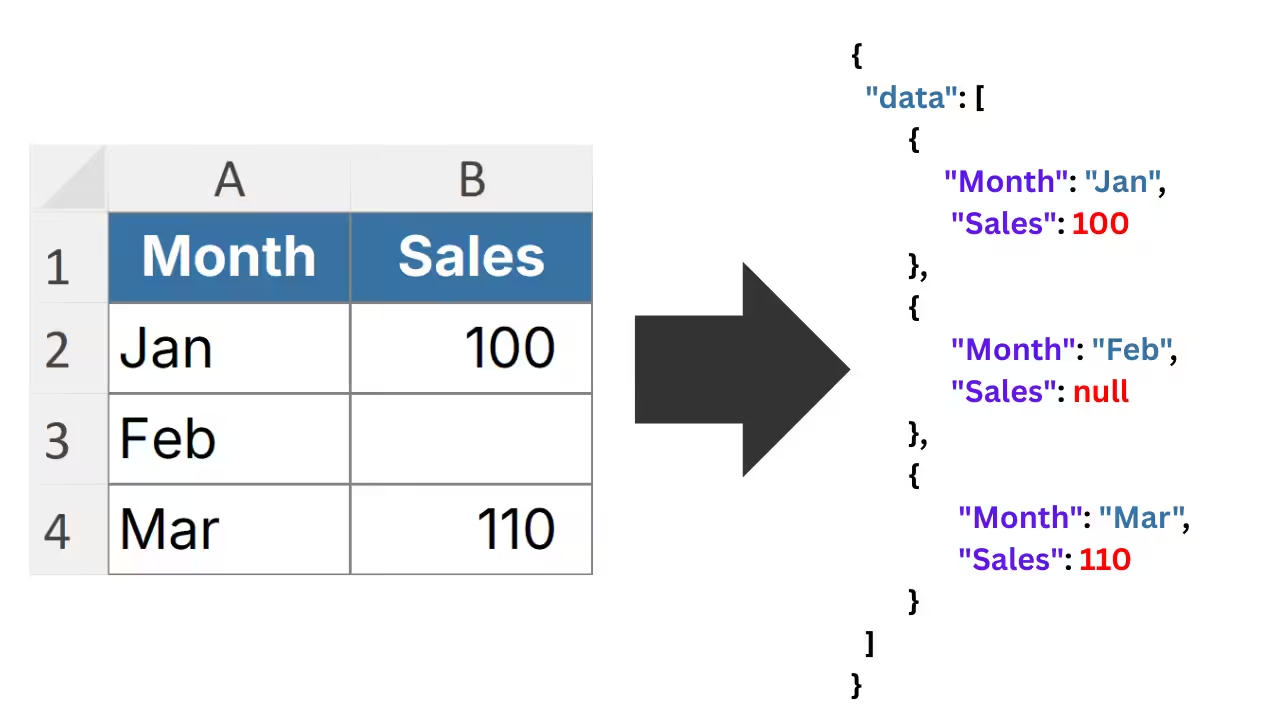
Pick the JSON shape your tool wants
Array, object, table or cell by cell. Copy it to the clipboard or save it as a file with your own naming and version numbers.
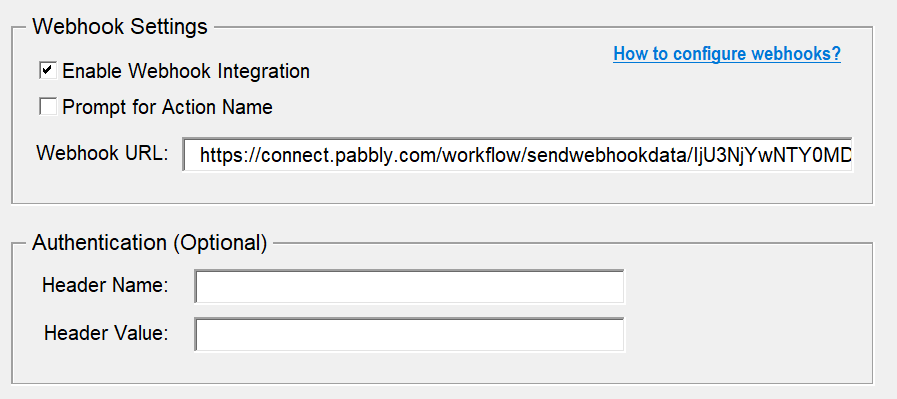
Send data straight to another app
Paste a webhook URL and XLPrompt sends your data there as a POST request. Works with n8n, Make, Zapier or your own server. The reply can show in a message, go to a new sheet, or land in a cell you choose.
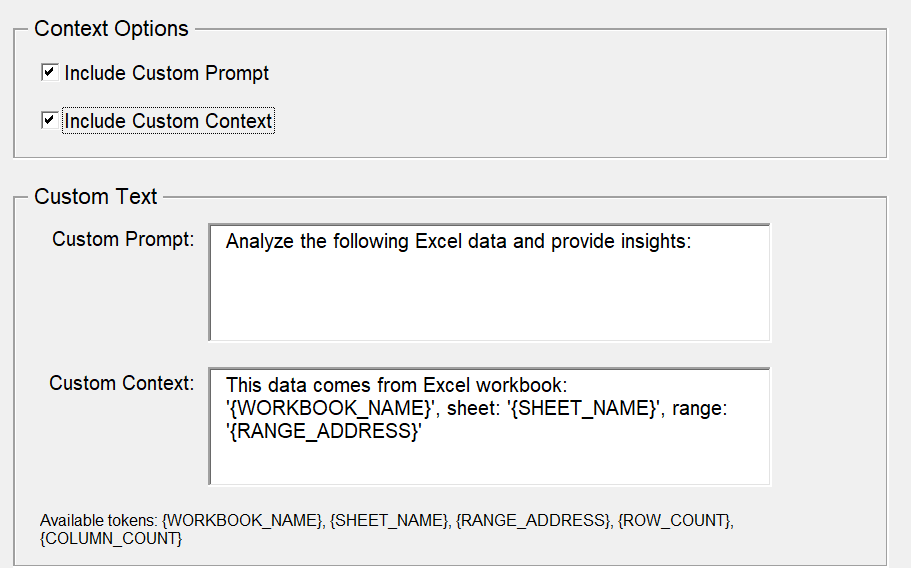
Tell the AI what the data is
Add a prompt and a short note to the export. When you paste it into ChatGPT or Claude, the AI already knows what it is looking at and what you want.
Your layout, not the tool's
Headers in the first row, in the first column, or no headers at all. XLPrompt handles all three, skips blank cells, keeps characters like ä and ü, and can add a timestamp.
What people say about my add-ins
Fantastic support
“Fantastic support. Have an issue? Within a few hours You are emailed back with the solution. Highly recommend using Python & VBA apps.”
Awesome add-ins
“Awesome Add-ins, making life in Excel just that much faster and more fun. Sven was quick to respond to some issues I was having, and we got them resolved without a hitch.”
Fantastic customer service
“I recently purchased the ExcelToWord tool and the Excel2PPT tool. Both worked exactly as described and when I had questions Sven was super responsive and helpful.”
One payment. Yours forever.
Price in USD. No subscription.
- Unlimited exports
- Webhooks to any app
- Prompts and notes for AI tools
- Clipboard or file
- Windows and Mac
- 3 of your own computers
14-day refund, no questions asked. If it is not for you, email me and you get your money back.
Need more than 3 computers? Email me for team pricing.
Frequently asked questions

Still have a question?
I’m Sven, the developer, and I usually reply within a day.
Stop copy-pasting out of Excel
Clean JSON out of any range, or straight into the app that needs it.
Get XLPromptXLPrompt is an independent product by Bosau Digital LLC. It is not affiliated with, endorsed by or sponsored by Microsoft, OpenAI, n8n, Make or Zapier. Microsoft, Excel and Microsoft 365 are trademarks of the Microsoft group of companies; all other names are trademarks of their respective owners.