
1. Open CutePlots in Excel #
Go to Home → Add-ins → More Add-ins, search for CutePlots, and choose Add. Some versions of Excel use Insert → Get Add-ins.
2. Try your first chart #
- Choose a chart type in Create.
- Press Add sample sheet. CutePlots adds examples to a new worksheet.
- Switch chart types to try their matching sample data.
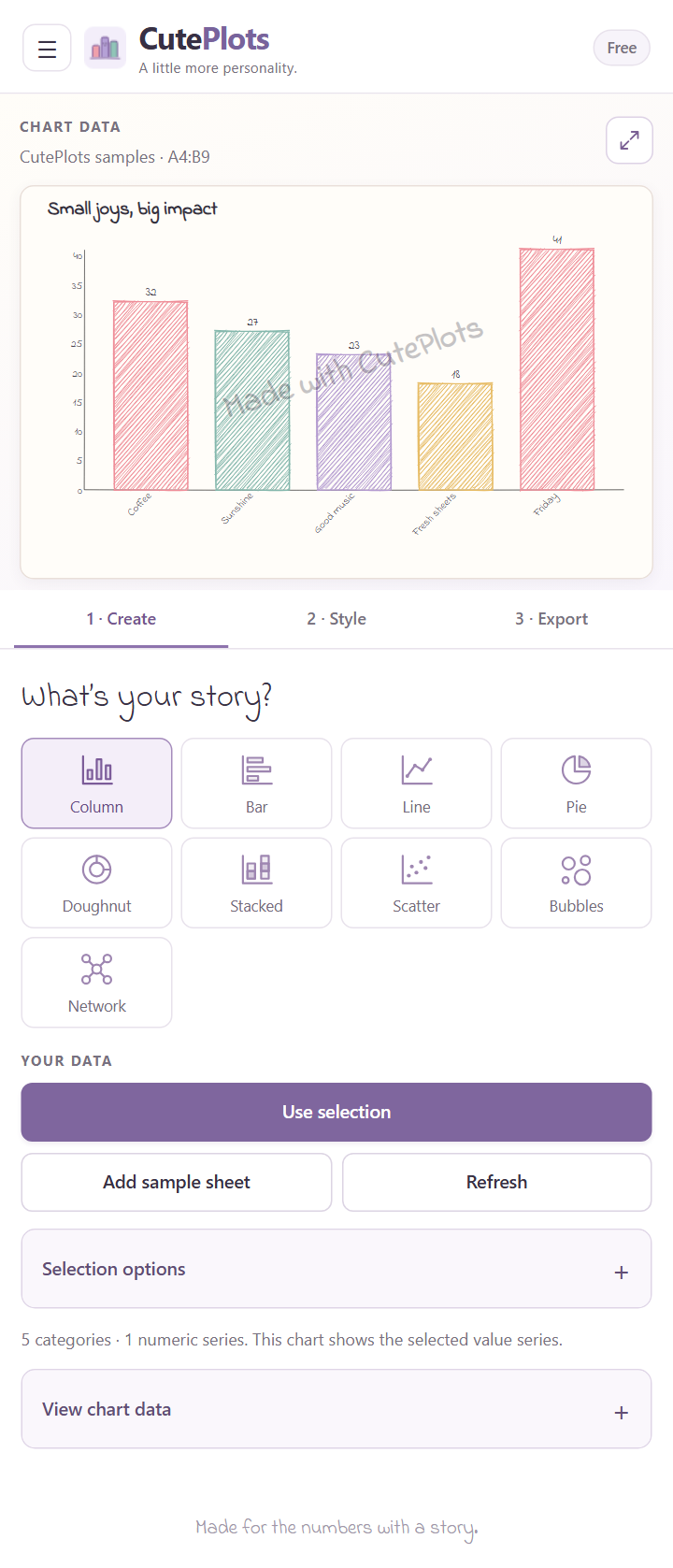
3. Style it and use it #
Open Style to choose colors, lettering, and a title. Then open Export and press Insert into worksheet.
Ready for your own numbers? Connect your data.
CutePlots works in compatible versions of Excel on Windows, Mac, and the web. You need an internet connection to open the add-in. Your organisation may manage add-in installation.