
Start with an example #
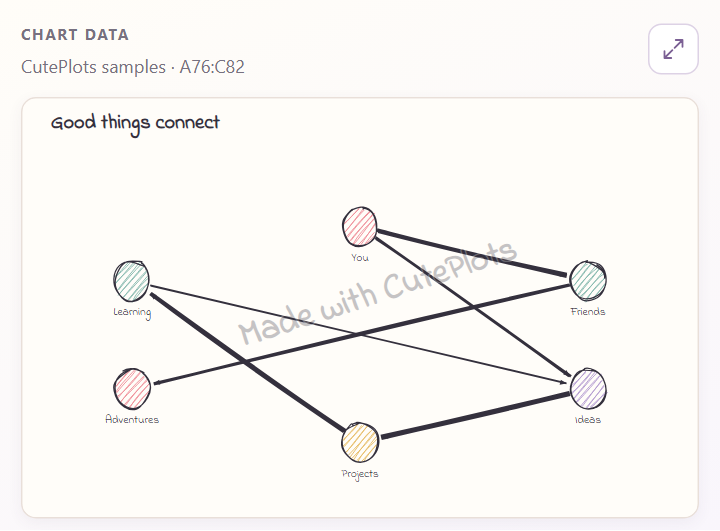
Choose Network, then Add sample sheet. Each row connects the name in From to the name in To. The arrow shows the direction.
What does Weight do? #
A larger Weight makes that connection thicker relative to the others. It does not move the nodes or change their size.
| From | To | Weight |
|---|---|---|
| Idea | Sketch | 1 |
| Sketch | Review | 5 |
| Review | Launch | 10 |
In this example, the connection to Launch is thickest. Doubling every weight keeps the same appearance because the proportions have not changed. Without a Weight column, connections have equal weight.
To make all connections heavier or lighter, change Line weight under Style → Advanced styling.