
Copy card link copies a link that opens your animated card in any browser, on a computer or a phone. Paste it into a chat, an email or a message. The person who opens it needs no Excel and no CardPop.
Copy the link #
- Make the card in the pane.
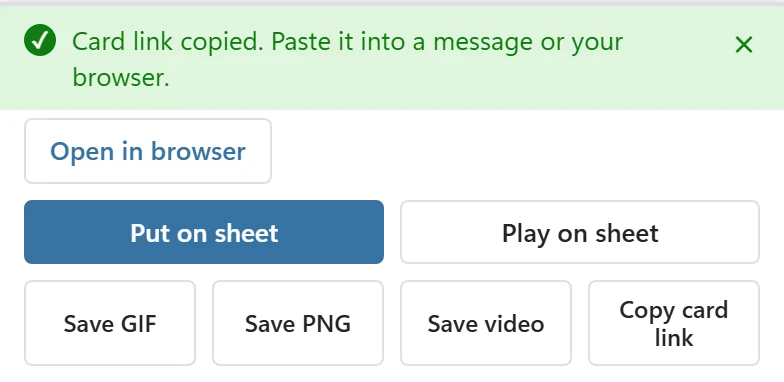
- Click Copy card link in the bar at the bottom. The bar says Card link copied. Paste it into a message or your browser.
- Paste the link where you want to send it. To see the card the way the recipient will, click Open in browser under the message.
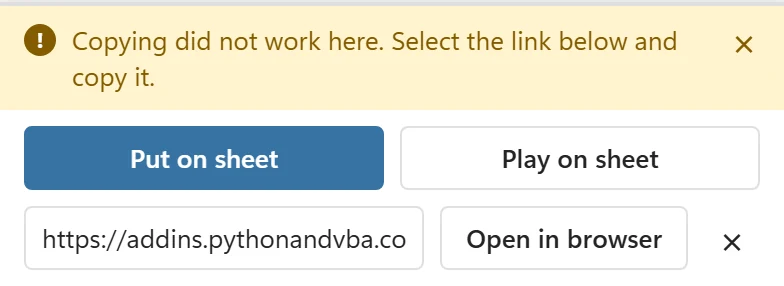
If Excel does not let the pane use the clipboard, the bar says Copying did not work here. Select the link below and copy it. and shows the link in a box in place of the save buttons. Click into the box, select the whole link and copy it with Ctrl+C (Cmd+C on a Mac). Open in browser next to the box opens the card page directly, and the × closes the box.
If Excel cannot open a browser, the bar says Excel did not open your browser. Copy the link and paste it into your browser. and shows the link box, so you can copy the link by hand.
In chat apps that show link previews, the link appears with a picture of a closed card and the words A card for you, so the card itself stays a surprise.
What the recipient sees #
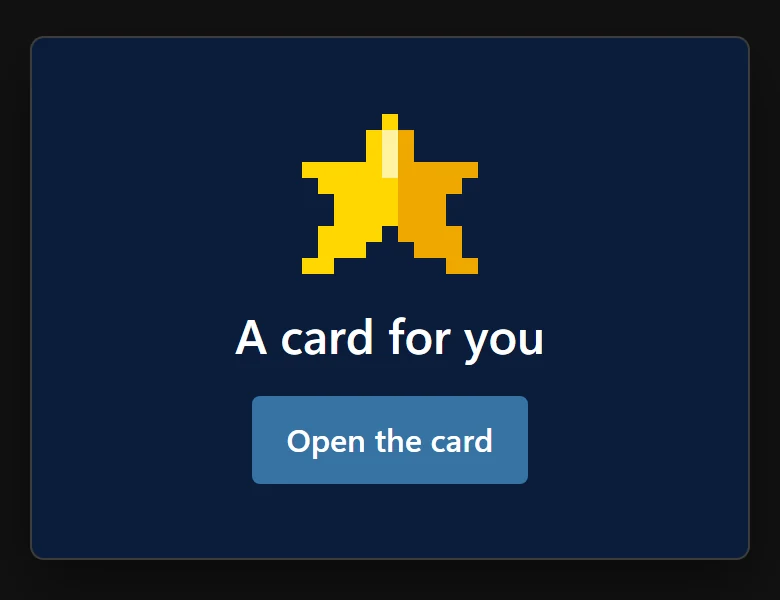
The link opens a page titled A card for you · CardPop. First it shows a closed card with the card’s icon and the button Open the card. A tap opens it and the animation plays. (If the device is set to reduce motion, the card is shown straight away.)
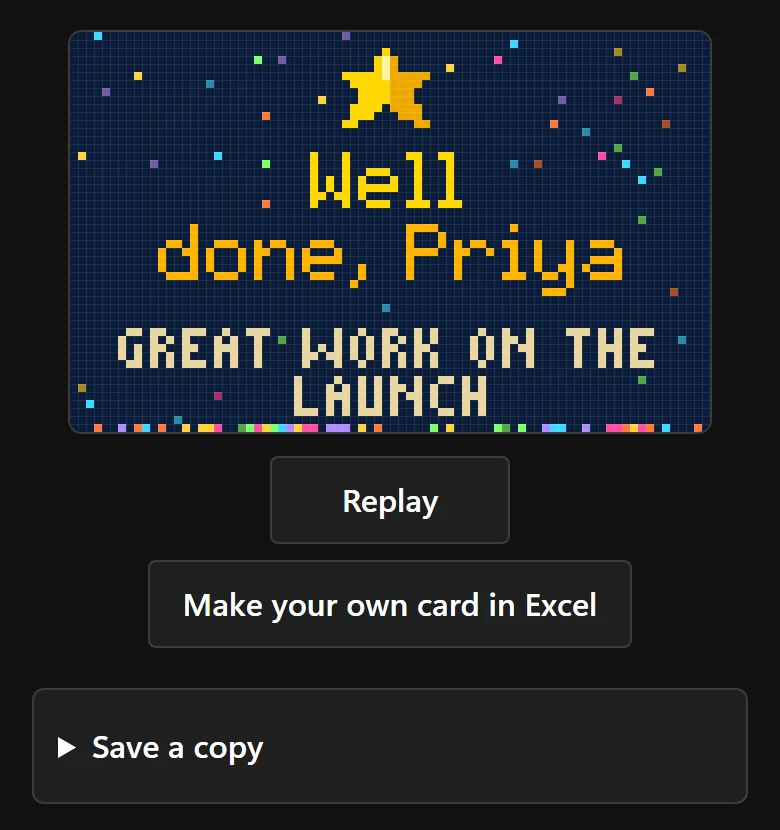
Below the open card are Replay, Make your own card in Excel (a link to the CardPop page) and a folded Save a copy section with Save as PNG, Save as GIF and Save as video.
On phones that can share files, Save a copy also has a Share button. The first tap makes the GIF and the button turns into Share now; a second tap opens the phone’s share menu with the GIF, for example to send it on WhatsApp. After a save, and when saving or sharing fails, the page adds If nothing happens, open this page in your browser (for example Chrome or Safari) and try again. Many chat apps open links in their own small browser, which can block downloads.
Other messages on the page:
- This card link is incomplete. Ask the sender to copy it again, or click Save again in Excel. The link was cut short, for example by a chat app that broke a long line.
- This card was made with a newer CardPop. Reload this page to see it. The page in the browser is older than the add-in that made the card; reloading gets the current page.
Link privacy #
The whole card, its words, colours and effect, is written into the link itself, after the # sign. The page reads it from there and draws the card in the browser.
- Browsers do not send the part after # to any server, so the card is never sent to us or stored anywhere. The page loads only its own files from addins.pythonandvba.com.
- Anyone who has the link can see the card. Send it only to the people the card is for, and treat it like the message itself.
- Because nothing is stored, a link does not expire and cannot be withdrawn. Change the card and copy a new link if you need a different one; the old link keeps showing the old card.
The same page is what Excel for Windows and Mac open to save files, see Save as PNG, GIF or video.