
Free VBA Libraries for JSON, Web Requests and Files

Most VBA projects re-implement the same helpers. Three free, open-source modules cover the common ground: VBA-JSON for parsing and building JSON, VBA-Web for HTTP requests on Windows and Mac, and VBA-FileTools for files and folders. The Awesome VBA list on GitHub collects many more.
Why use a library
VBA written from scratch has one real strength: no dependencies, so old macros keep working for years. The cost is time and subtle bugs in helpers that thousands of people have written before. A tested module gives you both: plain VBA code inside your workbook, without writing the plumbing yourself.
The modules below are ordinary .bas or .cls files. You import them into the workbook once, they travel with the file, and nothing needs to be installed on other computers.
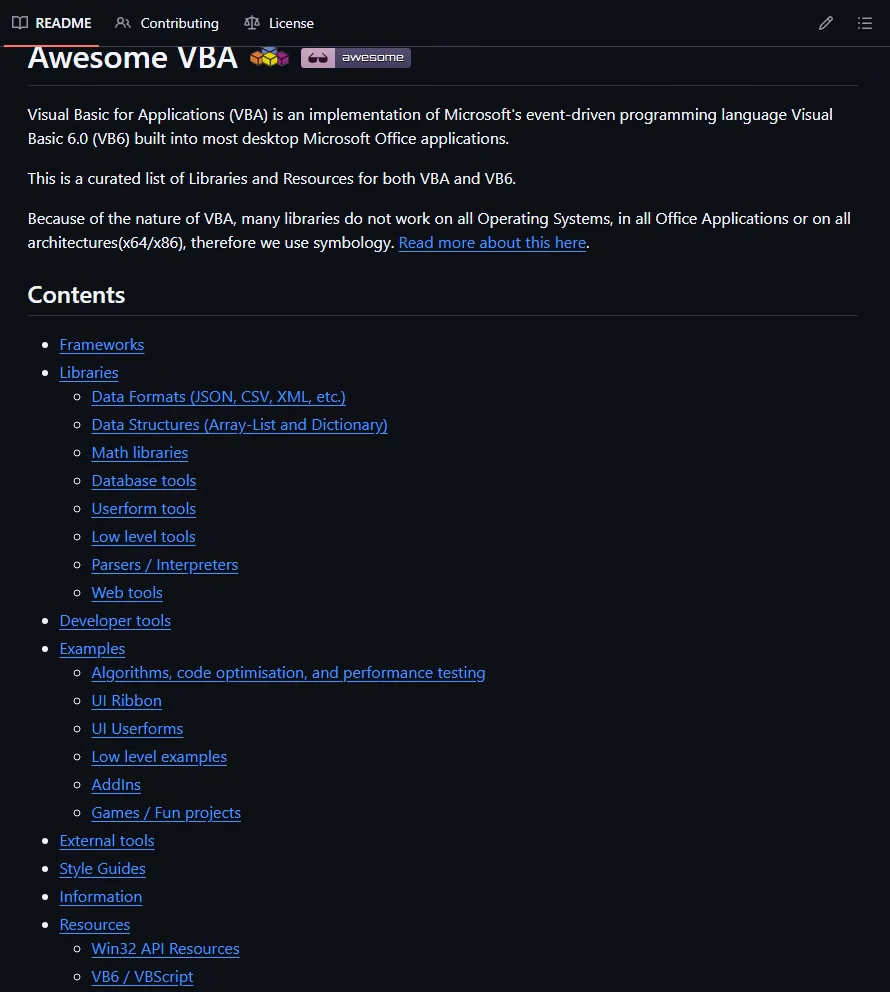
Awesome VBA
The Awesome VBA list on GitHub collects community modules and tools in one place, grouped into frameworks, libraries, examples and tools such as UI components, file utilities, web helpers and editor add-ins. It is the fastest way to find a module that does one thing well.
Start with the contents list of Awesome VBA and jump to the category you need.
VBA-JSON
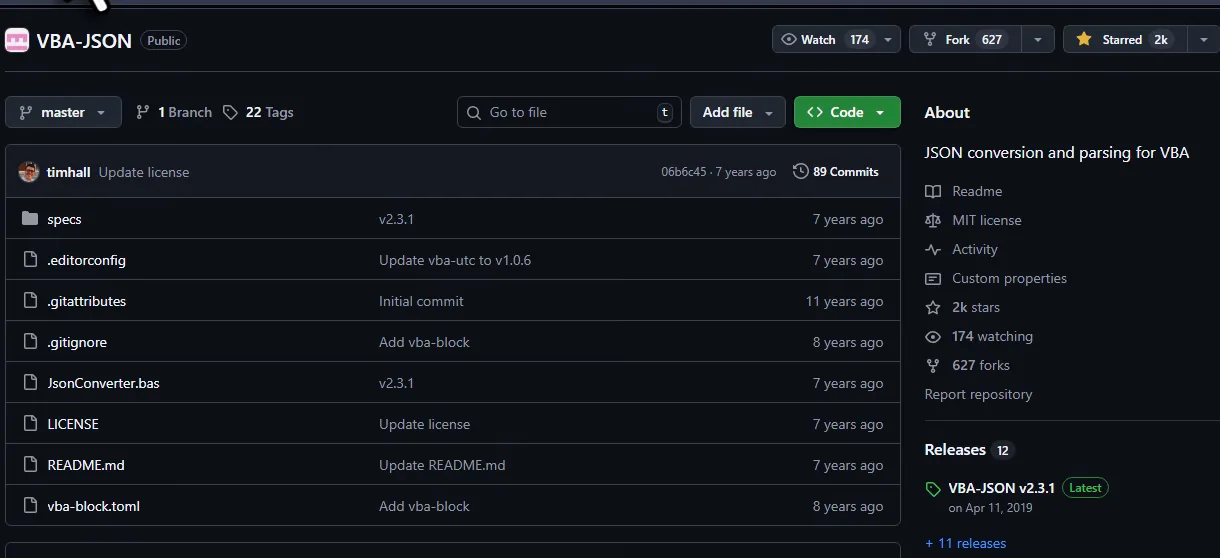
APIs answer in JSON, and parsing JSON with string functions breaks on the first nested object. VBA-JSON converts a JSON string into VBA Dictionaries and Collections and back, so you read an API response like any other object.
Download JsonConverter.bas from the VBA-JSON repository and import it in the Visual Basic Editor with File, Import File. It also needs a Dictionary: for Windows only, add a reference to Microsoft Scripting Runtime (Tools, References); for Windows and Mac, import the VBA-Dictionary module. My Gemini in Excel and DeepSeek in Excel modules both rely on it.
VBA-Web
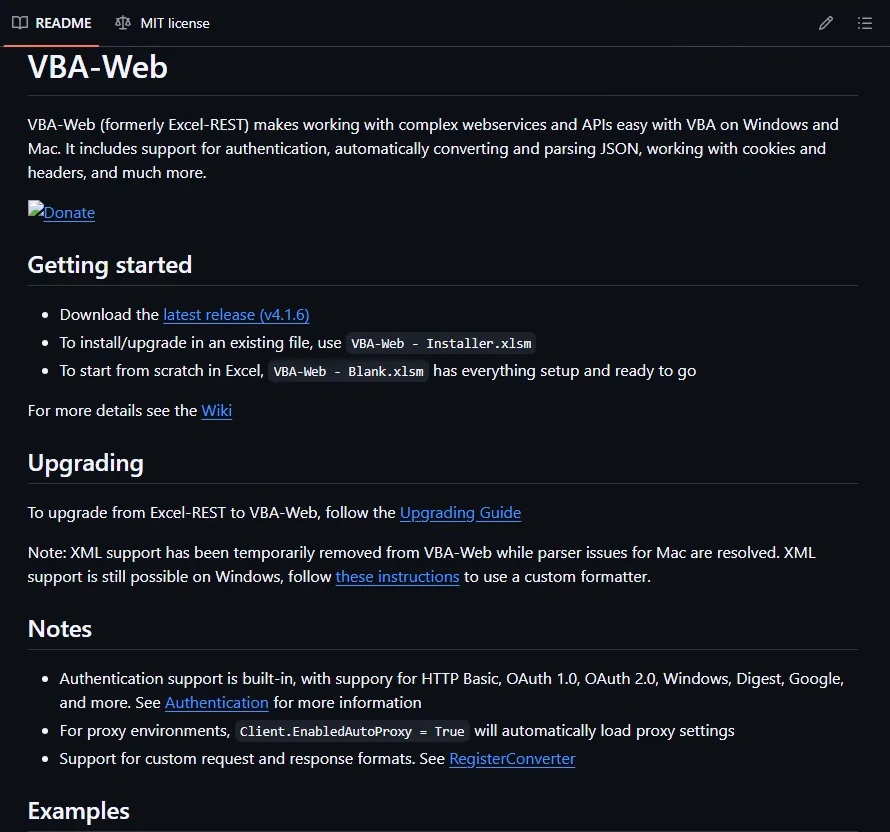
Web requests in VBA work differently on Windows and Mac. VBA-Web hides those differences, handles authentication, and bundles VBA-JSON, so a request and its JSON response take a few lines on both systems.
The VBA-Web repository has an installer workbook, sample code and examples. For a simple Windows-only POST request without a library, see sending push notifications from Excel VBA.
VBA-FileTools
Creating folders, copying files and listing a directory take many lines in plain VBA. VBA-FileTools turns each of them into one call, such as CopyFile, CopyFolder, CreateFolder, GetFiles or GetFolder, and most functions also work on macOS.
-
Download LibFileTools.bas from the src folder of the VBA-FileTools repository.
-
Unblock the file if Windows flagged it: right-click it, choose Properties and click Unblock.
-
Import it in the Visual Basic Editor with File, Import File.
-
Call the functions from your own code through the LibFileTools module name.
This is the small routine I used to test it. It creates a folder on the desktop, and its error handler adds the line number (Erl) to the message once the module has line numbers:
Sub CreateFolderOnDesktop()
    On Error GoTo ErrorHandler

    Dim desktopPath As String
    Dim newFolderPath As String

    ' Get the desktop path using LibFileTools
    desktopPath = LibFileTools.GetKnownFolderPath(kfID_Desktop)

    ' Build the path for the new folder
    newFolderPath = LibFileTools.BuildPath(desktopPath, "MyNewFolder")

    'Err.Raise 1001, "Test Error", "This is a test error"

    ' Create the folder
    If LibFileTools.CreateFolder(newFolderPath) Then
        MsgBox "Folder created successfully at: " & newFolderPath
    Else
        MsgBox "Failed to create folder!"
    End If

    Exit Sub

ErrorHandler:
    Dim errMsg As String
    errMsg = "Error: " & Err.Number & " - " & Err.Description

    If Erl <> 0 Then
        errMsg = errMsg & vbCrLf & "Line: " & Erl
    End If

    MsgBox errMsg, vbCritical
End Sub
Line numbers and a better editor
Line numbers make errors in shipped workbooks much easier to trace. VBA’s Erl function returns the number of the line that failed, but only when the code has line numbers, and nobody wants to type them by hand.
The paid MZ-Tools add-in inserts them for you before you hand a workbook over, and adds auto-indentation and easier navigation in the editor. Keep the code without numbers while you develop and add them when you ship. When a user reports an error, the message then names the exact line. The step-by-step approach in my VBA debugging tip takes it from there.
For a more modern editor at no cost, you can write VBA in VS Code, with modern search, autocomplete and AI extensions.