
Plan the Fastest Multi Stop Route Directly in Excel
With the Excel Route Planner you add your stops and get the best order in seconds. Simple, clear, and built for people who plan routes every day.
- ✓ No coding required
- ✓ Pay once, use forever
- ✓ 14-day money back guarantee
See how it works in 3 minutes
Stop Planning Routes by Hand
Let the tool figure out the best order while you focus on the work.
SAVE TIME
Optimized in Seconds
Enter your stops, click calculate, and the tool finds the fastest route through all of them. No more dragging pins around Google Maps or planning by hand.
ACCURACY
Accurate, Real-Time Data
Powered by Google Maps with current traffic data. Your travel times reflect actual driving conditions, not straight-line guesses.
SAVE MONEY
Pay Once, Yours Forever
Route optimization software typically costs $26 to $200 per month. This tool is a one-time purchase with lifetime access and free updates.
How it Works
Three steps from a list of stops to the fastest route.
-
1
Enter Your Stops
Type or paste your stops. Full addresses, partial addresses, landmarks, or coordinates all work.
-
2
Click Optimize
Choose your travel mode, hit calculate, and the tool finds the fastest order through all your stops.
-
3
Get Your Route
The optimized order, distances, and travel times appear in Excel. Open it on Google Maps with one click.
Who Uses the Route Planner
From deliveries to field service, sales visits to inspections.
Manual Route Planning vs. Route Planner
See how much time you save by letting Excel find the best order.

MULTIPLE TRAVEL MODES
Plan Routes For Driving, Walking, Or Cycling
Pick your travel mode. The tool supports driving, walking, cycling, and two wheelers, and calculates the route with the correct rules for each.


FLEXIBLE UNITS
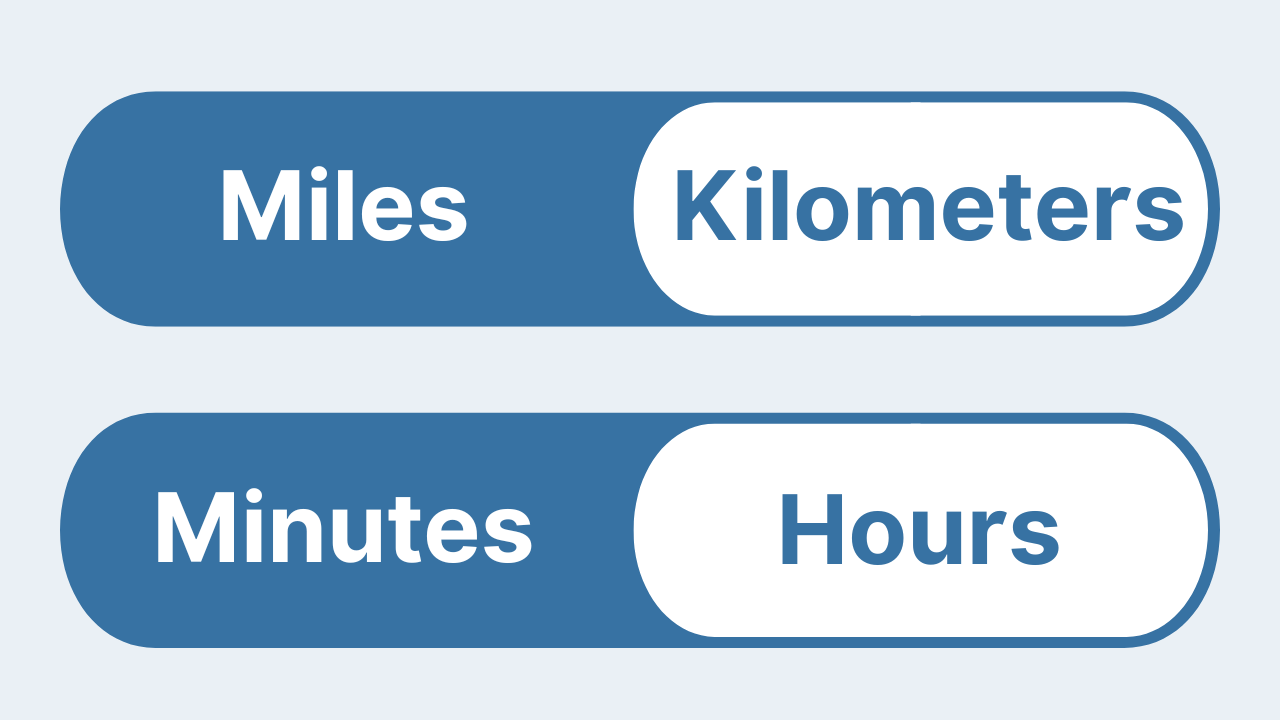
Miles or Kilometers, Minutes or Hours
Choose the units you prefer. Switch between miles or kilometers, and minutes or hours. The tool updates the results right away so you always see the numbers in the format you need.

Honest Feedback from Real Users
Responsive and open to feedback
“Impressed with both the products and the support. Very responsive to questions and open to improvement suggestions. I've purchased several tools and been happy with all of them.”
Fantastic support
“Had a question and got a helpful reply within hours. Really solid support. Highly recommend.”
An awesome program and creator
“Not only does the developer respond directly to your questions, he actually acts on them. I made a feature request and it was implemented the next day. That kind of dedication is rare.”
Simple, One-Time Pricing
One flat price in USD. No subscriptions.
one-time payment
Lifetime access, free updates included
one-time payment
Lifetime access, free updates included
Frequently Asked Questions
Everything you need to know before getting started.
Questions? Get in Touch.
If the FAQs missed a spot, I’m here to help. Ask away and get the answers you need, straight from the source!

Stop Planning Routes By Hand
Find the fastest route with one click right inside Excel.
