To set the default position for your emojis:
- Click the settings gear icon in the Emojify ribbon.
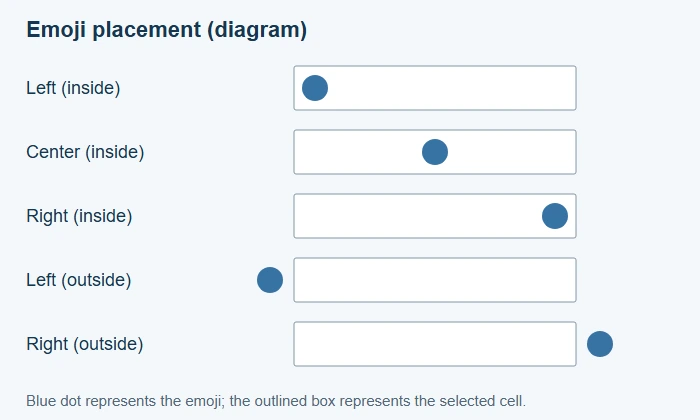
- In the settings, you can define the default location where the emoji will be placed within a cell. The available options are:
- Right (Inside): Places the emoji inside the cell, aligned to the right.
- Center (Inside): Centers the emoji within the cell.
- Left (Inside): Places the emoji inside the cell, aligned to the left.
- Right (Outside): Positions the emoji just outside the right edge of the cell.
- Left (Outside): Positions the emoji just outside the left edge of the cell.