
Excel Focustimer: Turn Focus Sessions Into Spreadsheet Pixel Art
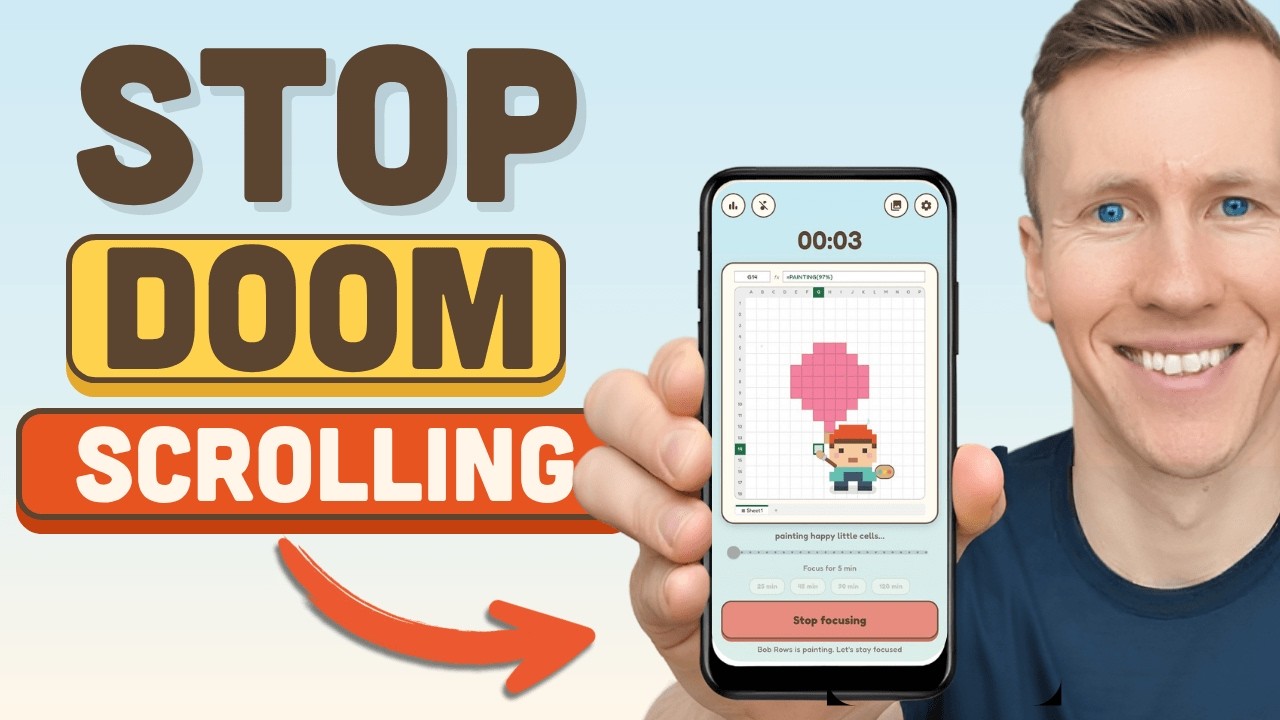
Excel Focustimer is a free Android focus timer with a slightly nerdy twist I genuinely enjoy: while you stay on task, a little artist creates spreadsheet-style pixel art. Leave the app to scroll Instagram, YouTube, or anything else, and the painting stops. Finish a session and you can collect the artwork, then export it as a real Excel workbook.
Your phone is a distraction. You pick it up for a quick check, and somehow 20 minutes later you are deep into Reels. It happens to all of us, which is exactly why I built Excel Focustimer, also called FocusCell.
The idea is simple. Give yourself a timer, put the phone down, and make staying focused a little more satisfying.
A focus timer with an actual reason not to leave the app
Most timers can count down. Great. But when your phone is already the thing trying to steal your attention, a countdown alone may not be enough.
Excel Focustimer gives you a small visual reward while you work. Start a focus session and a tiny artist begins painting a spreadsheet pixel-art scene, one cell at a time.
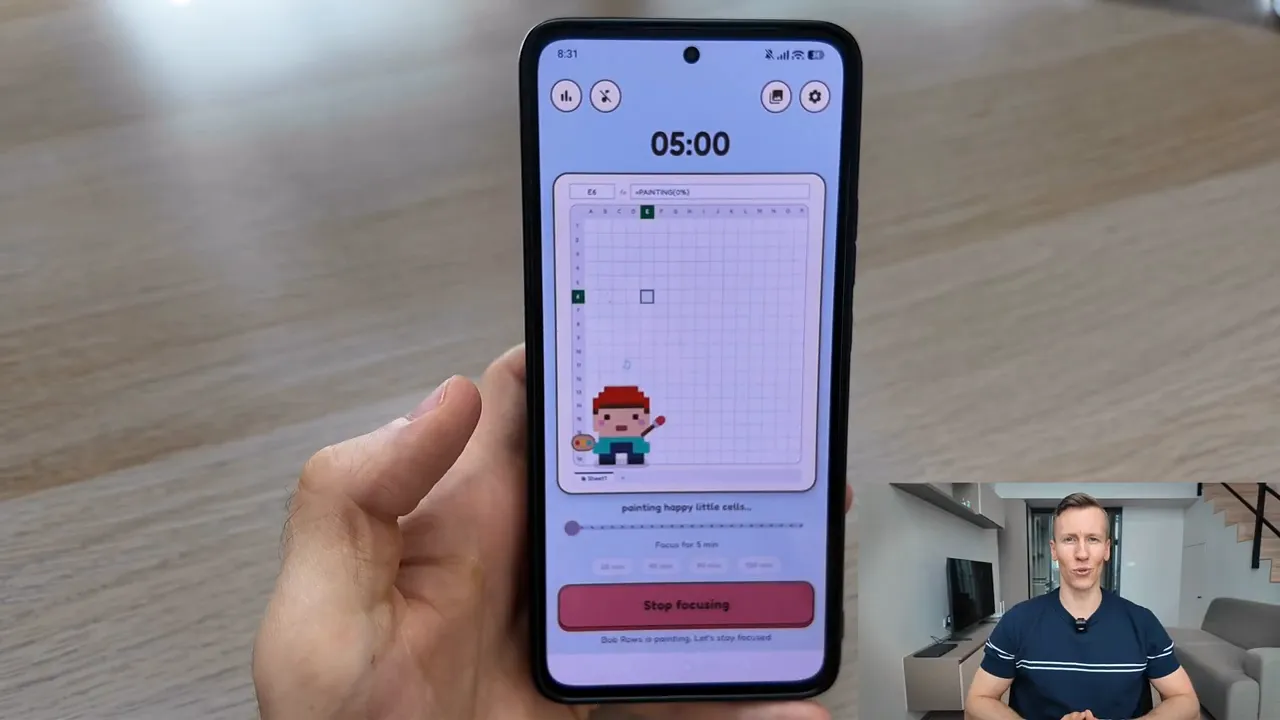
There is one important catch: the artwork only progresses while you remain in the app. If you leave to check Instagram, YouTube, or another app, the little painter stops.
It is a wonderfully low-tech kind of accountability. Pick up the phone, see a half-finished picture, and think, “Okay, fine, back to work.”
How Excel Focustimer works
- Set the length of your focus session.
- Start the timer and put the phone aside.
- Keep the app open while you work on the task that matters.
- Watch the pixel artwork gradually take shape whenever you check your progress.
- Complete the session to finish and save the artwork.
The point is not to stare at your phone all day, obviously. The point is to create a small consequence for the “just one quick check” habit. If you leave, your painting pauses. If you stay focused, it grows.
Collect more than 180 spreadsheet artworks
Every completed focus session adds another piece to your collection. There are more than 180 spreadsheet artworks to unlock, and longer focus sessions produce better artwork.
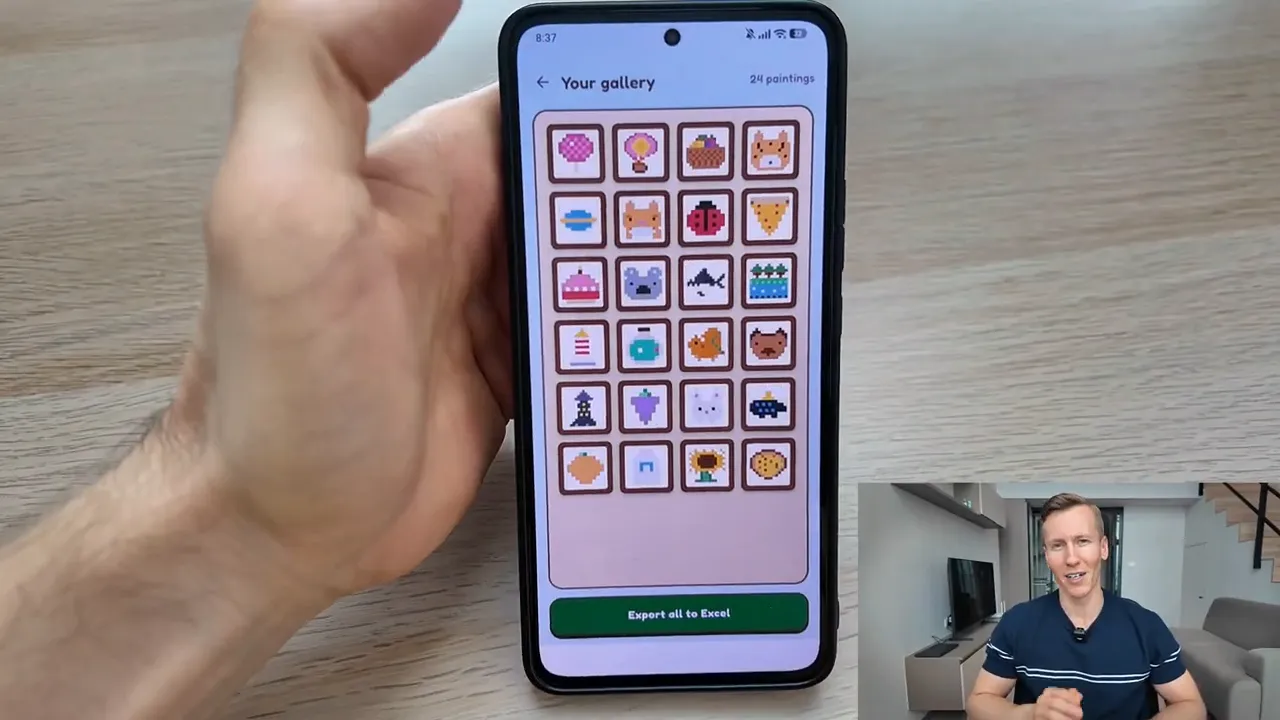
That gives each session a little sense of progress beyond a number in a history log. You are not merely collecting minutes. You are building a gallery of odd, charming spreadsheet art. For spreadsheet people, that is probably more motivating than it should be.
You can explore the app and its features on the FocusCell page.
Export your artwork to a real Excel workbook
My favorite part of Excel Focustimer is that the paintings are not trapped inside the app. You can export them as real Excel workbooks.
Open the exported file in Excel or Google Sheets, and the pixel artwork appears as a grid of colored spreadsheet cells. It is exactly what it sounds like, and yes, it is gloriously nerdy.
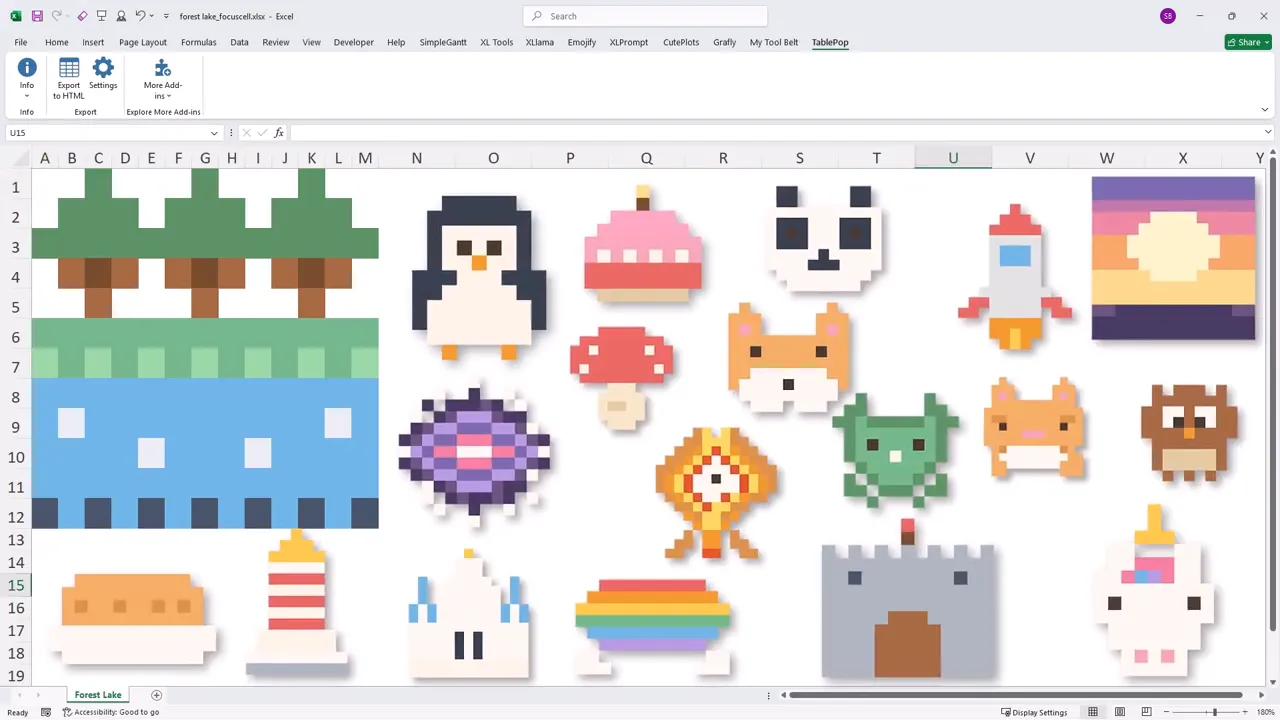
This makes the reward more tangible. Your focus session becomes a small spreadsheet creation you can keep, open, and collect alongside the rest of your workbooks.
Free, offline, and no account required
Excel Focustimer is designed to stay simple and private. The app is:
- Completely free
- Ad-free
- Usable without an account
- Fully offline
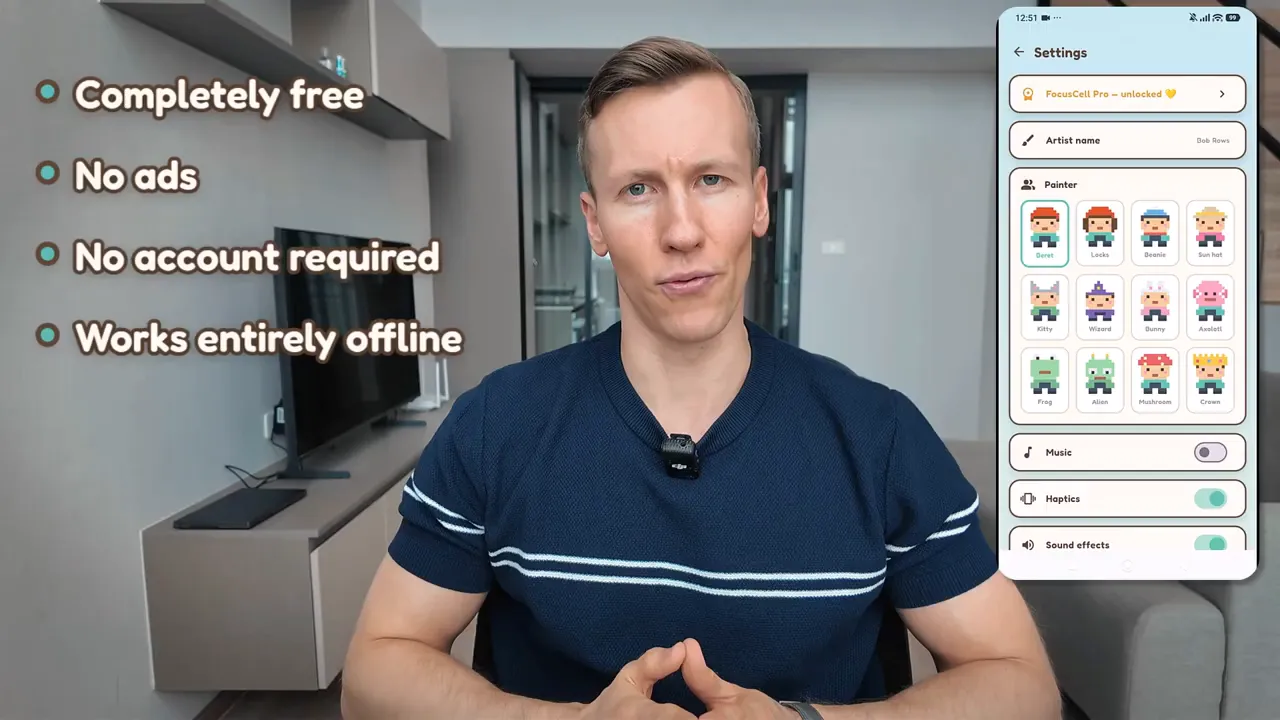
There is an optional one-time purchase for anyone who wants to unlock all painters and support continued development. It is optional, not a subscription sneaking up behind you with a monthly charge.
For details on how personal data is handled, read the FocusCell privacy policy.
Give your phone a better job
Your phone does not have to be the thing that breaks your concentration. With Excel Focustimer, it can become a tiny reminder to finish what you started.
Set a timer. Put the phone down. Let the painter do its work while you do yours.
Free on Android. A focus timer that paints spreadsheet pixel art while you stay on task, and stops the moment you leave the app. Finished pieces export as a real Excel workbook.