
Build a LINE Bot in Python: An Unusual Portfolio Project

Build a LINE bot. LINE is the main messenger in Japan and popular across much of Asia, so a working bot is a more unusual portfolio piece than another to-do app, and Python gets one running quickly. Below are the two bots I built, the two concepts you need, and the setup steps.
Why LINE
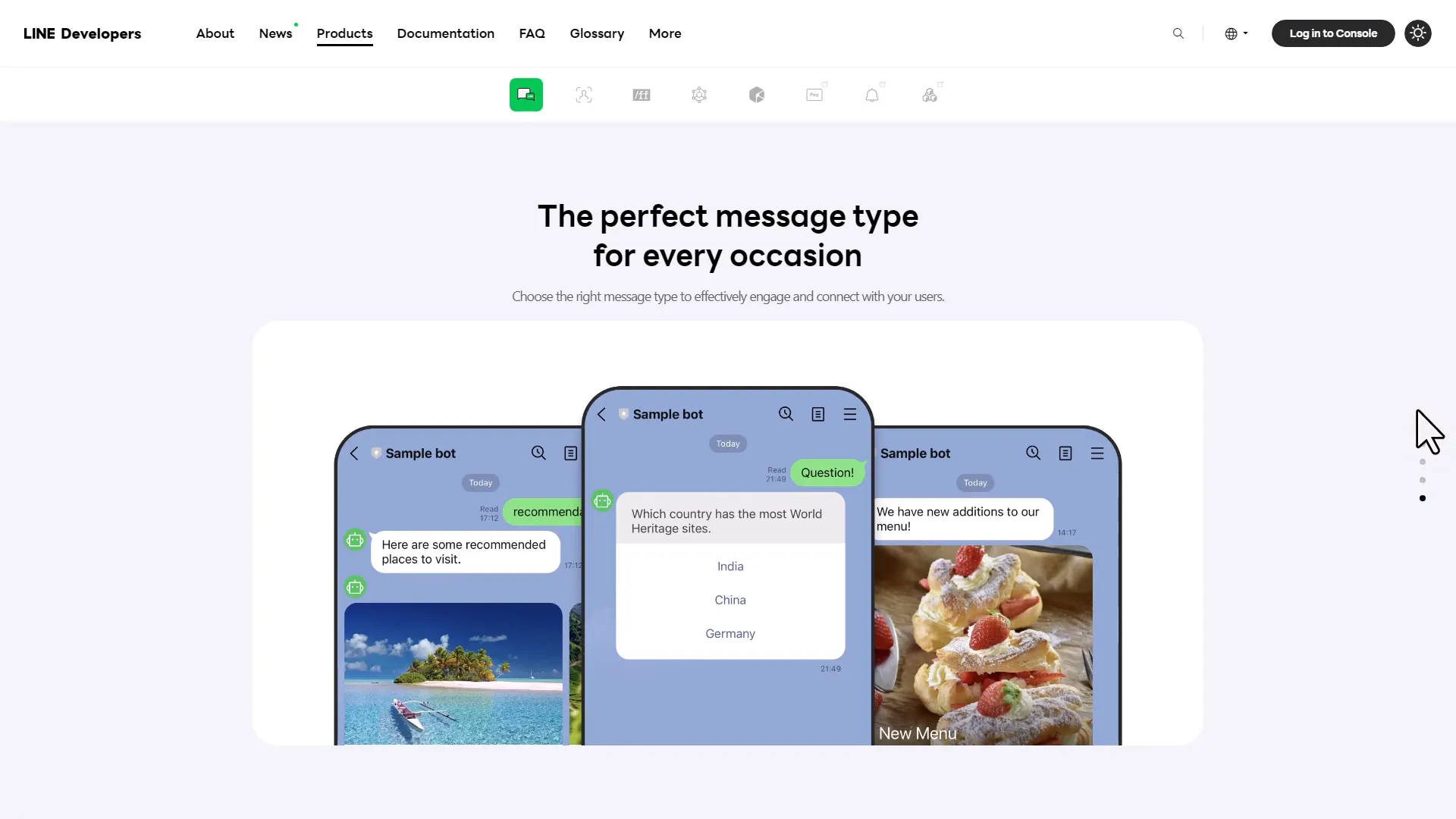
LINE is a messaging app that many people in Japan use instead of WhatsApp. I worked as a business analyst in Japan for three years and saw its potential for customer service. LINE is also developer friendly: you can build chatbots, custom menus and rich replies through its Messaging API.
What my bots did
A LINE bot can send and receive text, images, video, audio, stickers and buttons, and behind each message runs whatever Python you write. My first bot let customers enter a part number and see how many pieces were in stock. It never went live, because some customers were not allowed to install chat apps, but it showed me how much a short script can do.
Later I built a personal bot that sent me a daily update with:
- COVID-19 cases in Japan
- Weather forecasts
- Motivational messages
- Current JPY conversion rate
- A useless fact about the day
- YouTube statistics
- Workout music
- Math and vocabulary quizzes
- Meme of the day
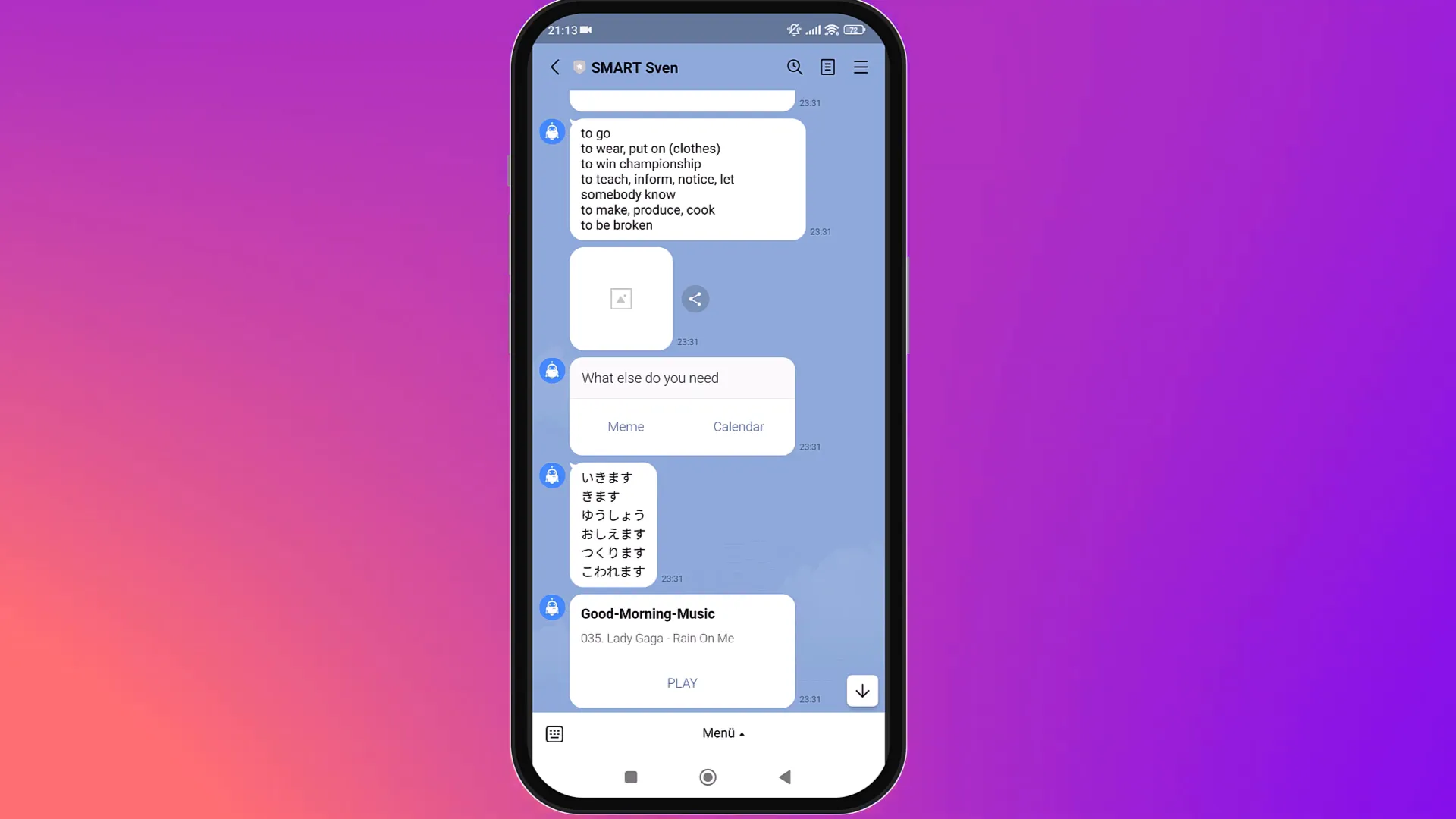
It had a custom menu for yoga and workout videos and converted YouTube videos to MP3 in the background. The same script could just as well send emails, fetch financial data or call a machine learning model. If you want a simpler start without LINE, the daily update idea also works with push notifications, as in my daily push notification bot in Python.
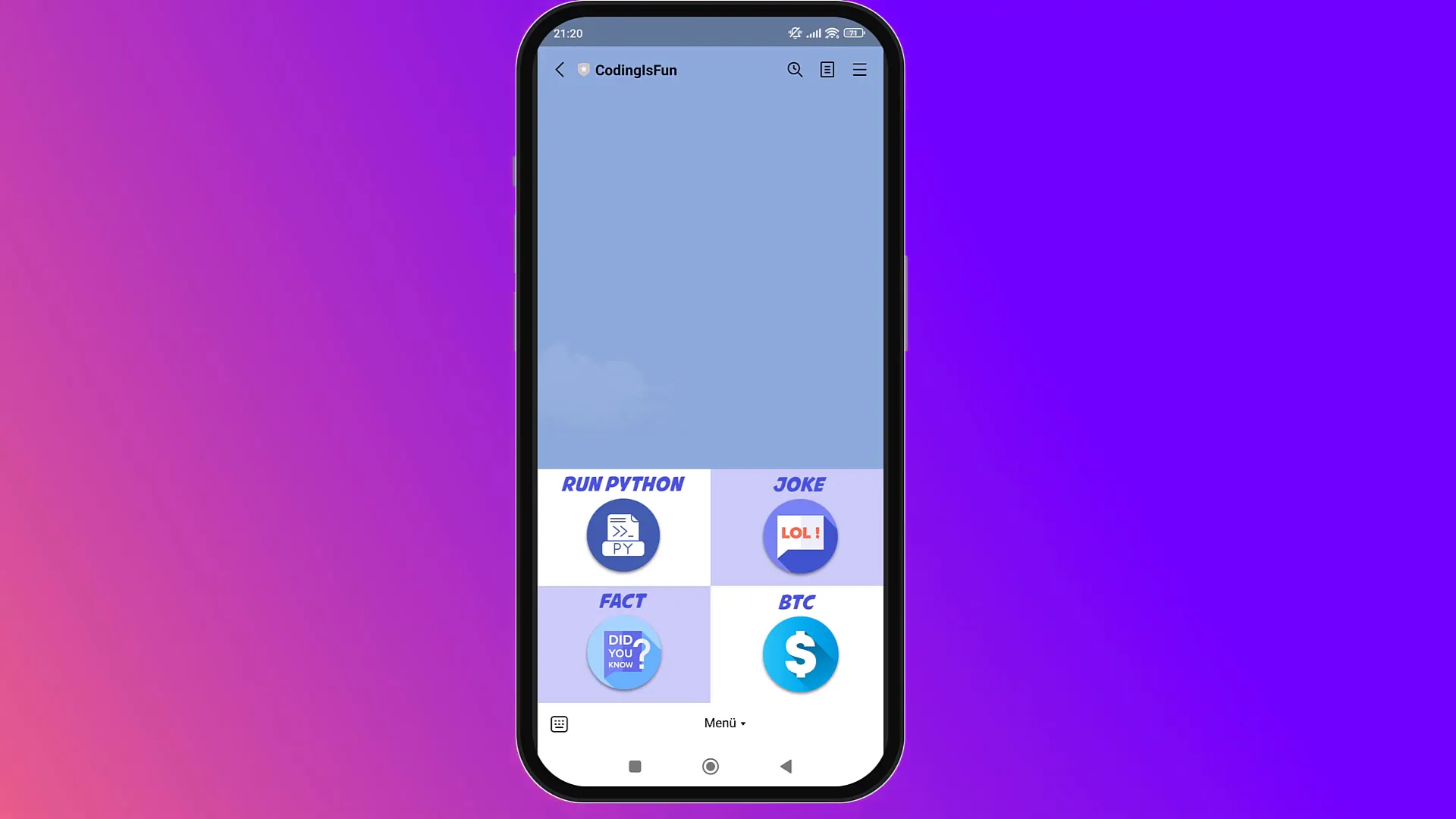
During the pandemic I built a second bot, FIT Buddy, that sent training videos to my colleagues so they kept exercising at home. Users picked their preferred exercises, and the bot stored their choices in a database.
APIs and webhooks
A LINE bot rests on two concepts. You call LINE’s API to do something, and LINE calls your webhook when something happens. Once those two directions are clear, the rest is ordinary Python.
- API: a menu of functions you can call, such as sending a message or reading a user profile. You ask, and LINE answers.
- Webhook: a bell that rings on an event. When someone messages your bot, LINE sends that message to your webhook URL, and your script decides how to reply.
Set up a LINE bot in Python
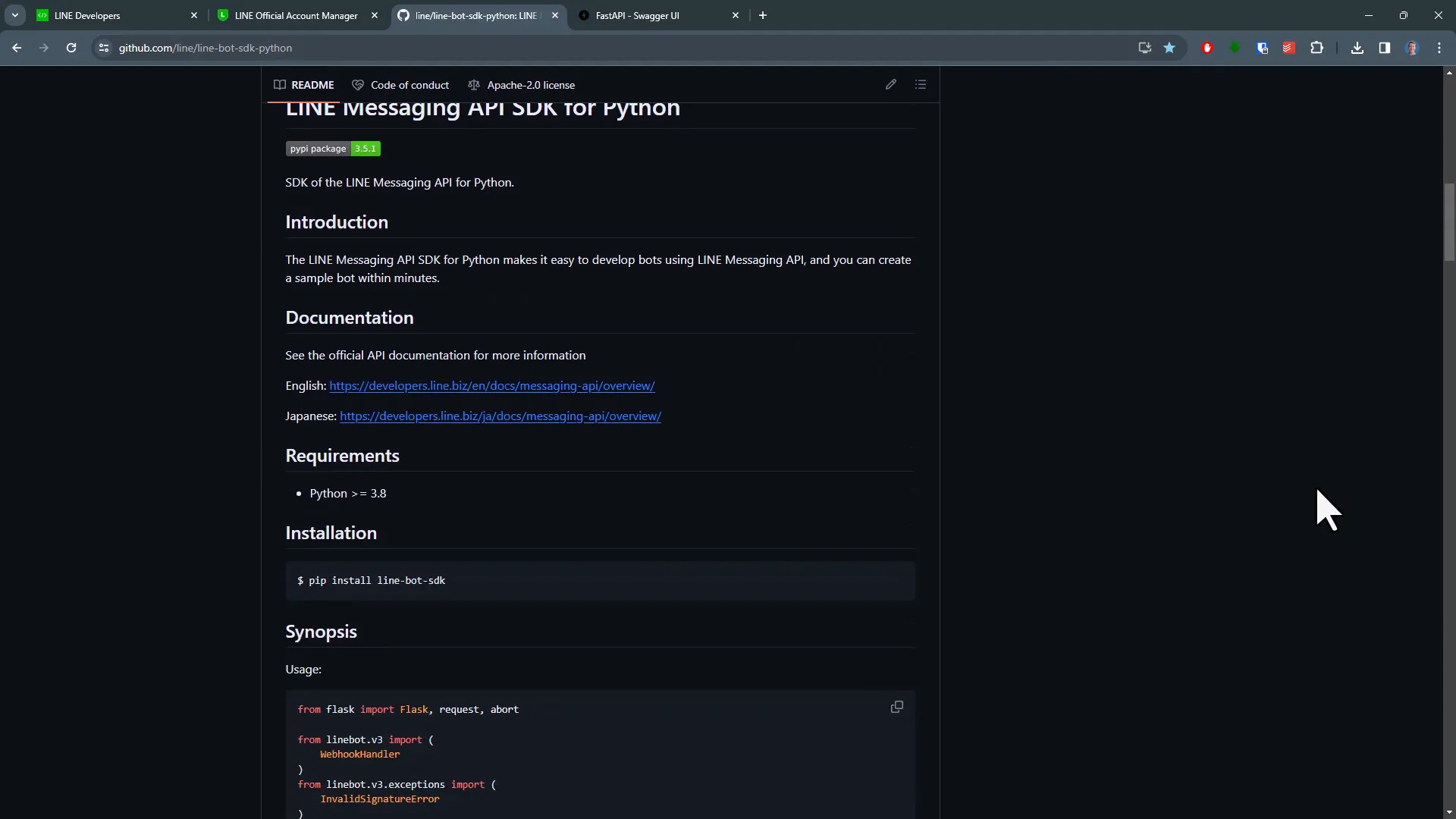
You need a LINE account, a Messaging API channel in the LINE Developers console, and a Python script that is reachable over HTTPS. The official SDK, installed with pip install line-bot-sdk, handles the message parsing and signature checks.
- Download the LINE app and create an account.
- Log in to the LINE Developers console and create a new provider.
- Click “Create a Messaging API channel” and fill in the details.
- Write down your channel secret and access token.
- Disable auto-reply and greeting messages, and enable webhooks.
- Set the webhook URL to your Python script that handles incoming messages.
- Deploy the bot on a host that runs your Python code around the clock.
The video deploys to Deta Space, which has since shut down. Any host that gives your script a public HTTPS URL works for the webhook, for example Render, which I use in how to deploy a Streamlit app to Render. For scheduled scripts that need no webhook, see how to run Python scripts online.
From there, add features one at a time: reply to keywords, then call an external API, then add a rich menu. For more project ideas, I collected some in Python project ideas with ChatGPT.