
How to Add a Custom Namecheap Domain to Heroku
To point a Namecheap domain at a Heroku app: turn on SSL in Heroku so it can issue a certificate, add the domain in the app settings to get a DNS target, then create an ALIAS record for the root domain and a CNAME record for www in Namecheap. Propagation takes a few minutes.
Update (November 2026): Heroku has had no free dynos since November 2022, so a custom domain with Automatic Certificate Management needs an app on a paid dyno; the Namecheap DNS steps are unchanged.
Open Advanced DNS in Namecheap
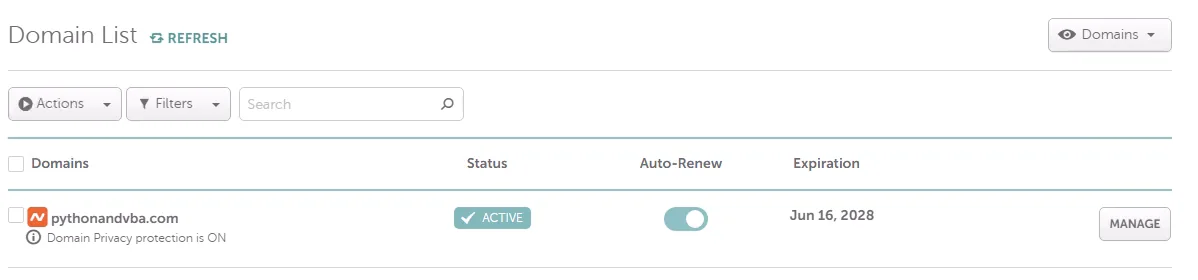
Buy the domain at any registrar. I use Namecheap. After the purchase, the domain shows up in your Namecheap Domain List. Click Manage next to it and open the Advanced DNS tab. Keep that tab open, you need it twice.
Add the domain in Heroku
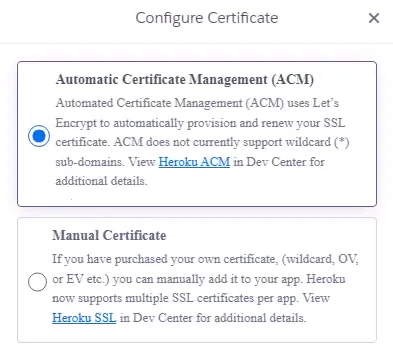
Heroku needs SSL switched on before it can serve your domain over HTTPS. In your app, open the Settings tab, click Configure SSL and select Automatic Certificate Management. Heroku then issues and renews the certificate for you.
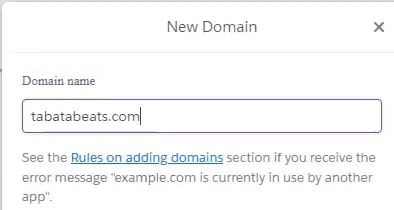
Next, click Add Domain on the same page and enter the domain without the leading “www”. Heroku answers with a DNS target. Copy it.
Add the ALIAS record
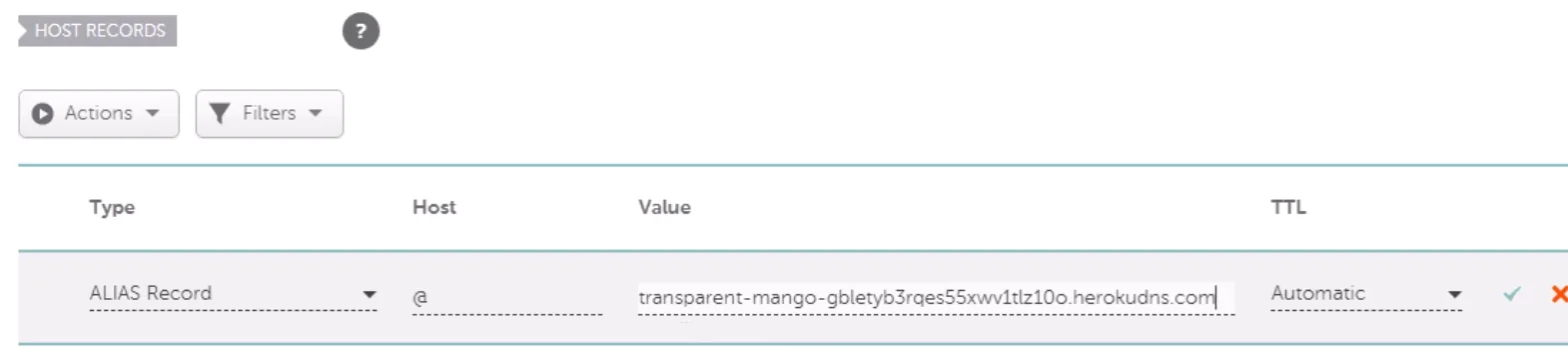
The root domain gets an ALIAS record that points at the Heroku DNS target. In Namecheap’s Advanced DNS section, add a new record and pick ALIAS Record. Enter @ as the host, paste the DNS target as the value, leave the TTL on Automatic and click the green check mark.
Add the www subdomain
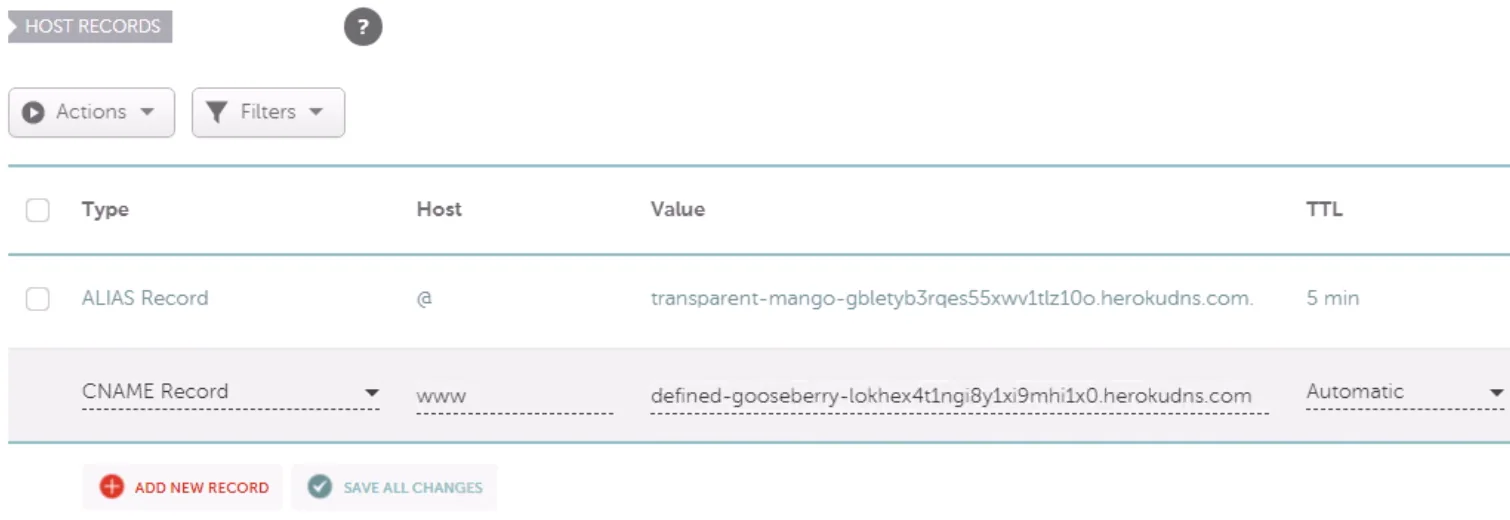
The www version is a second domain in Heroku with its own DNS target. Add the domain again in Heroku, this time with “www” in front, and copy the new DNS target. In Namecheap, add a CNAME Record with www as the host and the new target as the value. Leave the TTL on Automatic.
Check the status
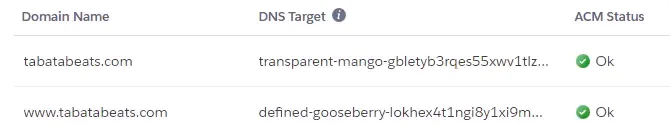
DNS changes take a few minutes to propagate, so the domain may not load straight away. Refresh the domain list in your Heroku settings. Once both entries show the status “OK”, the app answers on the domain with and without “www”.
The Namecheap part works the same way for other hosts. Only the DNS target changes, so you can point a domain at a GitHub Pages site like the Excel-inspired personal website I built.