
Generate Hundreds of Word
and PDF Files From Excel
Create personalized documents in bulk, directly from your spreadsheet. Replace text, images, tables, and charts automatically. No copy-pasting, no errors.
- ✓ No coding required
- ✓ Works on Windows and Mac
- ✓ One-time purchase
See How it Works
Why ExcelToWord
Turn your spreadsheet data into polished documents without the manual work.
AUTOMATION
Stop Copy-Pasting Forever
Export hundreds of personalized documents in a single run, directly from your Excel data.
FLEXIBILTY
Word, PDF, or Both
Choose your output format for every export, or generate Word and PDF files simultaneously.
ACCURACY
No More Manual Errors
Every placeholder gets replaced automatically, so your documents are always consistent.
How it Works
Three steps from spreadsheet to finished documents.
Create Your Word Template
Add text placeholders like {{Name}} or {{Date}}, and mark where images should go.
Fill Your Excel Sheet
Enter the data for each document in rows, including file paths for any images.
Click Export
Hit the export button and ExcelToWord generates all your Word and PDF files in seconds.
Who Uses ExcelToWord?
From HR to finance, teams use ExcelToWord to skip the manual work.
How Does ExcelToWord Compare?

SMART DOCUMENT CREATION
Replace Placeholders and Export in Bulk
Generate dozens of personalized Word or PDF files by filling in simple placeholders like {{Name}}, {{Date}}, or {{Amount}}. No copy-pasting, no manual edits. Just click and export — straight from Excel.
MULTI-FORMAT OUTPUT
Save Files as DOCX, PDF, or Both
Choose your output format before exporting. Need PDFs for sharing and DOCX for editing? No problem — export both at once in a single run.
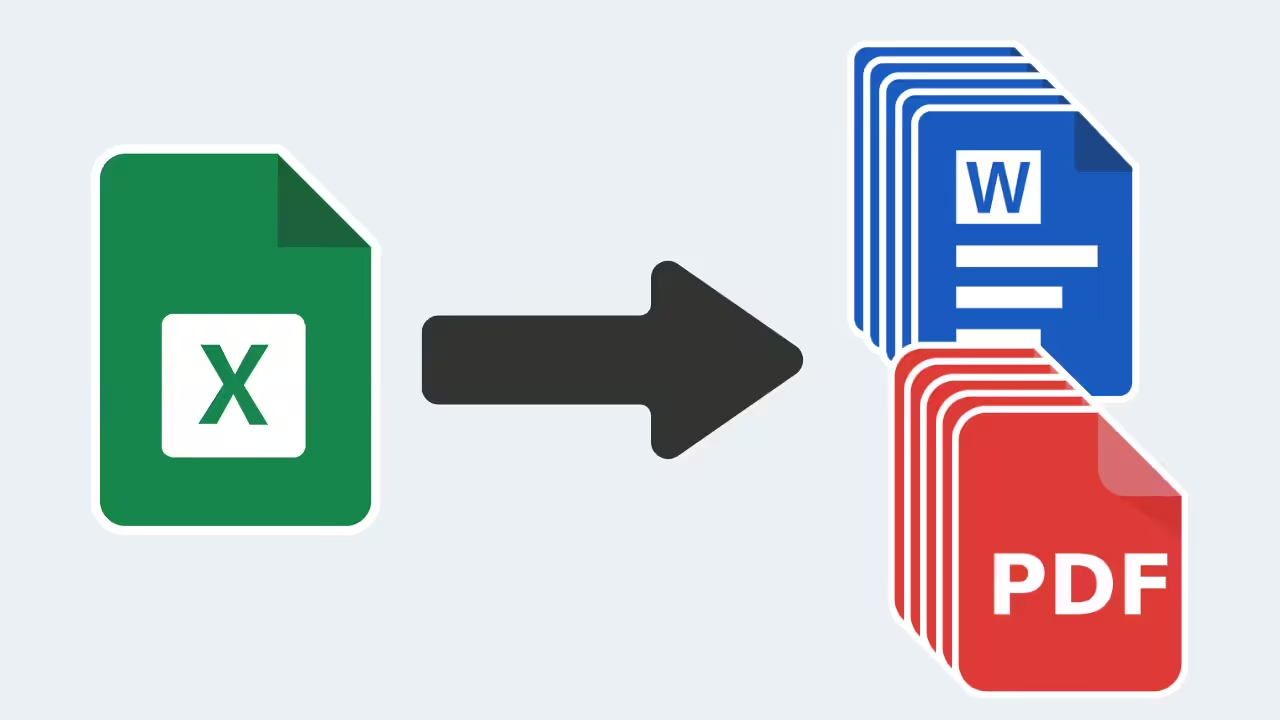

IMAGE SUPPORT BUILT-IN
Replace Logos, Signatures, and More
Use Excel to swap out logos, signatures, or other visuals in your Word template. Just set the file paths — the tool replaces each image in the right spot.
EXCEL RANGE EXPORT
Export Tables, Charts, And More
Add any selected Excel range to your Word document — including formatted tables or charts. Perfect for sharing analysis, summaries, or visuals without copy-pasting.

HYPERLINK SUPPORT
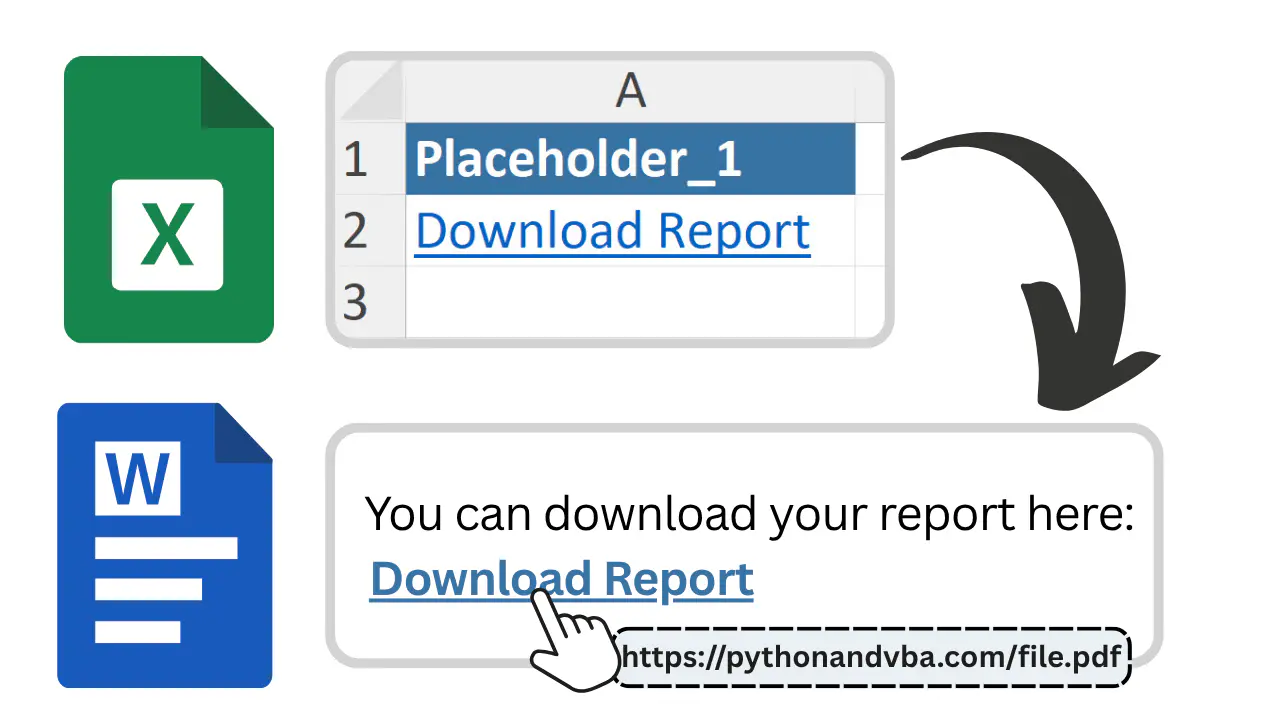
Clickable Links, Automatically Carried Over
If your Excel file includes hyperlinks, they stay active in the final Word or PDF. No need to reinsert or recheck links. Great for sharing references, websites, or downloadable files.
Honest Feedback from Real Users
Works exactly as described
“Bought both ExcelToWord and Excel2PPT. They work exactly as described, and when I had questions Sven was super responsive and helpful. Fantastic customer service, would definitely recommend these tools.”
Saved me so much time
“I was about to write something similar myself in Python, but Sven's already done all the hard work, and done it better than I would have. He's responsive and quick to add features when you ask. If you're on the fence, just get it. You'll thank yourself later.”
Simple to use
“Really well-made Excel tools, simple to use but packed with features. ExcelToWord and MyToolBelt Pro are my favorites. Support is very responsive too.”
One Price. Yours Forever.
Pay once and get lifetime access to ExcelToWord, including all future updates.
One-Time-Payment
Lifetime License
Frequently Asked Questions
Questions? Get in Touch.
Not sure if ExcelToWord is right for your setup? Send me a message and I’ll get back to you personally within 24 hours. No AI chatbots.

Ready to Automate Your Document Workflow?
Save time, reduce errors, and create polished documents without manual work.
