
Extract Tables from PDFs to Excel. Offline. Accurate. In Bulk.
Drop your PDFs into PDF2Excel and get clean, formatted Excel files with native tables. Digital and scanned PDFs both work. The AI vision model runs locally on your CPU. No uploads, no page limits, no subscription.
- ✓ AI vision model for scanned PDFs, runs locally on your CPU
- ✓ 100% offline, files never leave your machine
- ✓ Batch processing, no page limits
Requires: Windows 10 64-bit or later. ~650 MB installed (the AI model is bundled).
Built for Real PDFs, Not Just Simple Ones
Quality output. Honest privacy. Zero limits.
QUALITY
Native Excel Tables
Each detected table becomes a properly formatted Excel Table with headers, auto-fit columns, and styling.
OCR
AI Vision Model
Scanned PDFs are extracted by a built-in AI vision model that runs on your CPU. No upload, no page caps, no language config.
PRIVACY
100% private
PDF2Excel bundles the AI vision model into the app and runs it on your CPU. No cloud uploads, no server processing, no logs.
How it works
Drop Your PDF
Drag and drop, or browse for your PDF. Works on both typed PDFs and scans of paper documents like invoices, receipts, or reports.
Smart Table Detection
Two engines work in tandem. Typed PDFs are read instantly from the text layer; scanned PDFs are decoded by an AI vision model.
Download as Excel
Preview the first table in your browser, then download an .xlsx with each detected table on its own sheet, as a real Excel Table.
Who Uses PDF2Excel?
Anyone who needs PDF tables in Excel without manual retyping.
PDF2Excel vs. the Alternatives

100% Offline
Your Files Stay on Your Machine
After activation, PDF2Excel works completely offline. No cloud uploads, no server processing, no logs. Convert sensitive financial documents with zero privacy risk.
NO SUBSCRIPTION
No Hidden Costs. Ever.
Pay once and use forever. No monthly fees, no credit limits, no premium tiers. PDF2Excel is a one-time purchase with all future updates included. It just works.

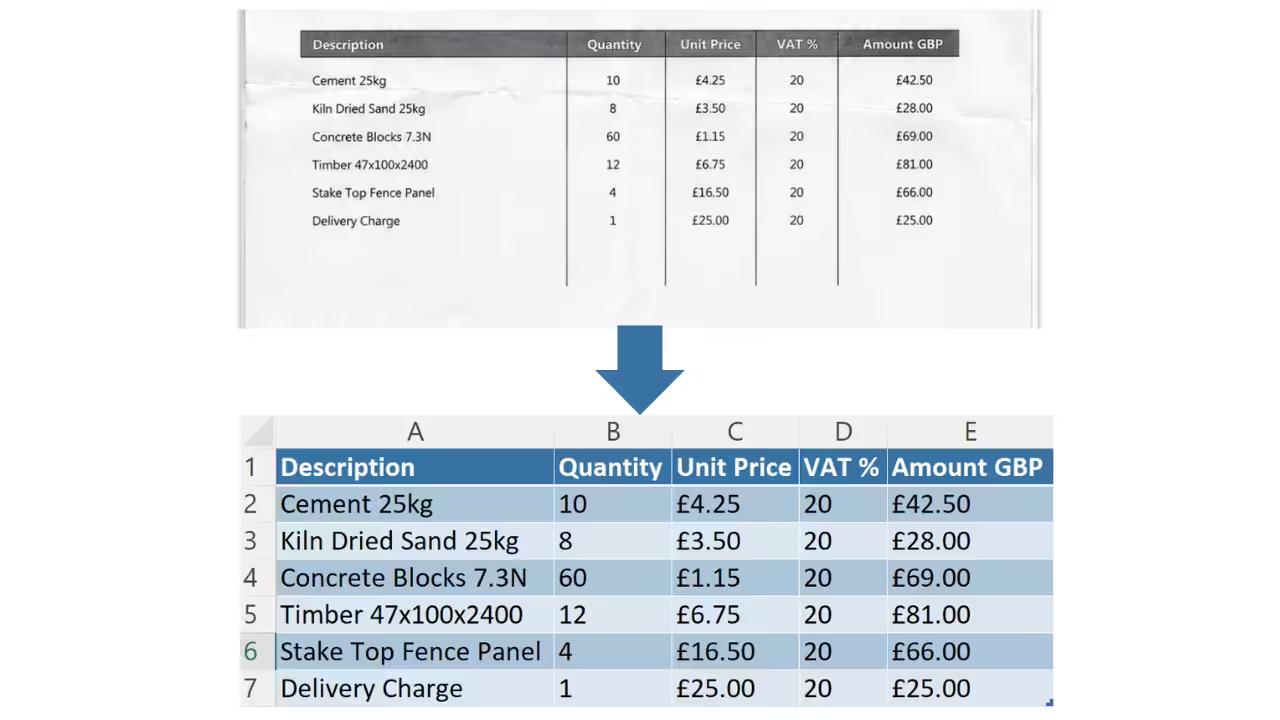
NATIVE EXCEL TABLES
Real Excel Tables
Every detected table becomes a properly formatted Excel Table with headers, auto-fit columns, and clean banded-row styling. You can sort, filter, and reference it like any native Excel table.
BATCH PROCESSING
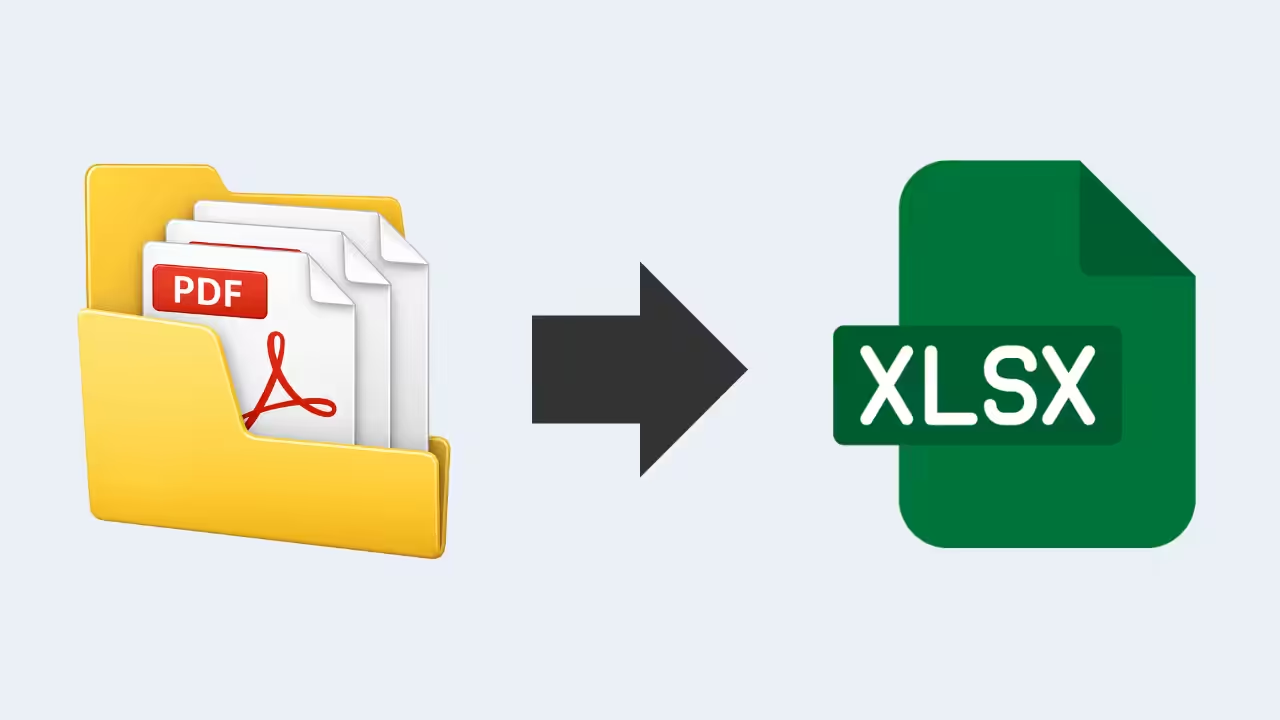
Convert Folders, Not Just Files
Drop multiple PDFs at once. Real-time per-file progress. Stop the queue anytime. Save individually or batch export to a folder.
Honest Feedback from Real Users
Responsive and open to feedback
“Impressed with both the products and the support. Very responsive to questions and open to improvement suggestions. I've purchased several tools and been happy with all of them.”
Fantastic support
“Had a question and got a helpful reply within hours. Really solid support. Highly recommend.”
An awesome program and creator
“Not only does the developer respond directly to your questions, he actually acts on them. I made a feature request and it was implemented the next day. That kind of dedication is rare.”
One Price. Yours Forever.
One flat price in USD. No subscriptions. 14-day money-back guarantee.
One-Time-Payment
Lifetime License
Need a team license? Get in touch.
Frequently Asked Questions
Questions? Get in Touch.
If the FAQs missed a spot, I’m here to help. Ask away and get the answers you need, straight from the source!

Stop Manually Retyping PDF Tables
Native Excel tables, OCR for scans, batch processing.
