
If you see this message when trying to install a model:
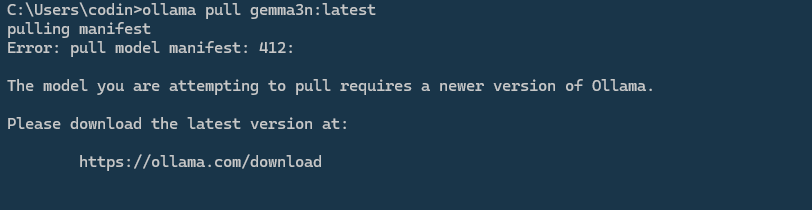
…it means your current Ollama version is outdated and doesn’t support the model you’re trying to install.
✅ How to fix it
- Go to the official download page:
https://ollama.com/download - Download and install the latest version for your operating system.
-
Once updated, open a terminal and try pulling the model again:
ollama pull <modelname>
After the update, you should be able to install the model without any issues.
