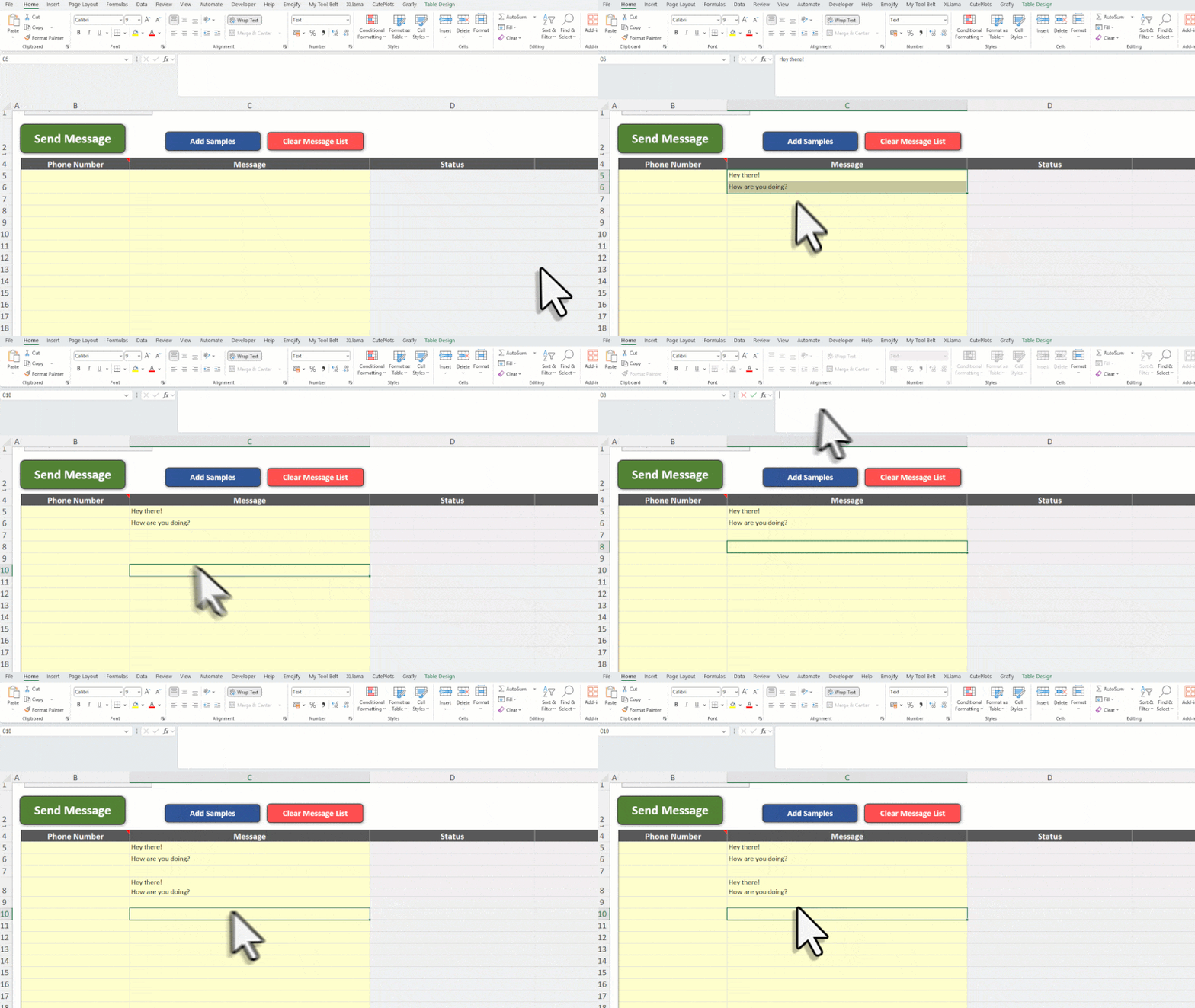
If you copy a message from WhatsApp and paste it into Excel, Excel might split it across multiple rows or cells.
This happens because Excel treats each line break as a new row.
✅ How to fix it
Paste the message into the formula bar instead of directly into the cell.
That way, the entire message stays in one cell, including the line breaks.