
Need help or have a question? Send it through the support form, name Table Compare in your message, and I will get back to you, usually within a day.
Three things that speed every answer up:
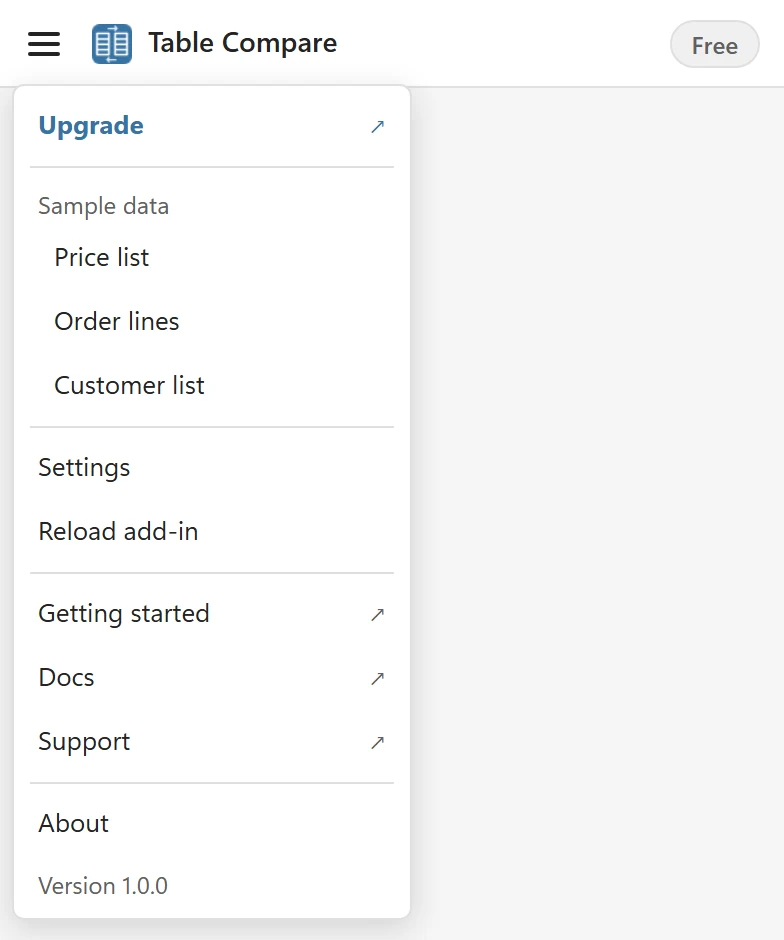
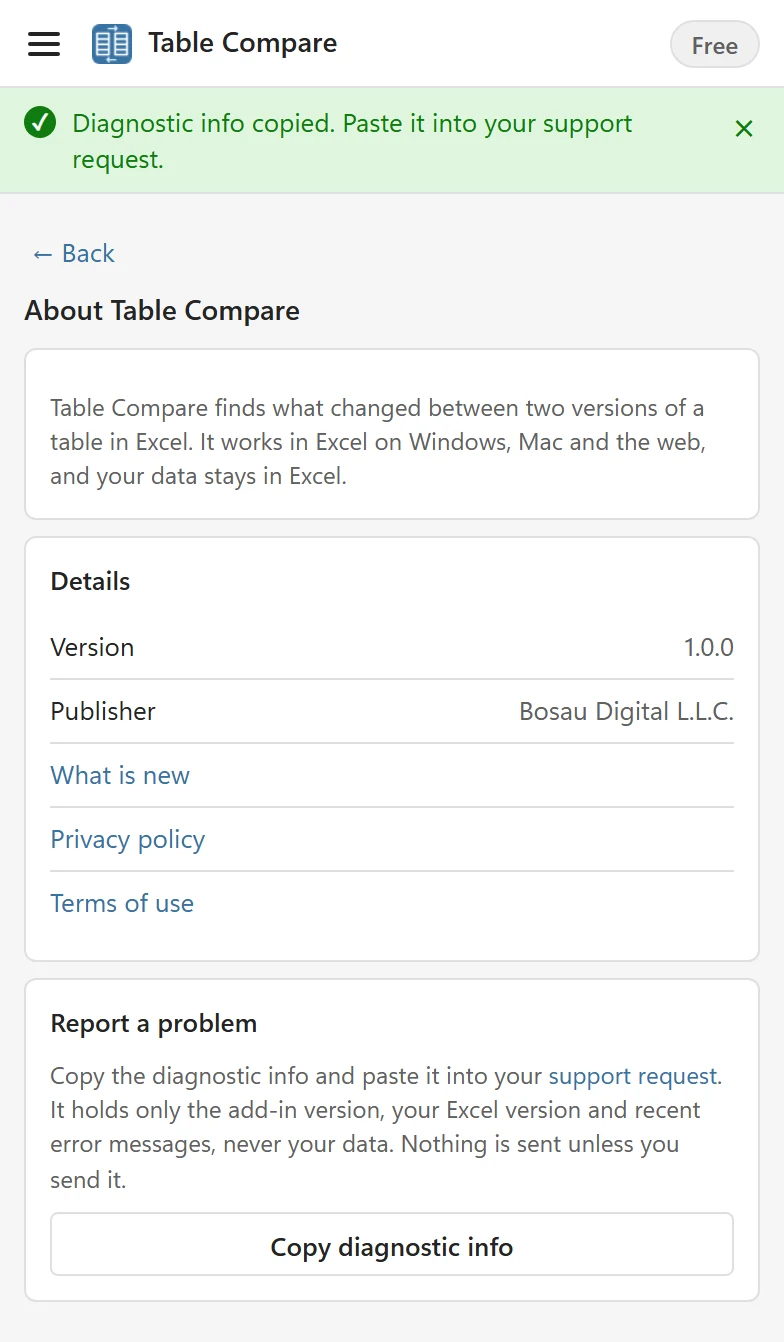
- In the pane, open the menu at the top left, choose About and click Copy diagnostic info. Paste it into your message. It holds the add-in version, your Excel version and recent error messages, never your cells or your license key.
- Say which Excel you were using (Windows, Mac or the web), what you did, what you expected, and what happened instead.
- For a question about a license or a purchase, include the email address you bought it with.
Ideas and feature requests #
Missing something in Table Compare? Tell me through the same form; it helps to describe the two tables you wanted to compare and what you needed to see.
Before you write #
Many questions are answered in the Troubleshooting section, for example when every row shows as changed, the add-in does not load or a license key is not accepted.