
Need help or have a question? Send it through the support form, name BarcodePop in your message, and I will get back to you, usually within a day.
Three things that speed every answer up:
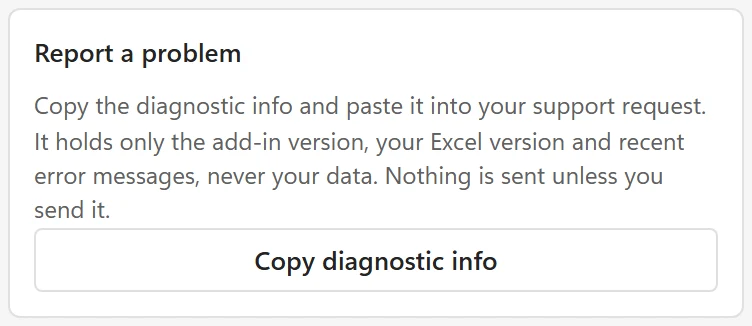
- In the pane, open the menu at the top left, choose About and click Copy diagnostic info. Paste it into your message. It holds the add-in version, your Excel version and recent error messages, never your cells or your license key.
- Say which Excel you were using (Windows, Mac or the web), what you did, what you expected, and what happened instead.
- For a question about a license or a purchase, include the email address you bought it with.
For a barcode that does not scan #
Tell me the barcode type and size you picked, the value that does not scan, the scanner or app you scan with, and whether you scan from the screen or from paper. A photo of the printed barcode helps. My scanner does not read the barcode covers the usual causes first.
Ideas and feature requests #
Missing a barcode type or an option? Share it on the feature request page. It helps to say what you scan the barcodes with and where they end up (labels, a catalog, a pick list).
Before you write #
Many questions are answered in the Troubleshooting section, for example when a scanner does not read a barcode, when leading zeros are lost, when the add-in does not load or a license key is not accepted.