
If you see this message:
“Microsoft Excel is waiting for another application to complete an OLE action.”
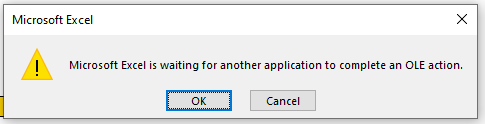
It means Excel tried to communicate with another program (like a browser or script), but got stuck. This often happens during automation.
How to fix it
- Go to File → Options → Advanced
- Scroll to the General section
- Uncheck Ignore other applications that use Dynamic Data Exchange (DDE)
- Click OK
- Close Excel and restart your computer
That should solve it.
