
If you encounter the following error:
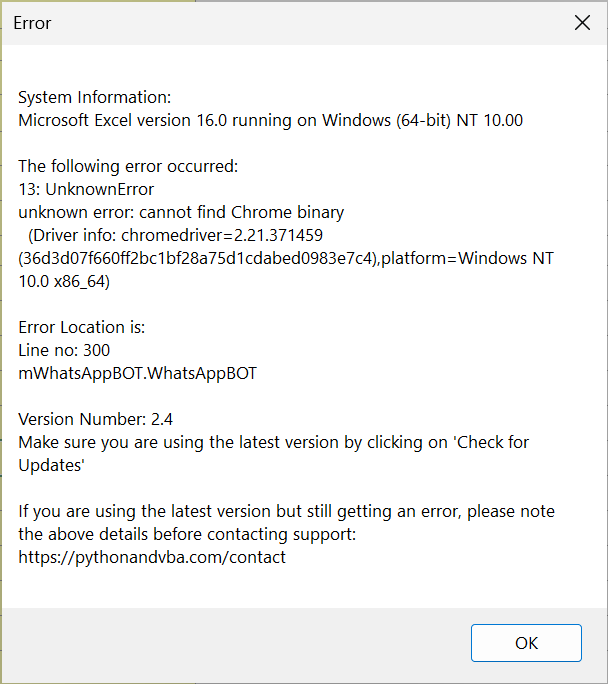
This error means the configured Chrome executable could not be found. Check that the Custom Chrome Path points to the extracted chrome.exe, not a ZIP file or folder. If the browser is missing, extract the matched Chrome for Testing browser and ChromeDriver, then update the path. See video tutorial on this page.
Once updated, the error should no longer occur, and you can continue using the WhatsApp Blaster.