For a workbook from your official download, extract the ZIP, close Excel, then check the workbook’s Properties > Unblock setting if present. Reopen it. A yellow Enable Content prompt differs from a red internet-file block; the latter may need the Unblock step or review by your IT team.
- Click Enable Content when you see the security warning.
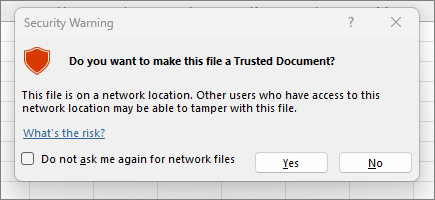
- In the Security Warning dialog, select Yes to make the document trusted.