
Choose MMS (with pictures) as the channel on the Send page and a media field appears under the message. Check that Twilio supports MMS for your sender and destination; the sending number must be MMS-capable, which the Twilio page’s channel card confirms for you.
What goes in the media field #
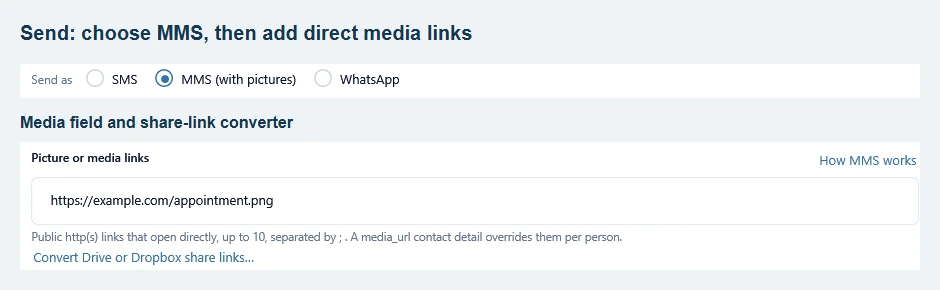
- Up to 10 links, separated by
; - Each must be a public http(s) link that opens the file directly: paste it into a private browser window and the image itself must appear, no login, no viewer page
- JPEG, PNG and GIF are common choices. Keep the message body and all media combined below Twilio’s 5 MB MMS limit; smaller images transfer faster. Carrier limits can be lower. See Twilio’s media limits
Google Drive and Dropbox share links open a viewer page, not the file, so they may not be usable as media URLs. TextBay converts them for you: click Convert Drive or Dropbox share links under the media field, paste the share link, and use the direct link it produces. The file itself must still be shared publicly (“anyone with the link”).
If the picture does not arrive #
Open the final converted URL in a private browser window. If it asks you to sign in, expires, or opens a share page, fix access before sending again. Check the combined attachment size, then open History and read What went wrong (double-click the row for the Twilio code): delivery troubleshooting.
A different picture per person #
Give a contact a detail named media_url (on the Contacts page or in your import file) and that link overrides the campaign’s media for that person: personalized coupons, per-customer QR codes, and so on. People without the detail get the campaign’s media.
Cost and WhatsApp #
Twilio bills MMS at its own per-message rate for the destination, separate from SMS pricing; the confirmation dialog shows your live balance before the run. On the WhatsApp channel the same field takes a single attachment link instead of ten: WhatsApp allows one per message.