
Settings holds everything that changes how DatePop looks and behaves. All of it is free except the holiday country. Your choices are remembered on your computer and apply to every workbook.
Open Settings #
Open the menu at the top left of the pane and choose Settings. Back returns to the picker. The settings take effect at once.
Tips next to the settings #
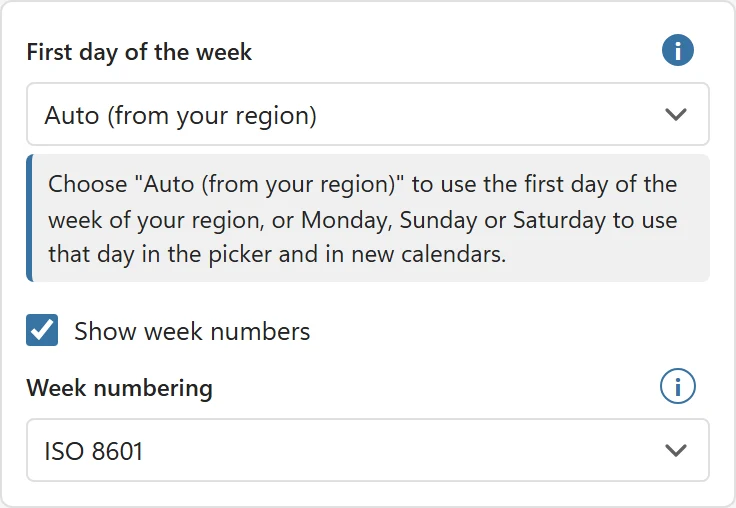
An i button next to a setting opens a short explanation under it. Click it again to close the tip.
Language #
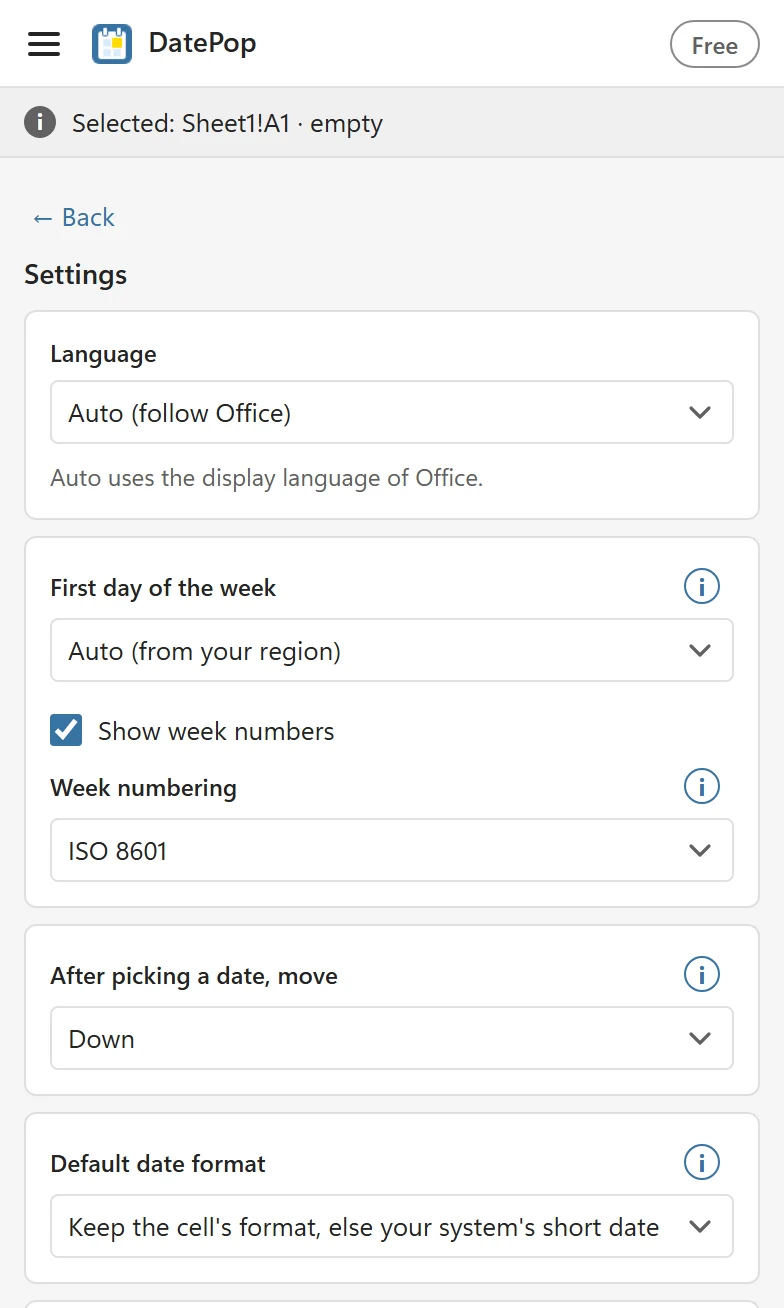
Language is Auto (follow Office) by default, which uses the display language of Office when DatePop has it. The pane speaks English, Deutsch, Español, Français and Português (Brasil). Choose one to override Office. The pane text, the month and weekday names and the messages change; a language Office uses that DatePop does not have falls back to English.
Calendars you insert use the pane language unless you choose a different Calendar language (Pro) on the Calendars tab.
First day of the week and week numbers #
- First day of the week: Auto (from your region), Monday, Sunday or Saturday. Auto follows the usual convention of your region, so a US setup starts on Sunday and most of Europe on Monday.
- Show week numbers adds the Wk column to the picker and the calendars.
- Week numbering: ISO 8601 or US. ISO weeks start on Monday and week 1 holds the first Thursday of the year. US week 1 holds January 1. Use ISO for most business planning in Europe and many other countries.
After picking a date #
After picking a date, move decides where the selection goes: Down (default), Right or Off. See Fill a column with dates.
Default date format #
Used for cells that do not already have a date format. The default, Keep the cell’s format, else your system’s short date, leaves a cell’s date format alone and gives other cells your Windows or Mac short date. You can instead choose ISO 8601 (yyyy-mm-dd), Short date, Long date, Day, month name, year, Date and time or Custom. For a custom format, use English Excel format codes: yyyy-mm-dd or d mmm yyyy. Something that is not a date format is refused with That is not a date format. Use codes like yyyy-mm-dd or d mmm yyyy.
Widen columns to fit dates #
On by default. After DatePop writes dates it widens their columns so a date never shows as ####. A column is never made narrower. Turn the setting off if you want to keep your column widths exactly.
Theme #
Theme is Auto, which follows the Office theme, or Light or Dark to override it.
Holiday country (Pro) #
Holiday country marks public holidays in the picker and in the calendars, and it is what Skip public holidays and the No public holidays date field rule use. The list has 207 countries and territories, and some of them also have a Region list (364 regions in all). In the free version the list is greyed and carries a Pro badge. The data is described in Where do the holidays come from?
License #
The License block at the bottom is where you activate a key. See Activate your license.