
Problem #
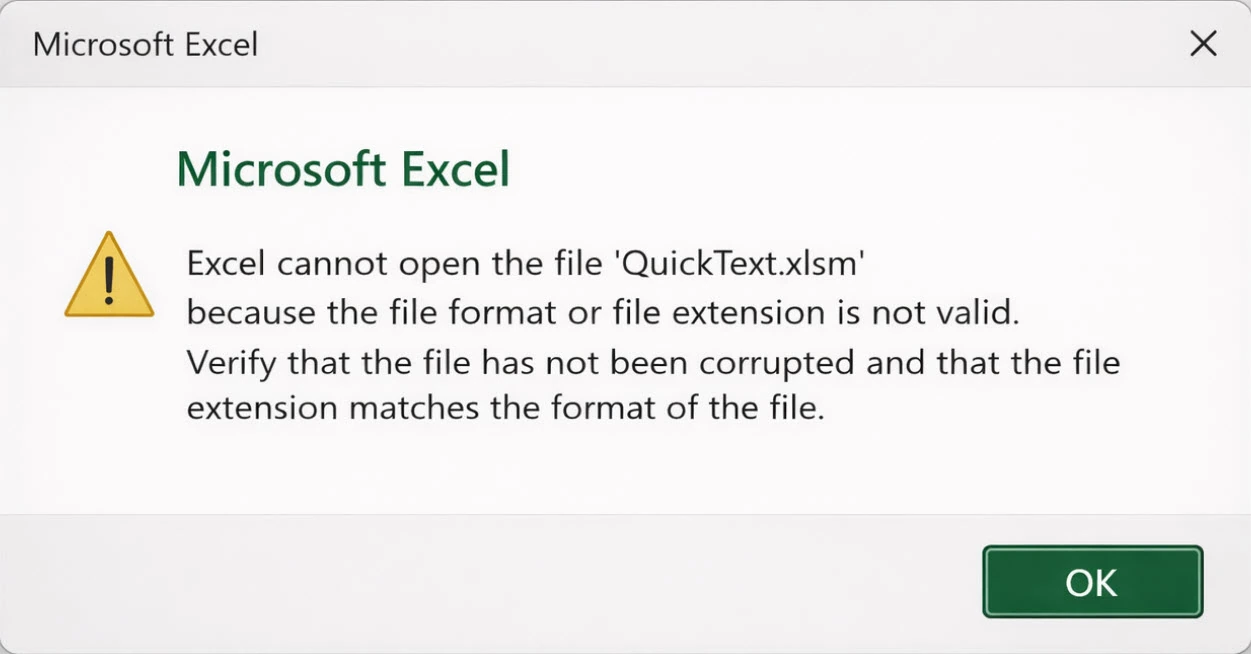
When opening QuickText, Excel shows this message:
Why this happens #
This message can result from an incomplete, damaged or blocked download. Security software is one possible cause; check its recent protection events before drawing that conclusion.
QuickText is a macro-enabled Excel file.
It uses VBA macros and runs small background scripts to send SMS.
Some antivirus tools block or modify files that automate tasks.
When this happens, parts of the VBA project may be removed.
Once that happens, Excel sees the file as corrupted and refuses to open it.
How to fix it #
- Open your antivirus dashboard
- Check Quarantine or History
- Restore QuickText if it appears and mark it as allowed
- If a verified official file was blocked, ask your security vendor or IT team about allowing that specific file
- Keep security software enabled while checking the exact detection
- Download a fresh copy of QuickText
- Open the file only after the exception is in place
Important: If a file was quarantined or modified, it cannot be fixed. You must download a fresh copy after allowing it in your antivirus.