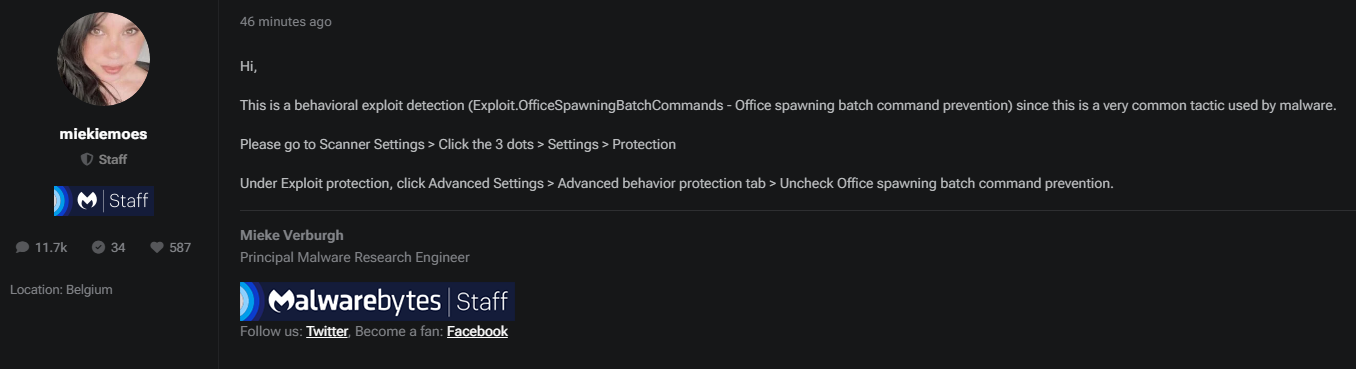
If you use Malwarebytes, Excel may close when you run QuickText, with no error or warning. This happens because of a Malwarebytes feature called “Office spawning batch command prevention.” QuickText uses PowerShell to send messages, which triggers this setting.
Here’s how to fix it: #
- Open Malwarebytes
Start Malwarebytes from your Start menu or taskbar. -
Go to Scanner Settings > Click the 3 dots > Settings > Protection
Under Exploit protection, click Advanced Settings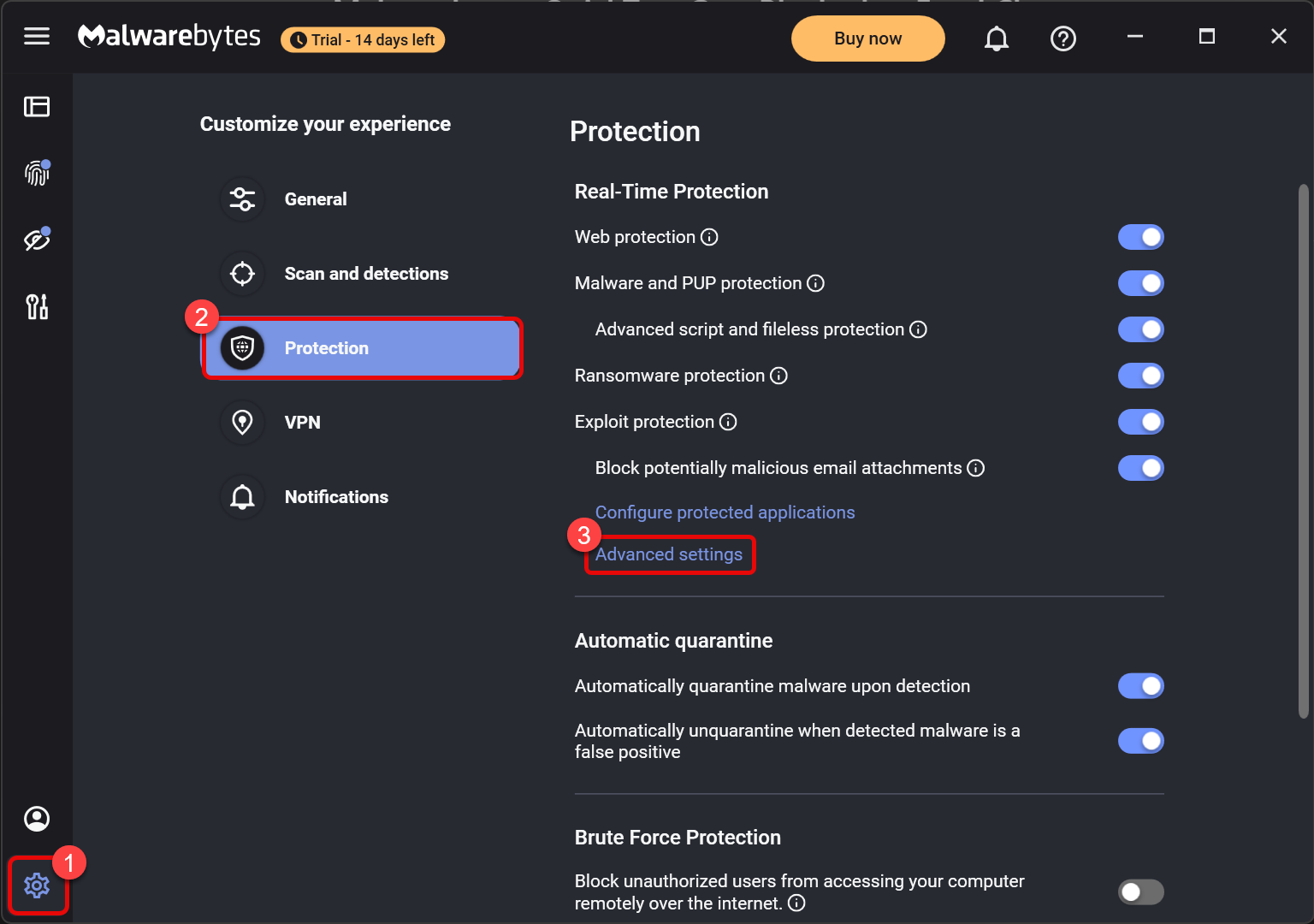
3. Under the “Advanced behavior protection tab” , uncheck “Office spawning batch command prevention“
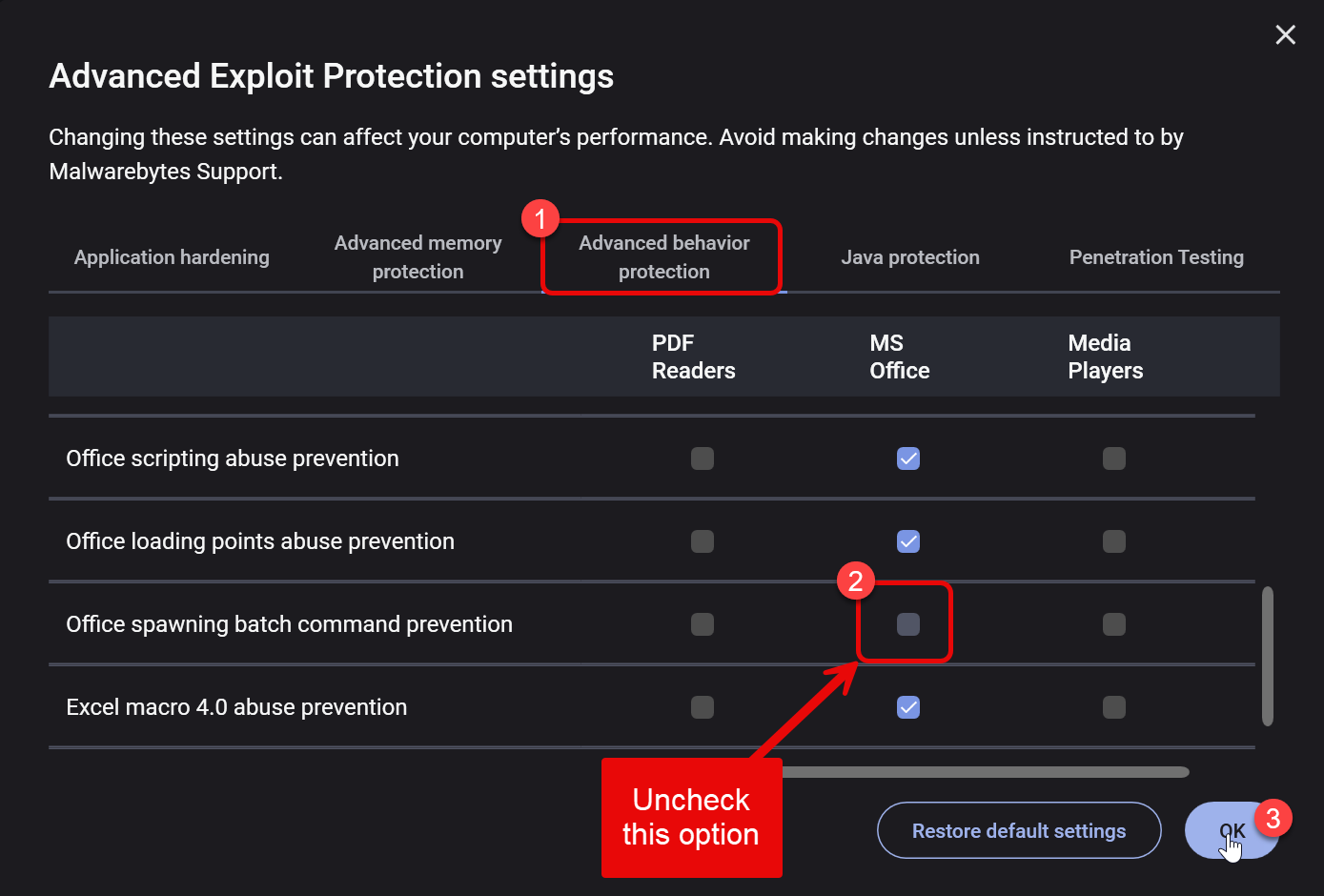
4. Save and Restart Excel
Click OK or Save.
Close Excel completely, then open your QuickText file again.
Reference #
Malwarebytes officially confirms this as the solution.
Malwarebytes Forum Post