
Need help or have a question? Send it through the support form, name LabelPop in your message, and I will get back to you, usually within a day.
Three things that speed every answer up:
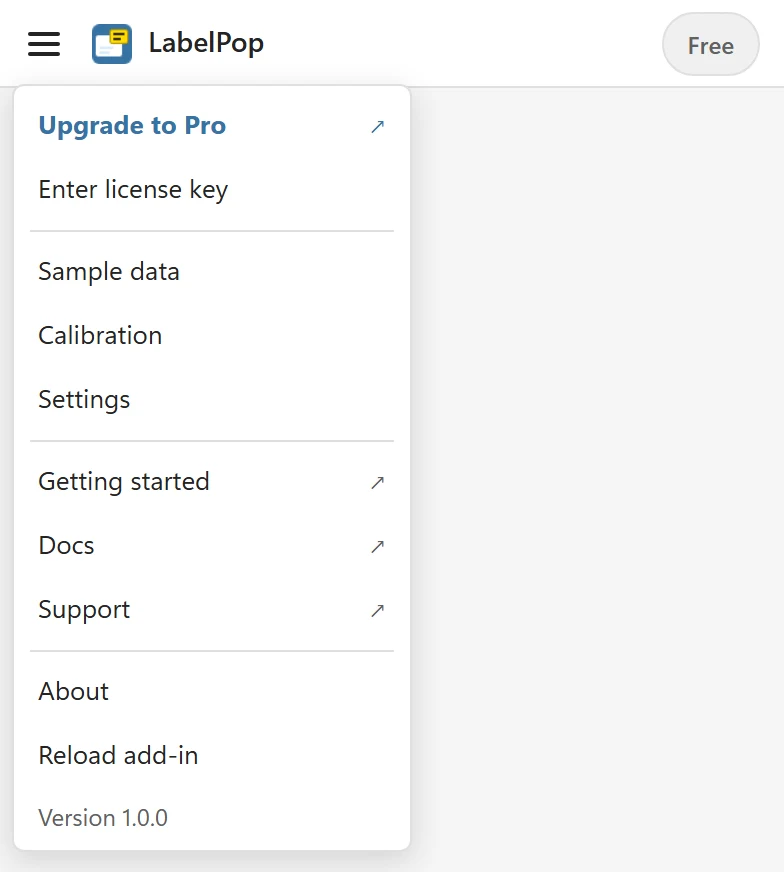
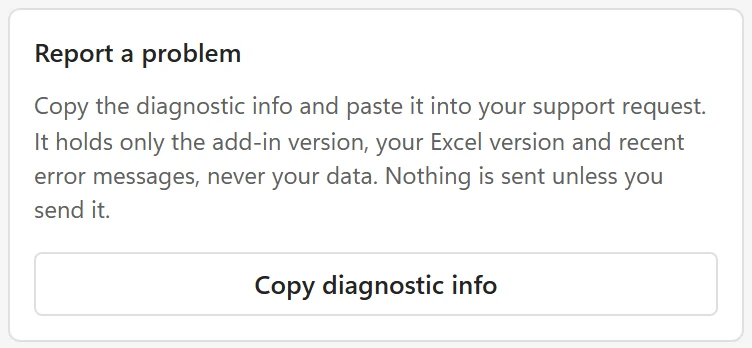
- In the pane, open the menu at the top left, choose About and click Copy diagnostic info. Paste it into your message. It holds the add-in version, your Excel version and recent error messages, never your cells or your license key.
- Say which Excel you were using (Windows, Mac or the web), what you did, what you expected, and what happened instead.
- For a question about a license or a purchase, include the email address you bought it with.
For a print that does not line up #
Tell me the label sheet you picked in the Sheet list, your printer model, the paper size and the program you printed from (browser or PDF viewer). A photo of the printed sheet lying on the real label sheet, held up to a window, shows the problem at a glance. Labels are misaligned covers the usual causes first.
Ideas and feature requests #
Missing something in LabelPop, such as a label size that is not in the list? Share it on the feature request page. It helps to say the product code or the size of your sheet and what you were trying to print.
Before you write #
Many questions are answered in the Troubleshooting section, for example when labels are misaligned, the PDF does not open, characters are missing or a license key is not accepted.