
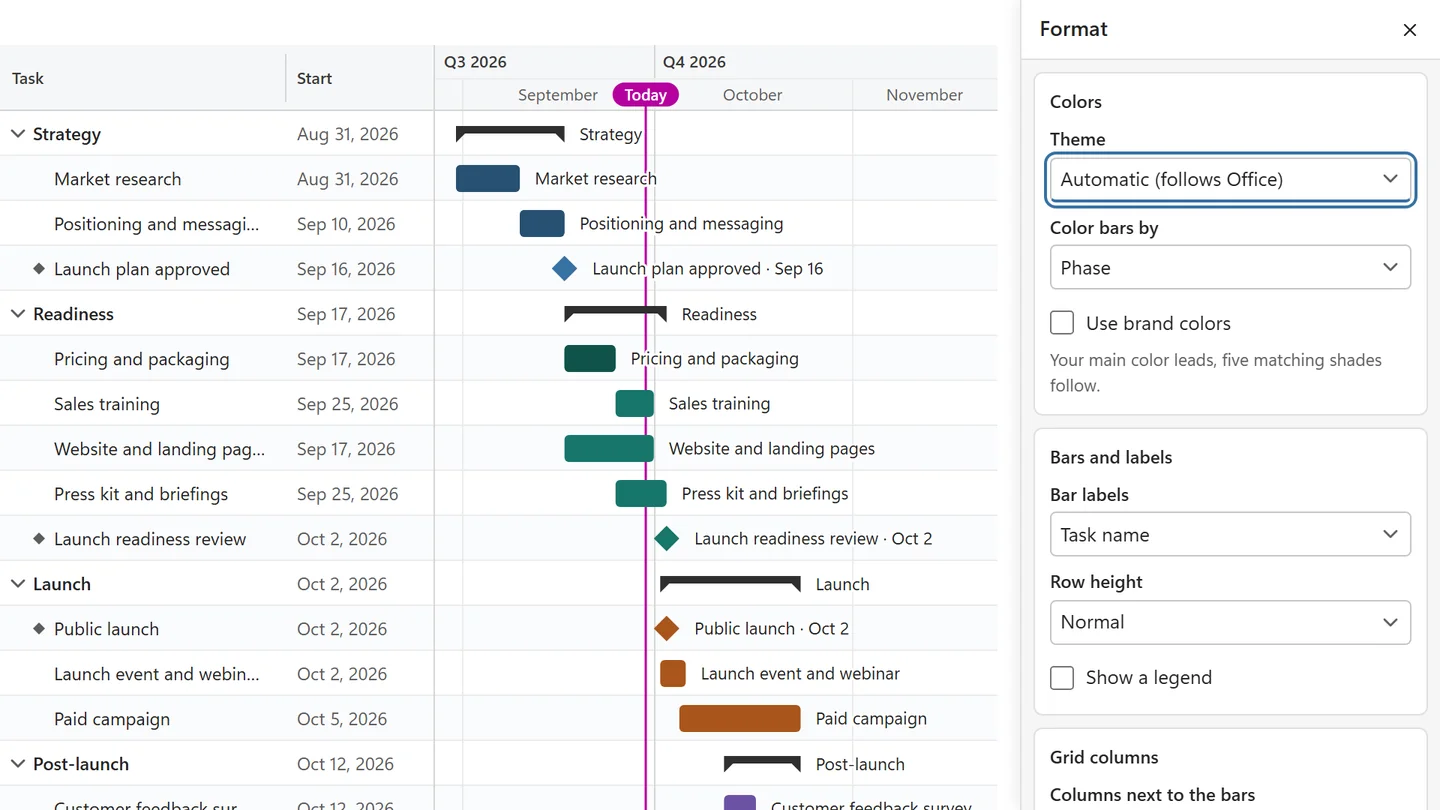
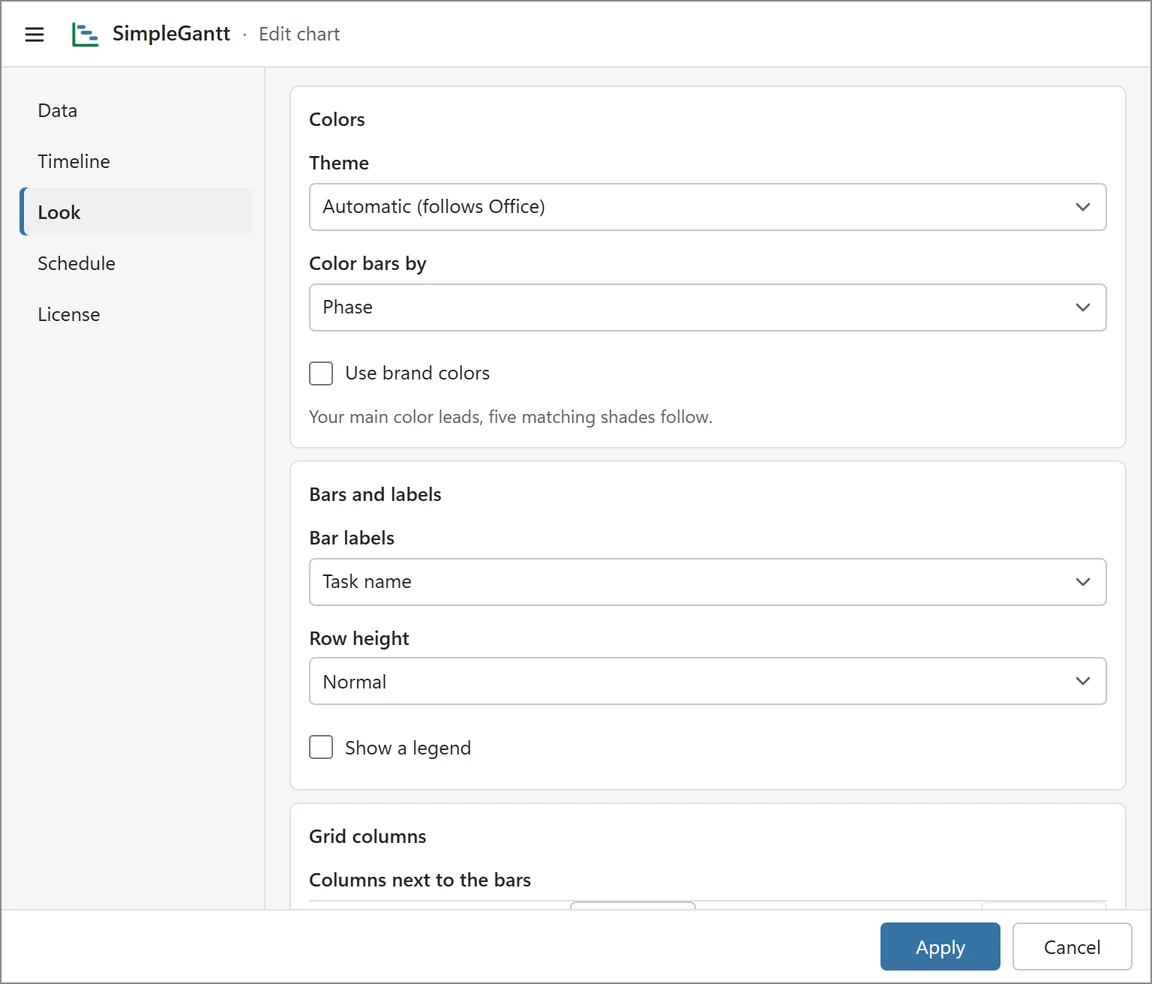
The chart’s look is set in two places with the same settings: the Format panel next to the chart (quick changes you see on the chart at once) and the Look tab of the editor (every option, including the title and logo). Themes and the everyday color choices are free; brand colors, a Color column and a logo are Pro features (included in the trial).
Color bars by #
- Phase: one color per phase.
- Owner: one color per person or team.
- Status: common words such as Done, In progress, At risk, Blocked and Not started get fitting colors.
- One color: every bar in one color.
- Color column (Pro): a color per row from your table, as a name (red, teal) or a hex code (#1F6FB2). It is offered when the table has a Color column.
Turn on Show a legend to explain the colors.
Theme #
Choose Automatic (follows Office), Light, Dark or High contrast. Automatic follows your Office theme, and switches to high contrast when Windows uses a contrast theme. Exports use the theme you see.
Bars, labels and columns #
- Bar labels: Task name, Task name and owner, Task name and progress, or No labels.
- Row height: Compact, Normal or Comfortable.
- Columns next to the bars: which columns appear left of the timeline (Task, ID, WBS, Start, End, Duration, Progress, Owner, Status). In the editor you can also set their widths in pixels; leave a width empty for automatic. Columns that do not fit a small chart are left out.
Every bar has the same clean style; there is no bar style to choose.
Title, logo and brand colors #
- Double-click the title on the chart to change it, or set the Chart title and Subtitle under Edit > Look > Title and logo.
- Use brand colors (Pro): your main color leads and five matching shades follow. Customize all colors lets you set each color as a hex code.
Title, logo and colors appear on screen and in every export.
Locked options #
In the free version, Pro options show a lock with the reason and an upgrade link instead of doing nothing. A chart made with a license or during the trial keeps its look for everyone; a colleague without a license can view it and update its data, but cannot change any of its formatting.