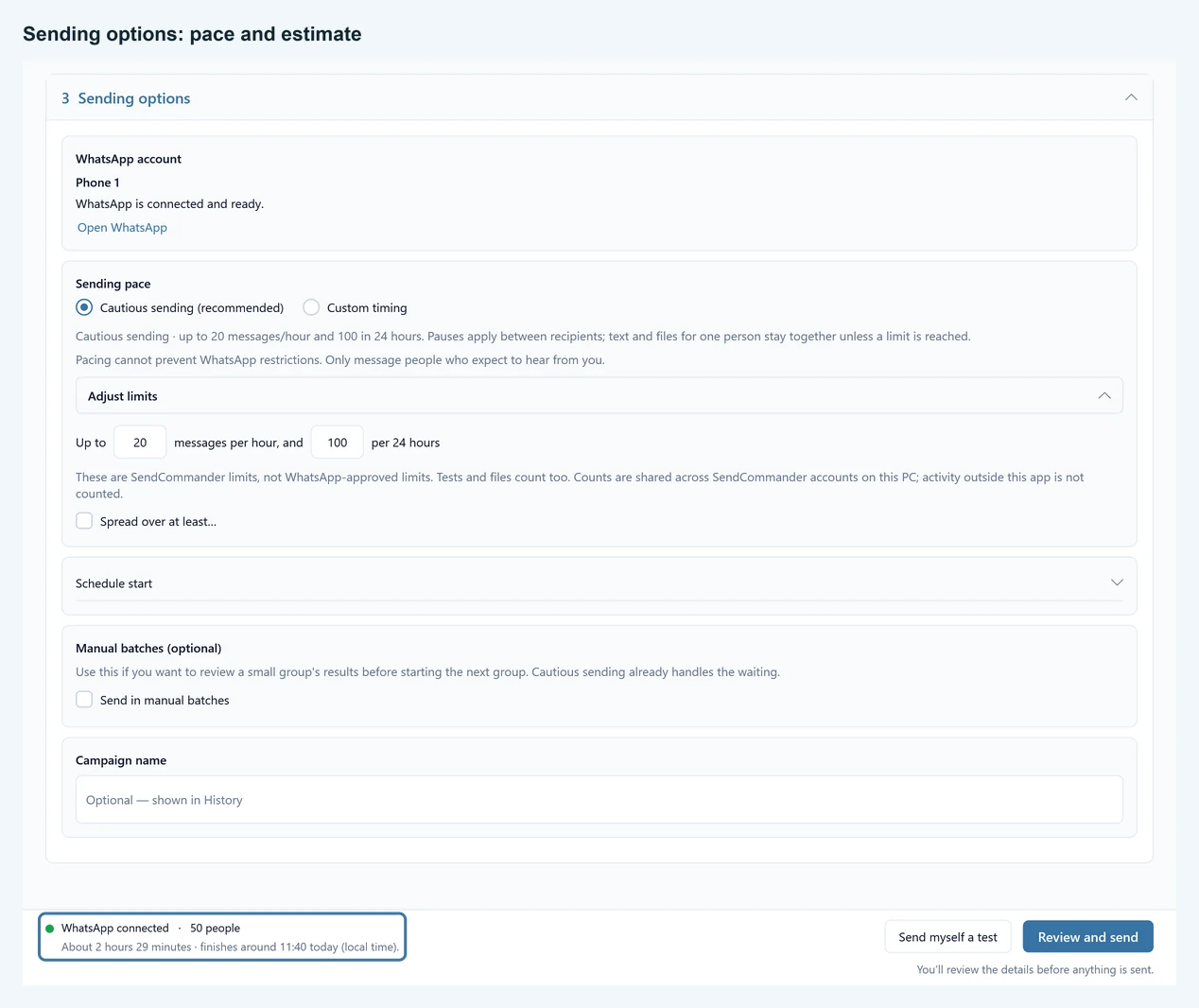
Preview your message with fictional contacts and estimate a send starting now. Cautious timing uses the app’s default limits; custom timing lets you compare a pause or a longer duration. Nothing is sent or saved by this planner.
One text per person; no attachments
Up to 20 texts per rolling hour and 100 per rolling 24 hours by default. These are app limits, not WhatsApp-approved safe rates.
Adjust limits
Cautious limits are off. The app confirms this choice before switching.
No score can predict whether WhatsApp will restrict an account. See Sending safely for the full picture.
What the estimate includes #
This assumes one text per person, a start now, no earlier sends and about two seconds to hand over each text. Cautious mode spaces messages and applies rolling hourly and 24-hour limits; reaching midnight does not reset them. Custom pauses use the average of your random extra. A spread sets a minimum gap; cautious limits can extend it.
The actual app includes earlier sends recorded on this PC, including tests and attachments. Each separate text and file counts towards cautious limits. This planner cannot read that history or predict upload times, typing time, interruptions or restrictions. Use the app’s review for your actual campaign.
Keep SendCommander open and your PC awake. For a later start, use Schedule start in the app (Pro). Natural typing is in Settings. Manual batches are optional when you want to check a small group’s results before continuing.