
QuickText comes from the Microsoft Store, which installs new versions for you automatically, as long as app updates are turned on in the Store.
Update right away #
- Open QuickText in the Microsoft Store.
- Click Update. If you only see Open, you already have the latest version.
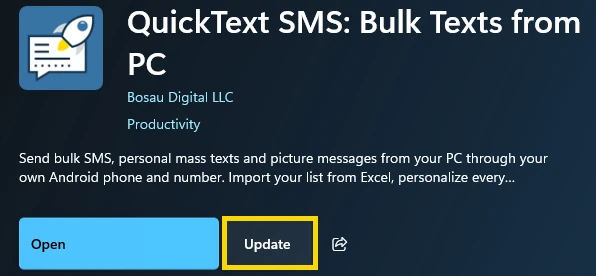
You can also check from inside QuickText: open Settings, scroll to Updates and click Check for updates.
If a send is running, let it finish first. Your contacts, history, templates and settings stay as they are.
Which version do I have? #
The version number is the last line of the left sidebar, for example v1.6.3. Click it to see what changed in each version, or read the changelog.