
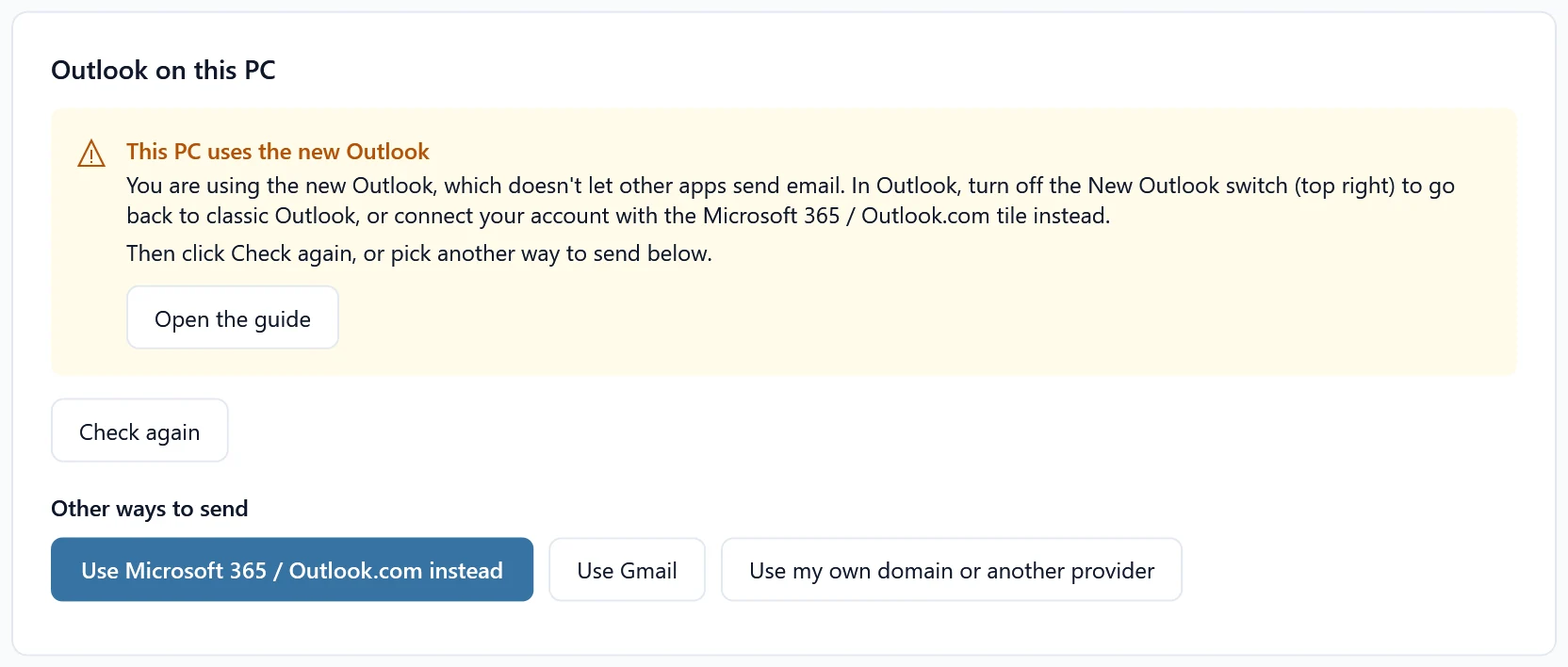
When you pick Outlook on this PC, SheetCourier says This PC uses the new Outlook, or when sending:
You are using the new Outlook, which doesn’t let other apps send email. In Outlook, turn off the New Outlook switch (top right) to go back to classic Outlook, or connect your account with the Microsoft 365 / Outlook.com tile instead.
Why it happens #
Windows has two Outlooks. Classic Outlook comes with Microsoft Office and lets other programs, like SheetCourier or Word’s mail merge, send through it. The new Outlook for Windows (and Outlook on the web) does not.
Fix it: go back to classic Outlook #
- Open Outlook. If you see a New Outlook switch at the top right, turn it off. Outlook asks why and then opens classic Outlook.
- No switch? Look for Outlook (classic) in the Start menu. If it is not there, classic Outlook is not installed; it comes with Microsoft 365 and Office desktop apps.
- In SheetCourier, click Check again.
Or connect your email another way #
- Outlook.com, Hotmail or a work or school Microsoft 365 address: click Use Microsoft 365 / Outlook.com instead and sign in with Microsoft. No classic Outlook needed. See Connect Microsoft 365 or Outlook.com.
- Gmail or Google Workspace: Connect Gmail.
- An address with another provider or on your own domain: Connect Yahoo, iCloud, Zoho or another provider.
Outlook.com, Hotmail and Microsoft 365 addresses can’t be added with a password, because Microsoft doesn’t allow password sign-in for email apps. The Microsoft 365 / Outlook.com tile signs in with Microsoft instead.