
After you buy SheetCourier, you get an email with your license key: 21 characters. Activate it on each computer you use.
Activate #
- Copy the key from your purchase email.
- In SheetCourier, open Account & help.
- Under License, click Paste (or paste into Paste your license key here) and click Activate.
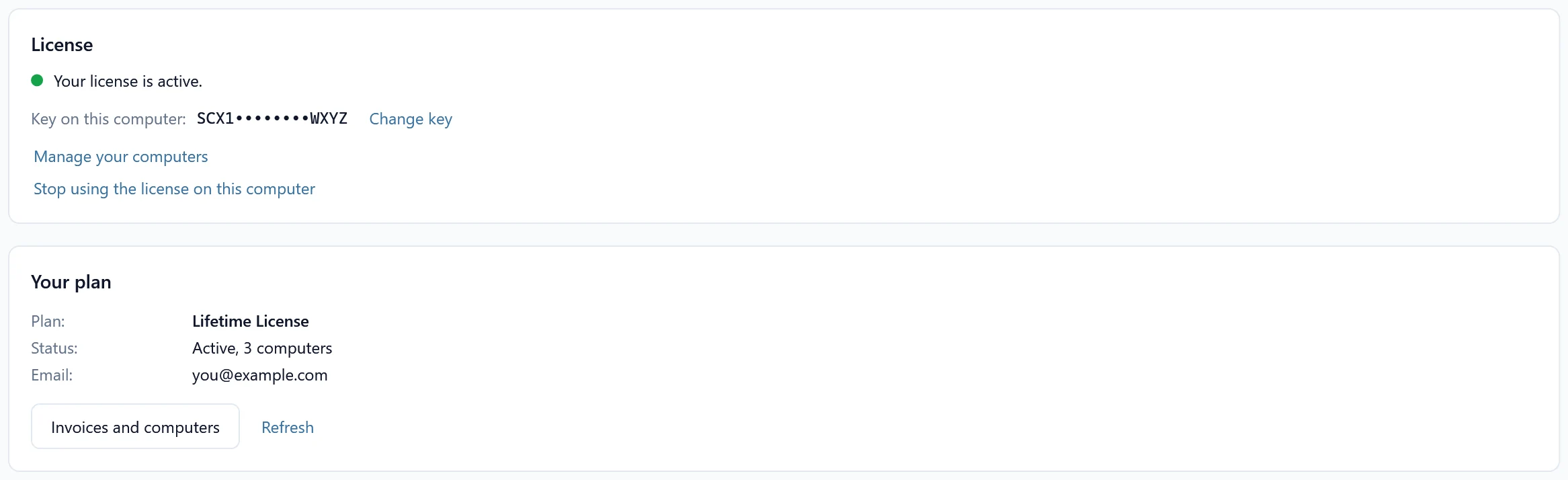
- SheetCourier says Your license is active. Sending is now unlimited on this computer.
If the key is not accepted #
- This key was not accepted: copy the key from your purchase email again. A license key has exactly 21 characters. A refunded key no longer works.
- This key is in use on too many computers: free a computer you no longer use, then press Activate again. See Manage your computers.
- Can’t reach the license server: check your internet connection, then press Try again. Tests to yourself still work meanwhile.
Your plan #
Under Your plan, click Load my plan to see your plan, its status and the email it belongs to. Invoices and computers opens your account page.