
Before you send to everyone, send a test to yourself. You see the email exactly as one of your people will, in your own inbox, with their fields and their own table.
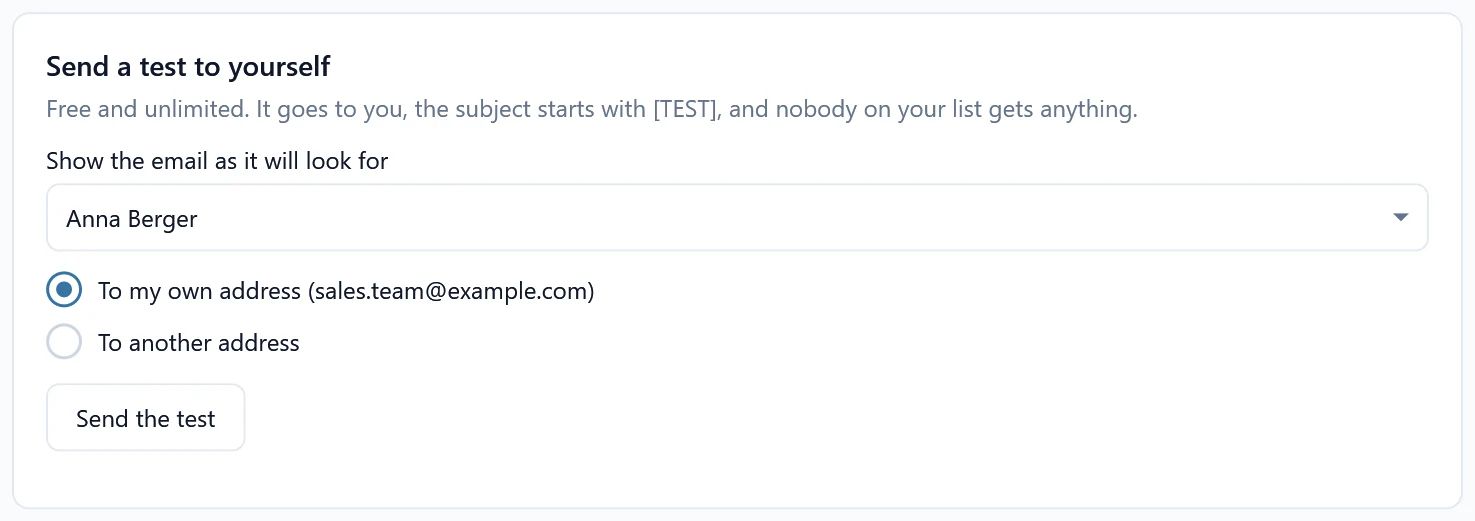
Send a test #
- Open the mailing and go to step 4, Send.
- Under Send a test to yourself, pick in Show the email as it will look for whose email you want to see, for example a person with a long table.
- Choose To my own address or To another address and type it.
- Click Send the test. SheetCourier says “Test sent to” your address. It can take a minute to arrive.
What is different in a test #
- The subject starts with [TEST].
- Nobody on your list gets anything. Copy (CC) and hidden copy (BCC) addresses are left out.
- Tests are free and unlimited. They never count against your free emails.
Send as many tests as you like, for different people, until everything looks right. Open the test on your phone too, especially if it has a wide table.